KaryaFlow
WhatsApp complaints are not a register
A housing society, shop, office, or warehouse sends a camera fault on WhatsApp. Without a tracked complaint ID, the office cannot see ageing, assignment, repeat issues, or closure status.
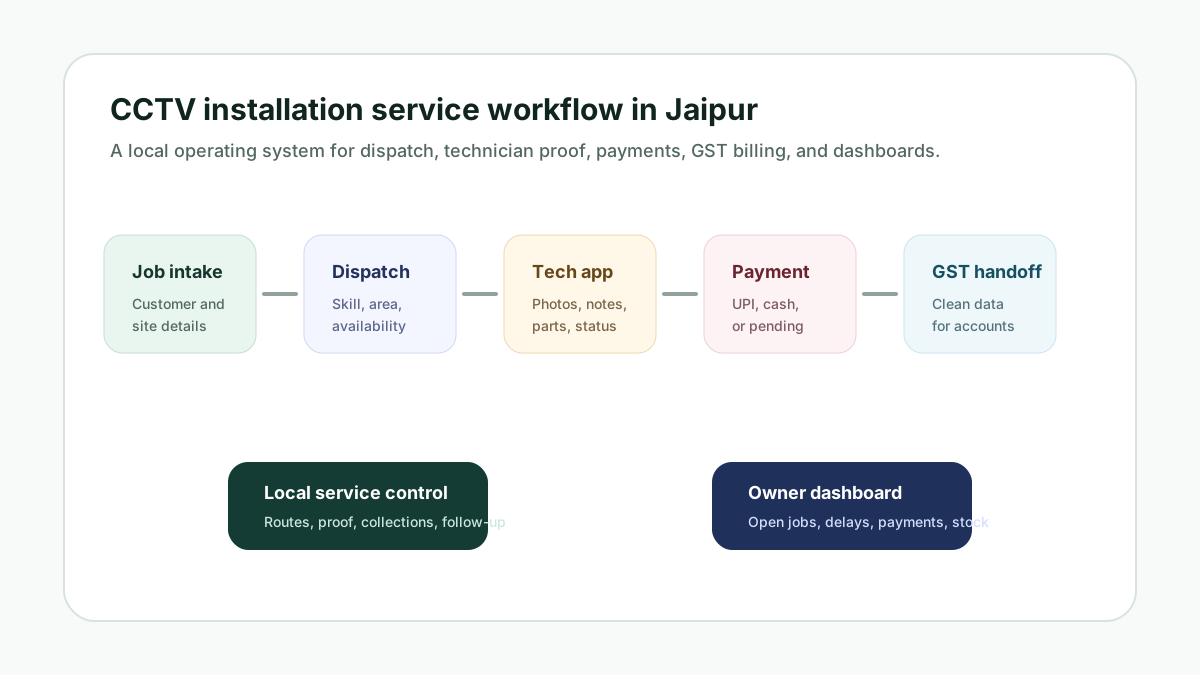
KaryaFlow helps CCTV and security system companies turn customer calls, WhatsApp complaints, CRM jobs, installation requests, and AMC visits into tracked job cards with technician assignment, site proof, device or part usage, payment status, and GST-ready billing handoff.
Free setup GST-readyFrom ₹81/user/month billed yearly (₹94 quarterly); minimum 2 active users
Need help with customer enquiries? Explore WhatsApp booking, website chat and follow-up options.
Explore KaryaFlow services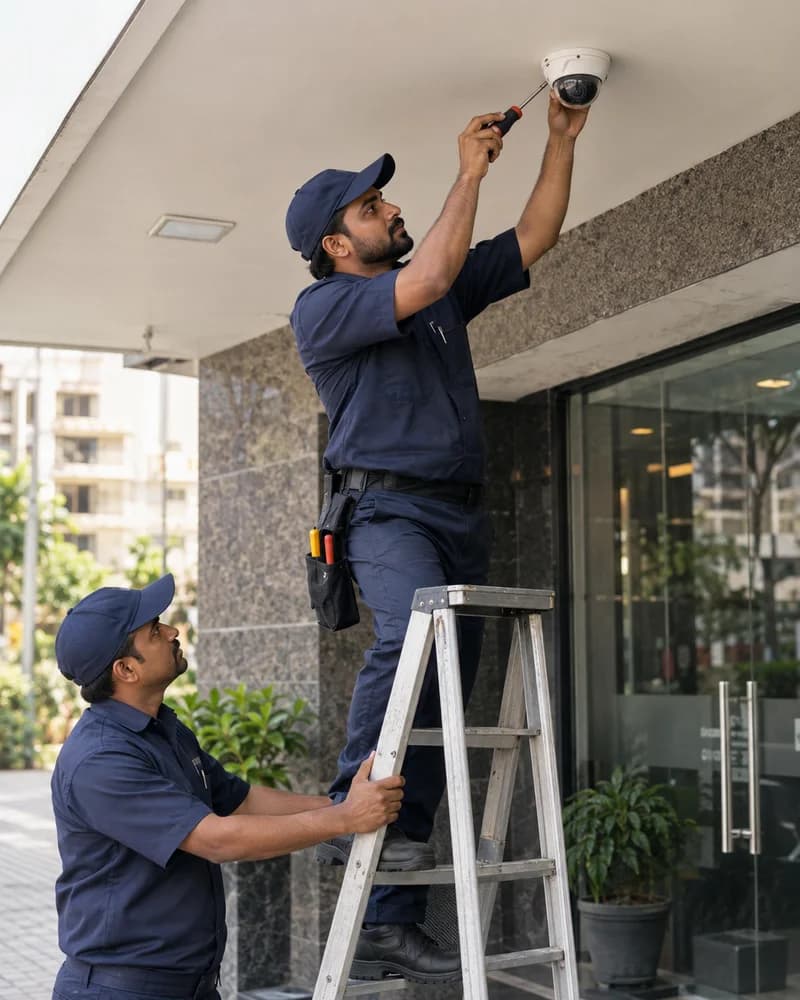
1 job cardper complaint or visit
Live mapfor technician assignment
AMCrenewal and visit tracking
Existing customers complain when cameras stop recording, DVR/NVR issues appear, cabling fails, or AMC visits are due. If the complaint stays in a chat and technician updates stay on calls, the owner loses status, proof, parts, payment, and customer history.
The CCTV service problem
A housing society, shop, office, or warehouse sends a camera fault on WhatsApp. Without a tracked complaint ID, the office cannot see ageing, assignment, repeat issues, or closure status.
Dispatchers call technicians one by one to check who is nearby. The owner cannot quickly compare location, job count, current status, and customer priority before assigning a CCTV visit.
Cameras, DVRs, NVRs, power supplies, connectors, cables, adapters, and mounting material leave the godown. If usage is not linked to a job card, billing and warranty review become manual.
A repeat CCTV complaint should show previous camera faults, last technician notes, warranty or AMC status, parts used, and follow-up history. WhatsApp threads do not create that service record.
Buyer questions
In an illustrative example, a customer reports that two cameras have lost their picture after an earlier service visit. The office should open a complaint linked to the site history, review earlier notes and parts, check AMC or warranty coverage, then assign the next visit. This is a workflow example, not a reported customer result.
CCTV service management software helps a security system company manage customer complaints, installation jobs, AMC visits, technician assignment, site proof, device or spare part usage, payment status, and billing handoff in one system. It is different from VMS or DVR software because it manages the service business, not camera monitoring.
A CCTV installation job should keep the approved scope, device models and serial numbers, camera locations, cable or port labels, commissioning checks, exceptions, customer acknowledgement, and follow-up in one job record. KaryaFlow can connect that record to the assigned technician, site proof, device usage, payment status, and billing handoff.
KaryaFlow is a fit when a CCTV company wants WhatsApp complaints to become structured service jobs instead of staying only in chat. The team can record the customer, site, issue, job type, technician assignment, status, parts, proof, payment, and closure in KaryaFlow while WhatsApp remains the communication channel.
KaryaFlow helps CCTV owners and dispatchers assign jobs with technician visibility, then track status through the technician mobile app. This is useful when a security company needs to know who is nearby, how many jobs each technician already has, which complaint is in progress, and which visit is ready for owner review.
CCTV AMC software should track customer sites, covered camera systems, contract dates, scheduled visits, complaint coverage, technician visits, DVR or NVR service history, parts used, warranty status, renewal follow-up, payment status, and reports.
A CRM is useful for customer records and sales follow-up. Complaint software can log issues. A CCTV field service workflow is better when complaints must become technician jobs with location, status, proof, parts, payment, AMC, and billing context. KaryaFlow fits the field execution layer for Indian CCTV and security service teams.
Manage customer complaints, technician assignment, camera installation jobs, DVR/NVR service visits, device inventory, AMC renewals, payment status, and GST-ready billing handoff in one workflow.
Everything you need
Create and assign job cards, record service proof and parts used, and keep completion status together.
Keep AMC contracts with their customers, track visits used and still due, and renew contracts before they lapse.
Track warehouse and technician stock, parts used on jobs, returns, and low-stock alerts.
Live map and route history for tracked technicians, available as an add-on quoted separately.
Attendance with location check-in is included in every plan, alongside leave requests and attendance reports.
Prepare GST invoices and track payment collection against the service job.
Set job incentives, approve fuel and expense claims, and get a monthly salary slip for each technician. GPS-derived km needs the tracking add-on.
Log complaints from calls, WhatsApp and walk-ins in one register, turn them into jobs, assign a technician and follow each job to completion with photos, parts used and the customer's signature.
How it works
How CCTV installers run every job in KaryaFlow. Follow one example job from the first message to the money in hand.
A customer calls or messages on WhatsApp. Log the complaint once and it becomes a job record with the customer’s address and details.
Choose who goes. The job reaches their technician app with the address and the problem to fix.
The technician checks in at the site, notes the work and parts used, and adds photos and the customer’s signature.
Raise a GST-ready invoice and record the cash or UPI collected. The office confirms the money.
Example job. Names, photos, times and amounts are for illustration.
A CCTV company does not only install cameras. It must manage faults, technicians, parts, AMC visits, customer updates, and service history after installation.
Daily service workflows
Each customer complaint should become a tracked job card with site, issue, assigned technician, status, proof, parts, payment status, and closure history.
Owners and dispatchers can use technician location, job count, and current status before assigning urgent camera faults, AMC visits, or installation work.
CCTV service teams need camera, DVR/NVR, cable, part usage, customer signature, payment status, and billing handoff connected to the same job history.
Decision comparison
Every team size includes attendance with location check-in. Continuous live GPS tracking through the day, with route history, is an optional add-on, quoted separately for the technicians who need it.
| Buyer need |  KaryaFlowConnected field execution KaryaFlowConnected field execution | CRMCustomer records | GPS-only tracking appLocation and routes |   Tally/Vyapar + separate toolsAccounting stack Tally/Vyapar + separate toolsAccounting stack |   WhatsApp/Excel/manual registersChats and sheets WhatsApp/Excel/manual registersChats and sheets |
|---|---|---|---|---|---|
| Job dispatch and status | Connected workflow | Often needs an FSM layer | Location only | Separate operational tool | Manual updates |
| Technician mobile app | Included | Depends on product or setup | Tracking app only | Separate app | Chat, calls, or paper |
| Geofence attendance | Location check-in and geofences | Depends on setup | Often available | Separate attendance tool | Manual register |
| Inventory and technician stock | Connected to jobs and technicians | Often needs integration | Outside core scope | Inventory stays separate | Spreadsheet or register |
| Payment status | Connected to the job record | Depends on customization | Outside core scope | Recorded separately | Manual confirmation |
| GST-ready billing handoff | Connected field-to-office workflow | Often needs integration | Outside core scope | Accounting occurs separately | Manual handoff |
| AMC follow-up | Contracts, visits, proof, and renewal context | Depends on setup | Outside core scope | Separate tracker | Calendar or spreadsheet |
| Owner dashboard | Jobs, technicians, parts, and payment visibility | Customer-centric reporting | Location-centric reporting | Split across tools | Manual consolidation |
| India-specific pricing visibility | From ₹81/user/month billed yearly (₹94 quarterly); minimum 2 active users | Varies by provider | Varies by provider | Multiple subscriptions | No software fee |
General category comparison for initial evaluation. Features and commercial terms vary by provider and configuration; verify current product documentation before purchasing.
Also serving
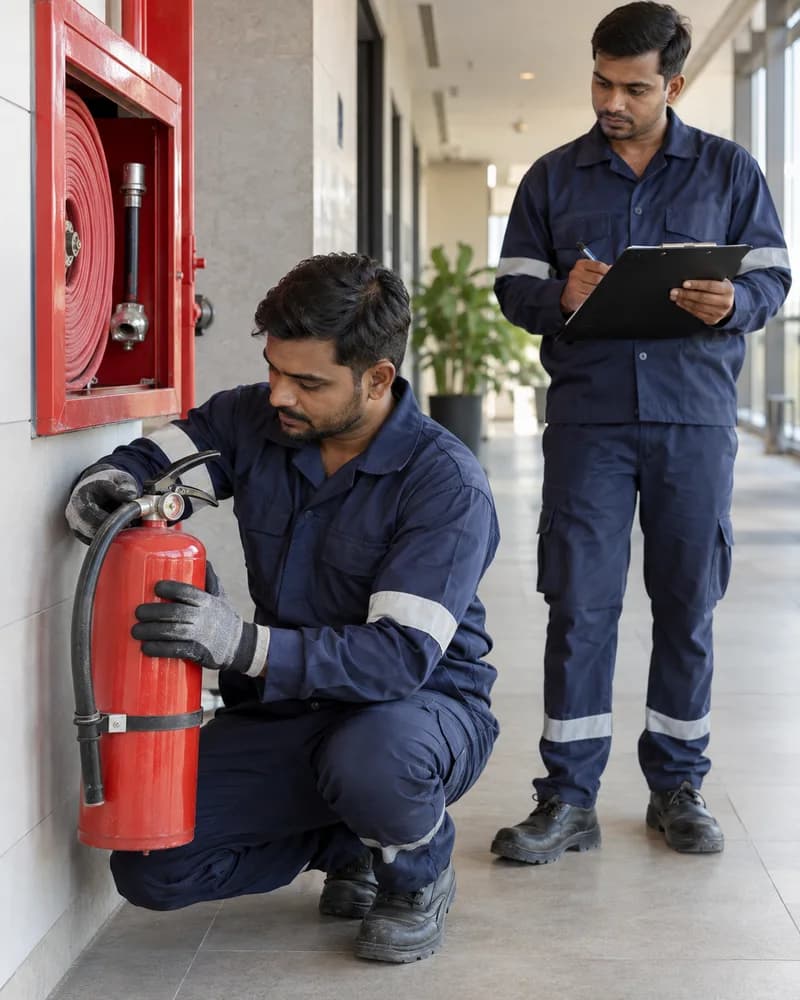
Extinguisher expiry tracking, statutory inspections, compliance documentation, and equipment inventory
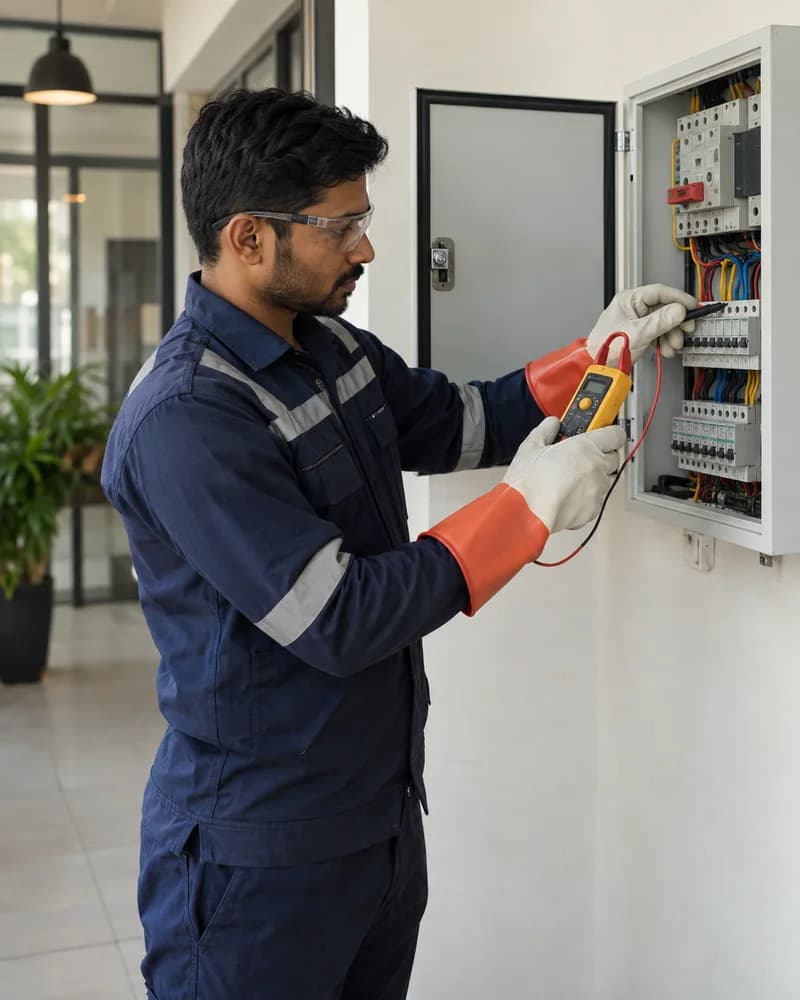
Multi-site crew management, material tracking, and project documentation
Multi-site workforce tracking, geofenced attendance, SLA management, and per-site expenses
Local guides
Frequently asked questions
Yes. KaryaFlow can be used by CCTV and security system service companies to manage customer complaints, installation jobs, AMC visits, technician assignment, job cards, inventory, payment status, expenses, and GST-ready billing handoff in one workflow.
KaryaFlow costs from ₹81 per active user per month, billed yearly. Per active user per month it is ₹94 quarterly, ₹89 half-yearly or ₹81 yearly, against a list price of ₹99. The minimum is 2 active users: ₹188 a month on quarterly billing or ₹162 a month on yearly billing. There is no upper limit on users, and teams of more than 100 active users can ask for a volume discount. Prices are prepaid for 3, 6 or 12 months, with 18% GST extra; the shortest term is quarterly, and there is no monthly plan. Inventory, jobs, attendance, customers, expenses, and the technician mobile app are included at every team size, so a CCTV team covering many sites is never required to upgrade an edition for a core feature. Live technician tracking is an add-on for the technicians who need it, priced in your quote, and the 7-day free trial needs no credit card. Bring your old data: upload your old job sheet from Excel or CSV. Customers and machine serial numbers come in with it, and you check every row before anything is saved.
Yes, KaryaFlow fits the workflow where WhatsApp complaints become tracked service jobs. The customer, site, issue, assigned technician, status, proof, parts used, payment status, and closure notes can be recorded in KaryaFlow while WhatsApp remains the communication channel.
Yes. CCTV companies can use KaryaFlow as the official register for complaints that arrive through WhatsApp, calls, repeat customers, websites, or CRM imports. The complaint can start as a pending record, then become an assigned technician job card when a site visit is needed.
Yes. KaryaFlow helps owners and dispatchers review technician location, current job status, and workload context before assigning a CCTV complaint, AMC visit, or installation job. This reduces the need to call every technician before dispatch.
KaryaFlow tracks inventory and parts usage against jobs, technicians, and stock locations based on the business setup. CCTV items such as cameras, DVRs, NVRs, connectors, power supplies, adapters, cables, and mounting material can be tied to installation or service job cards.
Yes. KaryaFlow helps CCTV teams keep AMC visits, camera fault complaints, technician notes, parts usage, payment status, and customer history together. This is useful when the same customer reports repeat issues after installation or during an active AMC.
Use these guides to compare workflows, job cards, technician tracking, AMC visits, inventory, and GST billing before choosing a field service system.
Related guides
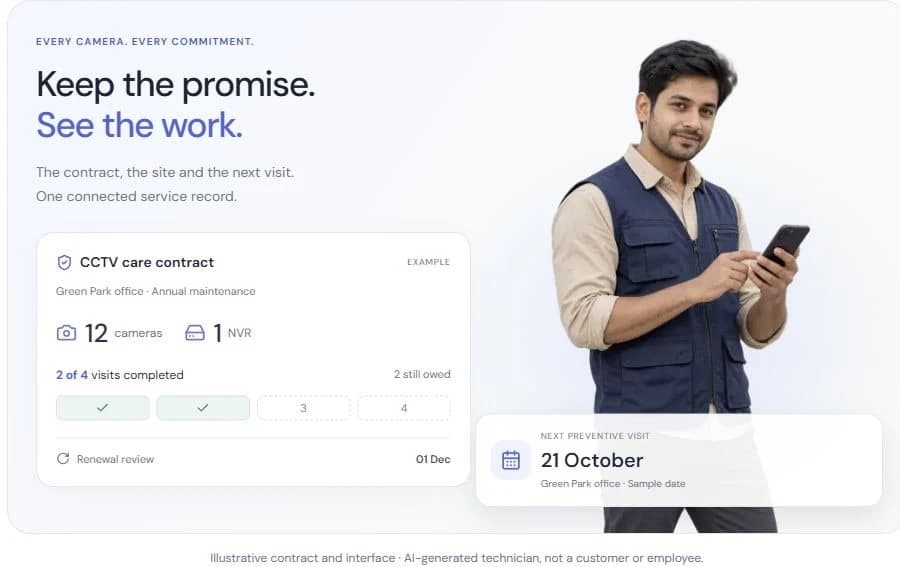
CCTV AMC management software for Indian installers: track contracts, covered sites, preventive visits, technician proof, spare parts, billing and renewal follow-up.

Learn how Indian service businesses can receive complaints from WhatsApp, calls, websites, and CRM imports, then turn them into tracked job cards.
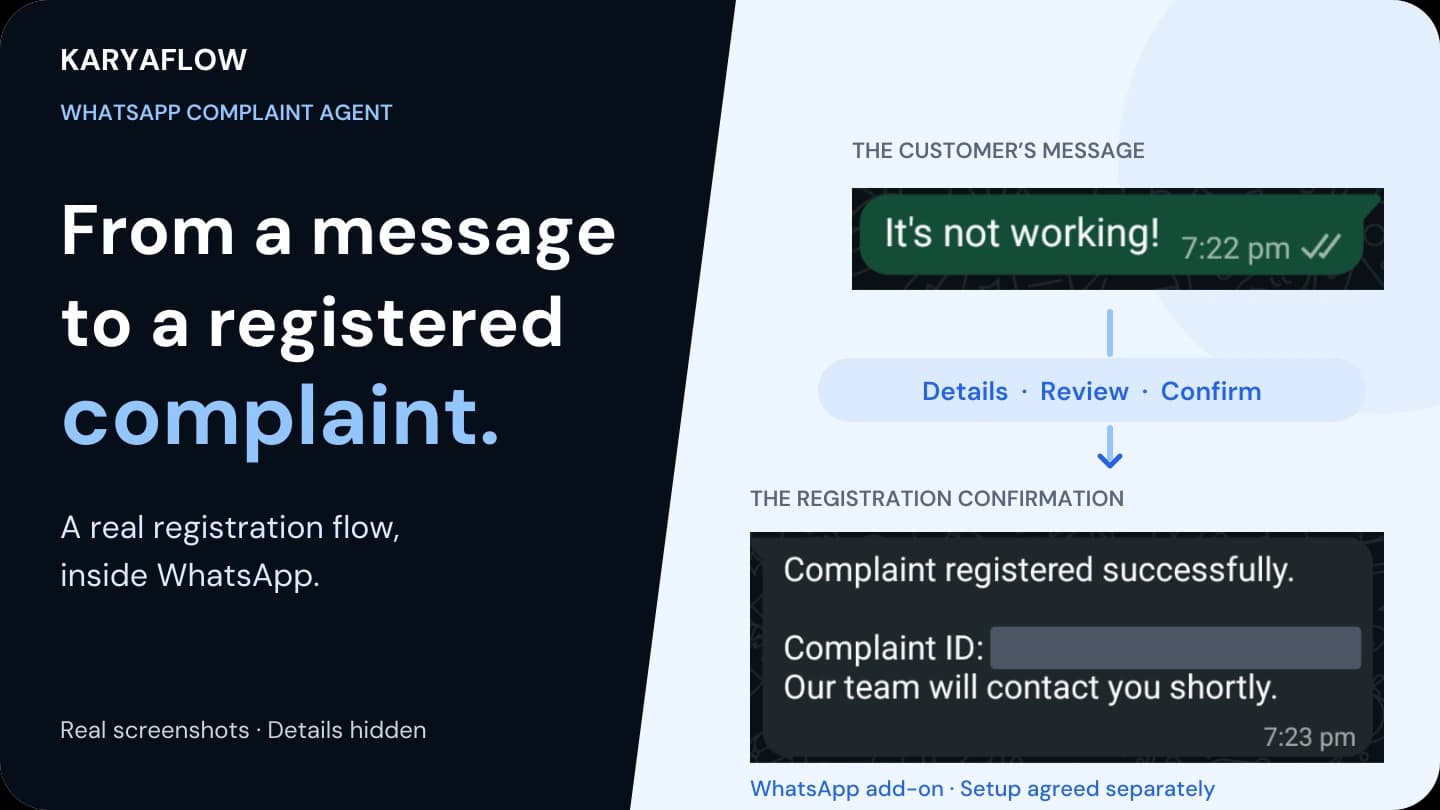
See a real WhatsApp complaint registration flow for Indian service businesses, plus manual intake, separate add-on scope and checks before connecting field jobs.

Learn how CCTV companies in India can convert WhatsApp complaints, calls, CRM jobs, AMC visits, and repair requests into tracked technician job cards.
CCTV technician attendance software for Indian service centers: manage office, project-site and home/service-area attendance with geofencing, jobs, leave and overtime context.
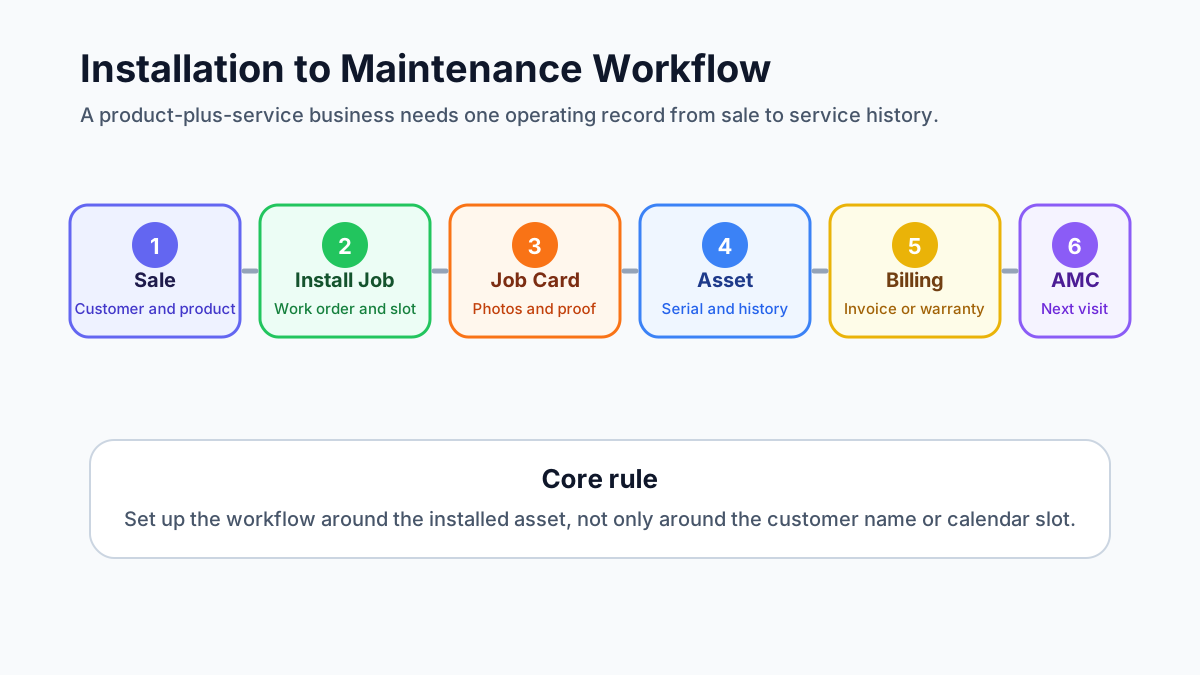
Learn how product-plus-service businesses should set up field service software for installation jobs, maintenance visits, customer sites, assets, serial numbers, service reports, technicians, invoices, and AMC follow-ups.
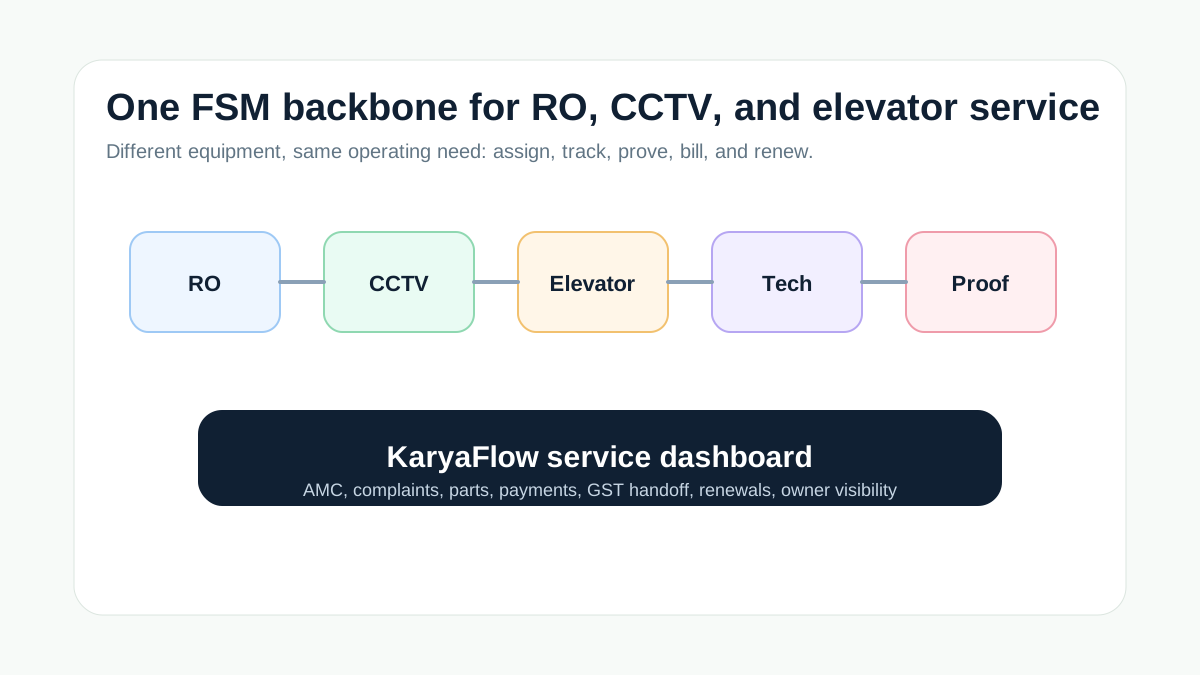
Compare field service software needs for RO, CCTV, and elevator service jobs in India, and learn how KaryaFlow connects AMC, complaints, technicians, proof, parts, payments, and dashboards.
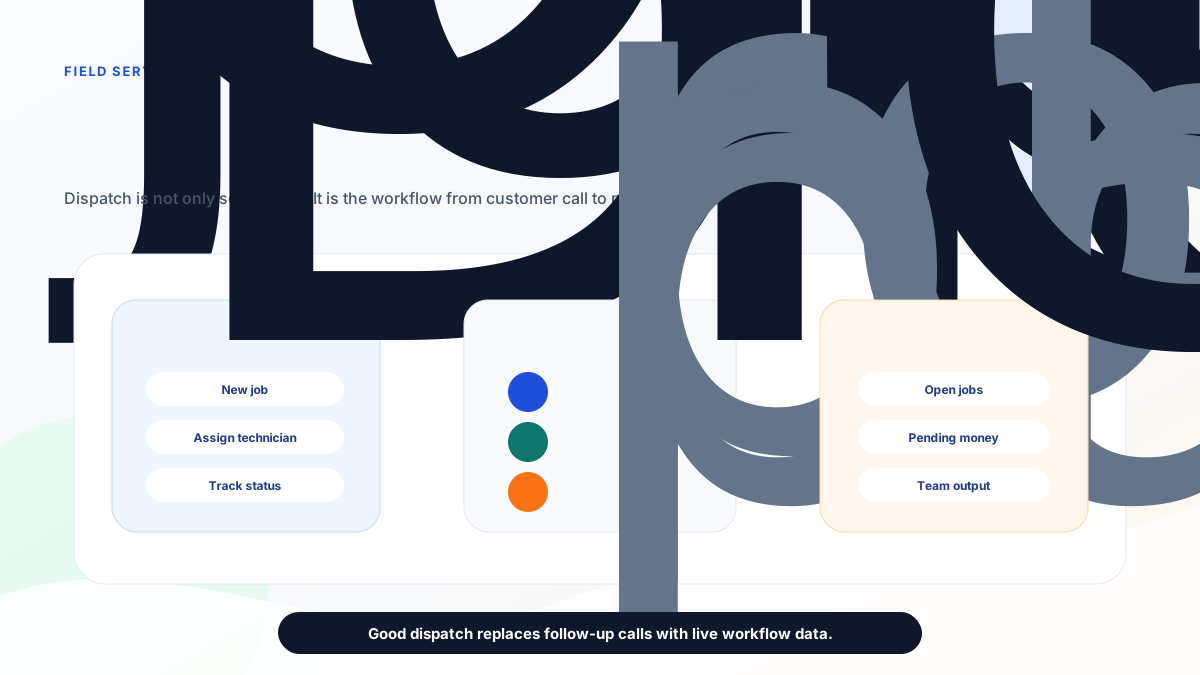
A practical guide for Indian service businesses choosing field service dispatch software for job assignment, technician availability, live status, geofencing, job cards, parts, payments, GST billing handoff, and owner reports.
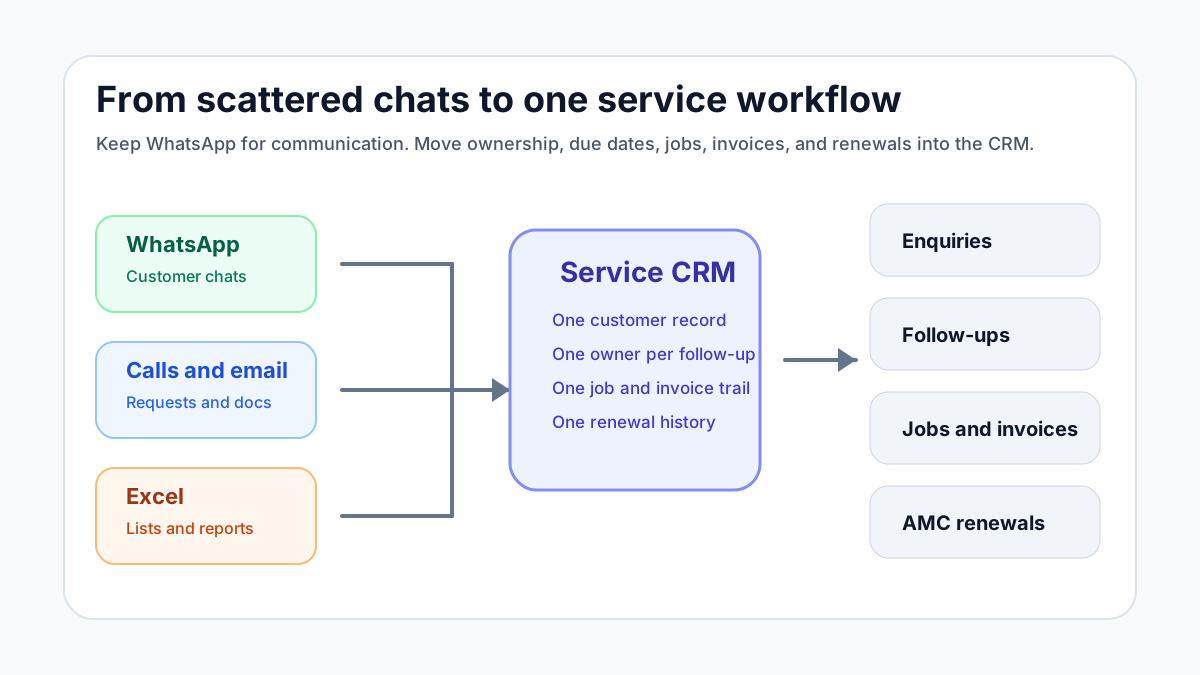
A practical guide for Indian service businesses that manage enquiries, follow-ups, jobs, invoices, AMC renewals, and customer history across WhatsApp, Excel, and notebooks.
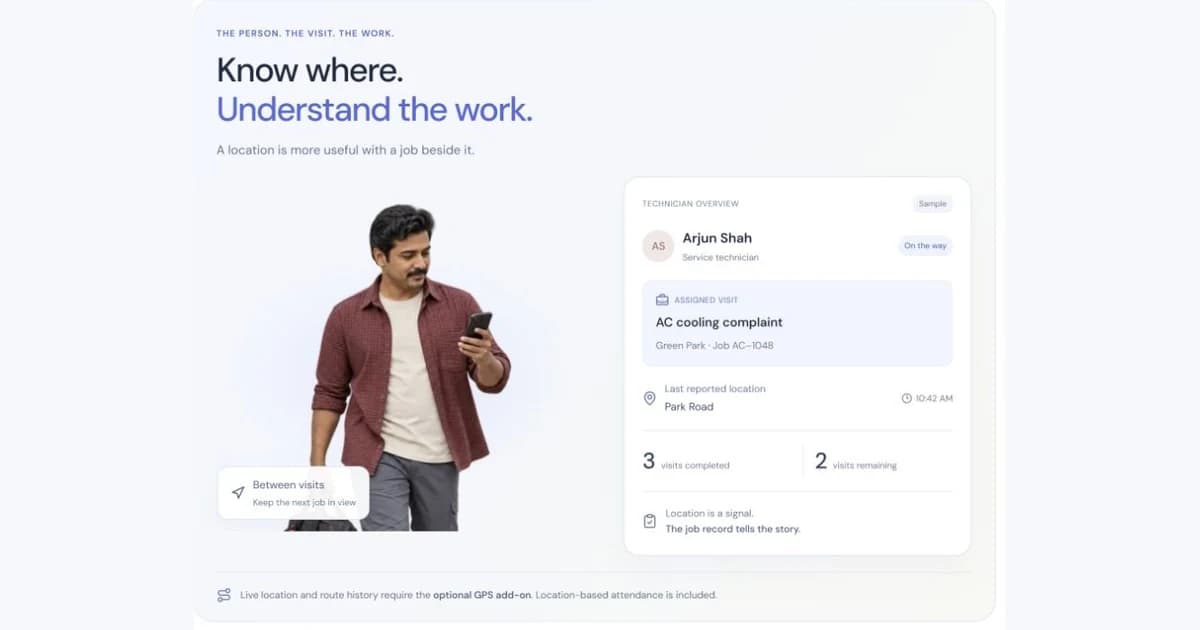
Learn how to choose a technician tracking app in India for service teams. Compare GPS tracking, attendance, job status, proof of work, expenses, AMC visits, and billing handoff.
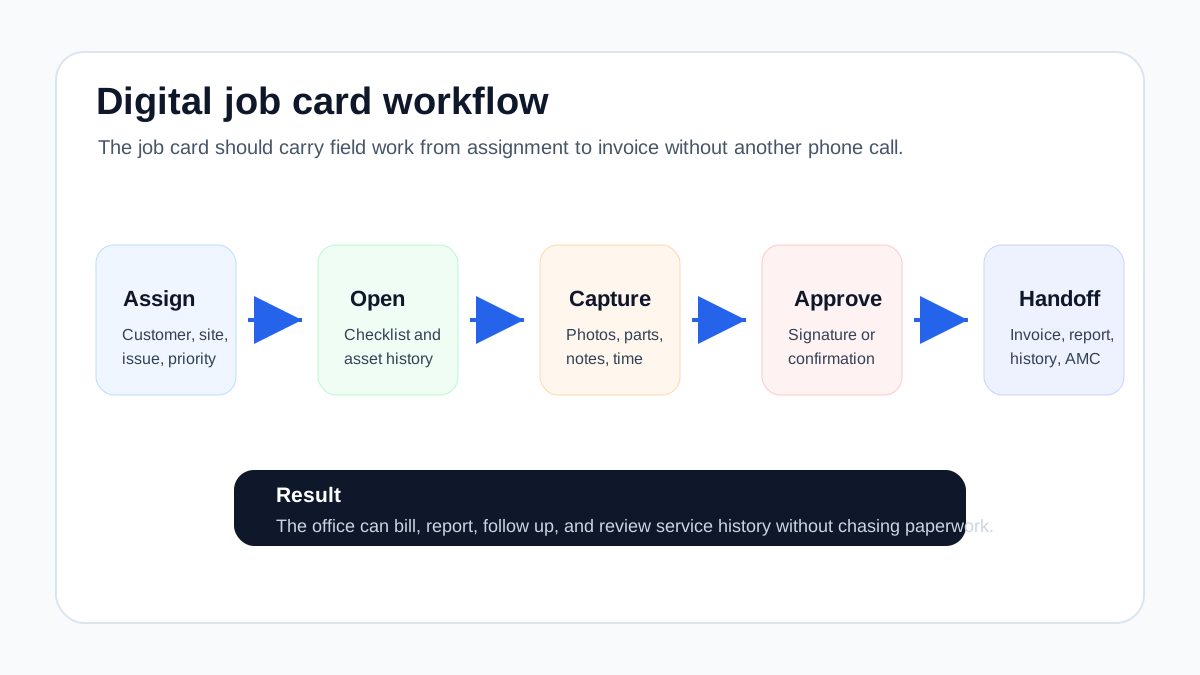
Learn how to choose a job card app for technicians. See what digital job cards should include for service teams: customer details, checklists, photos, signatures, parts, expenses, GST invoice handoff, and reports.
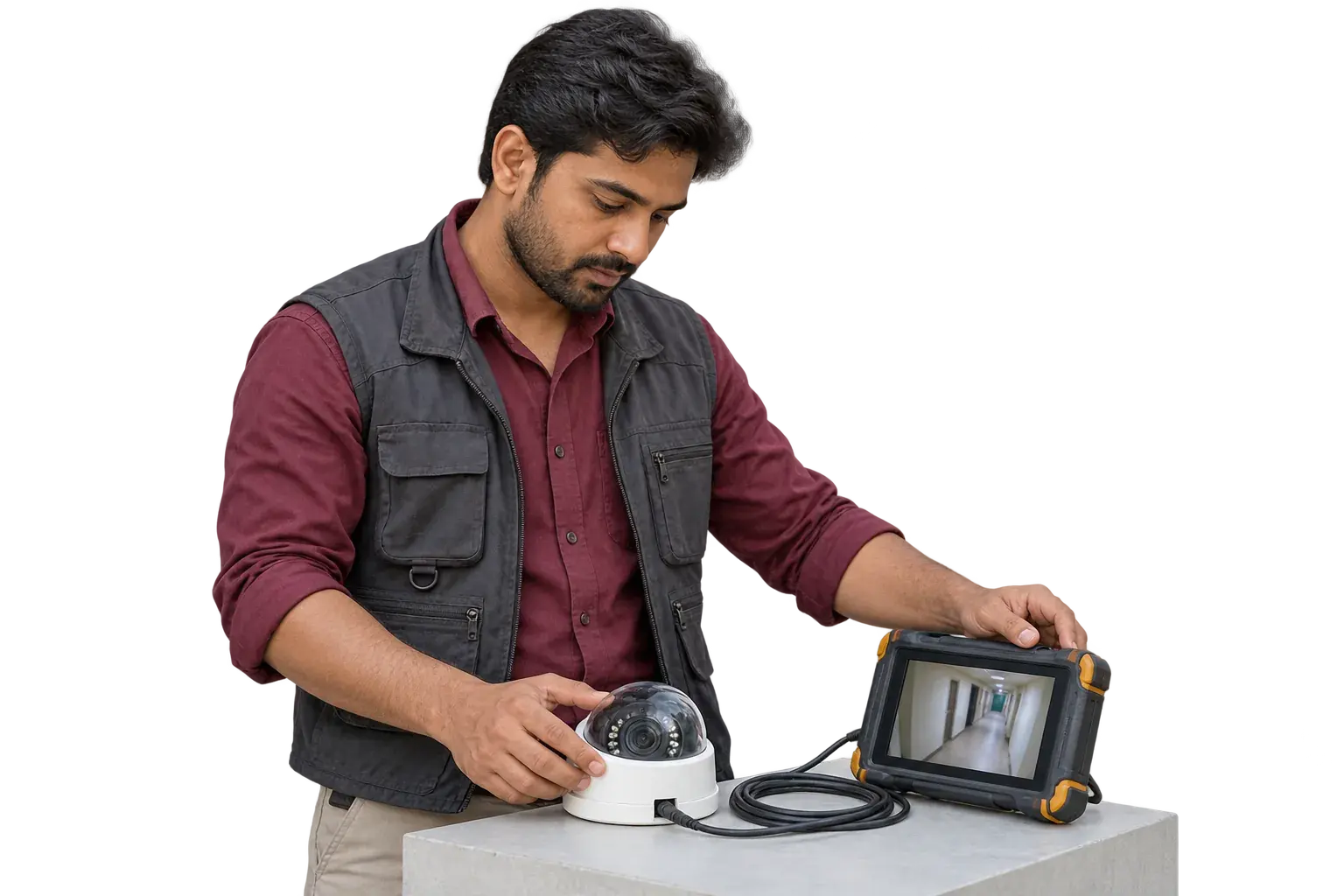
Compare AMC software, AMC trackers, and AMC management systems for Indian service teams. Track contracts, visits, warranty, payments, GST handoff, and renewals.
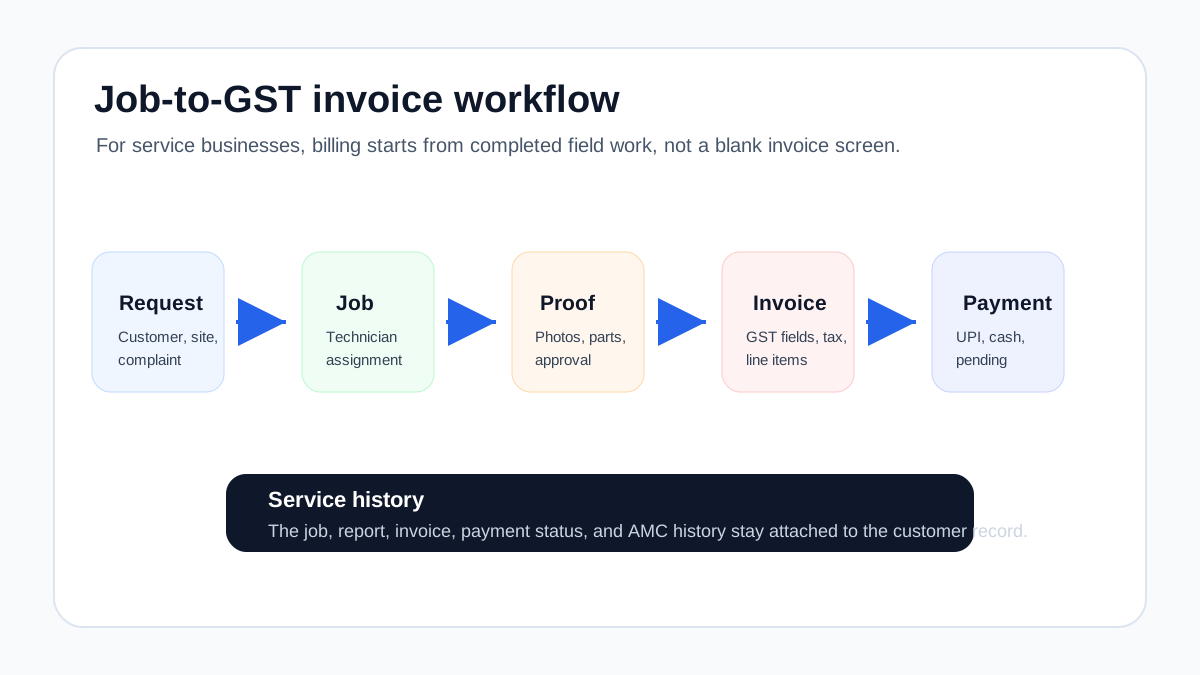
Choose GST invoicing software for service jobs by connecting job cards, proof, parts used, quotations, payments, AMC visits, and accounts.
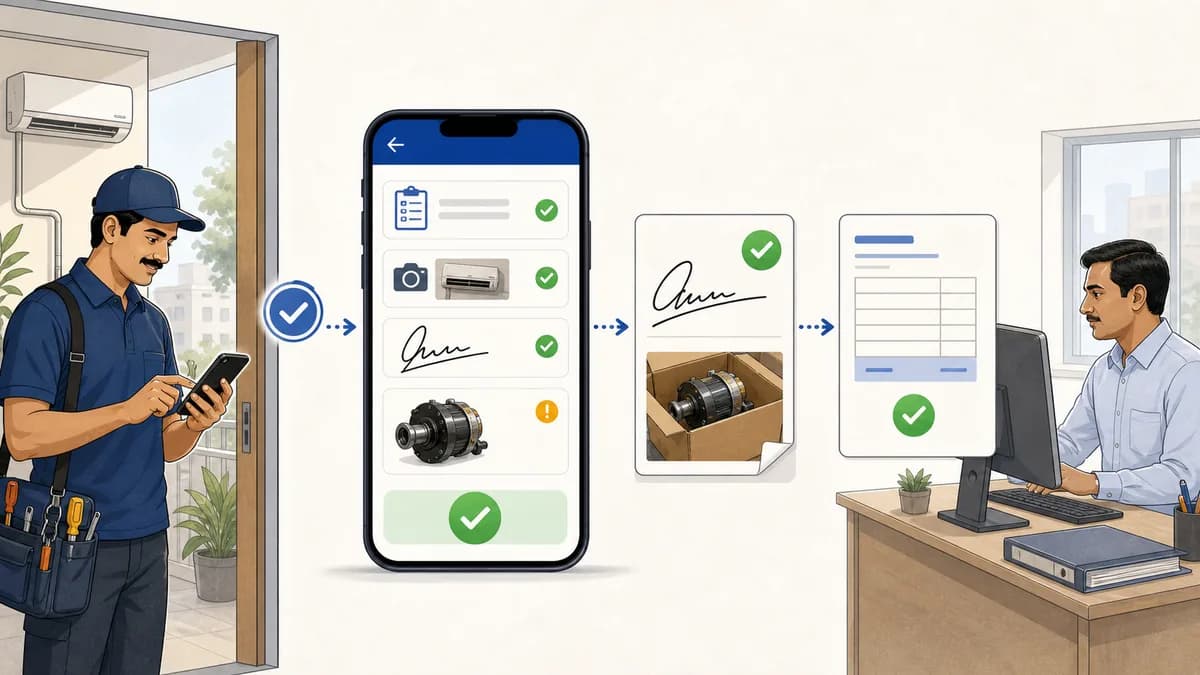
Service completion sheet software for Indian teams: capture service completed proof, technician signatures, product photos, defective parts, and GST handoff.
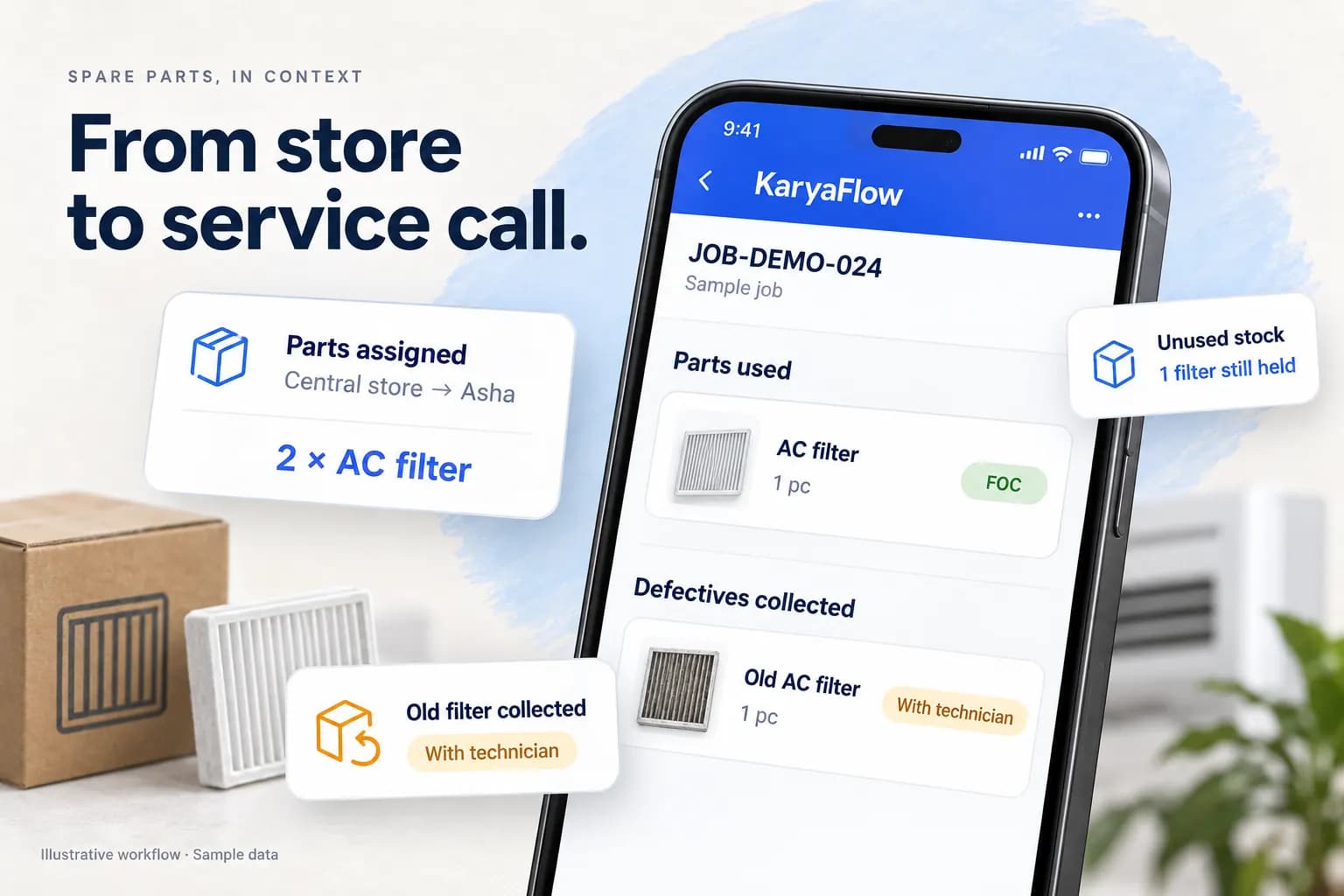
Evaluate spare-parts inventory workflows for Indian service teams, with KaryaFlow setup screens, a worked stock ledger and practical demo checks.
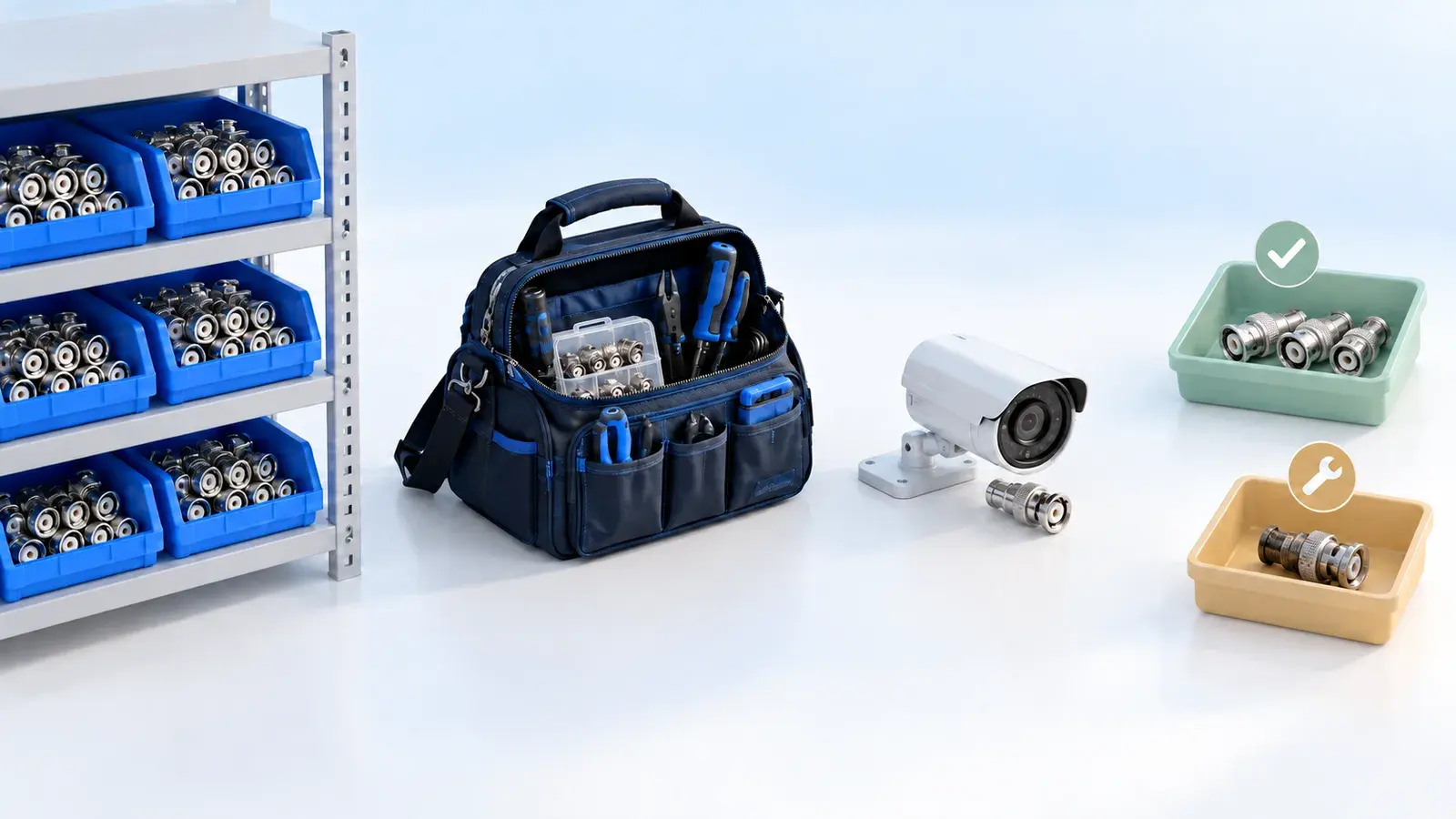
Track parts issued to technicians, used on jobs and returned to stores. See how KaryaFlow connects stock custody, billing records and defective returns.
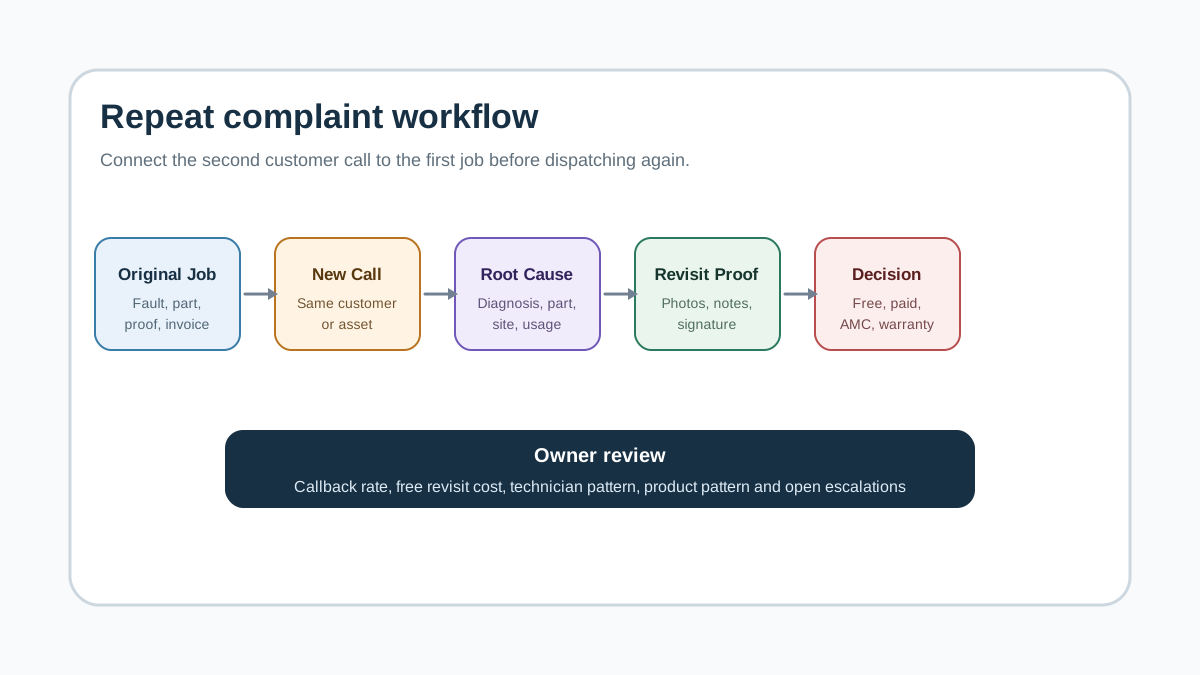
Repeat complaint tracking software for Indian service teams: manage jobs, technicians, proof, payments, GST handoff, follow-up, and owner dashboards with KaryaFlow.
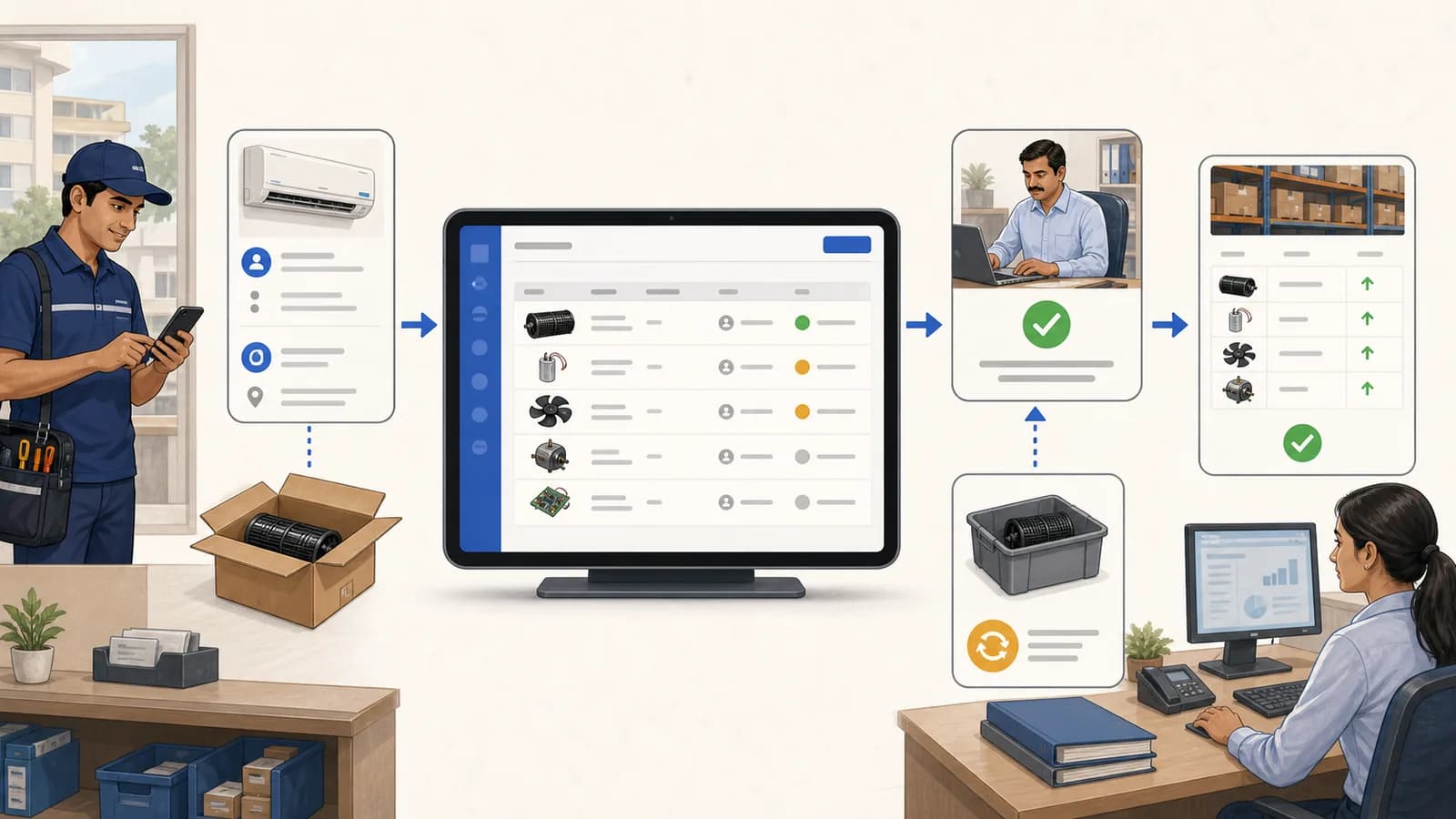
Use a stock issue register to record service-call parts usage, warranty returns, approvals, technician context, and inventory ledger updates.
Try KaryaFlow with your own jobs for 7 days, with setup help on WhatsApp. No credit card needed.
GST-ready invoices · Prepaid plans in INR · Setup help on WhatsApp

 New job assigned
 Ravi Kumar · technician app