KaryaFlow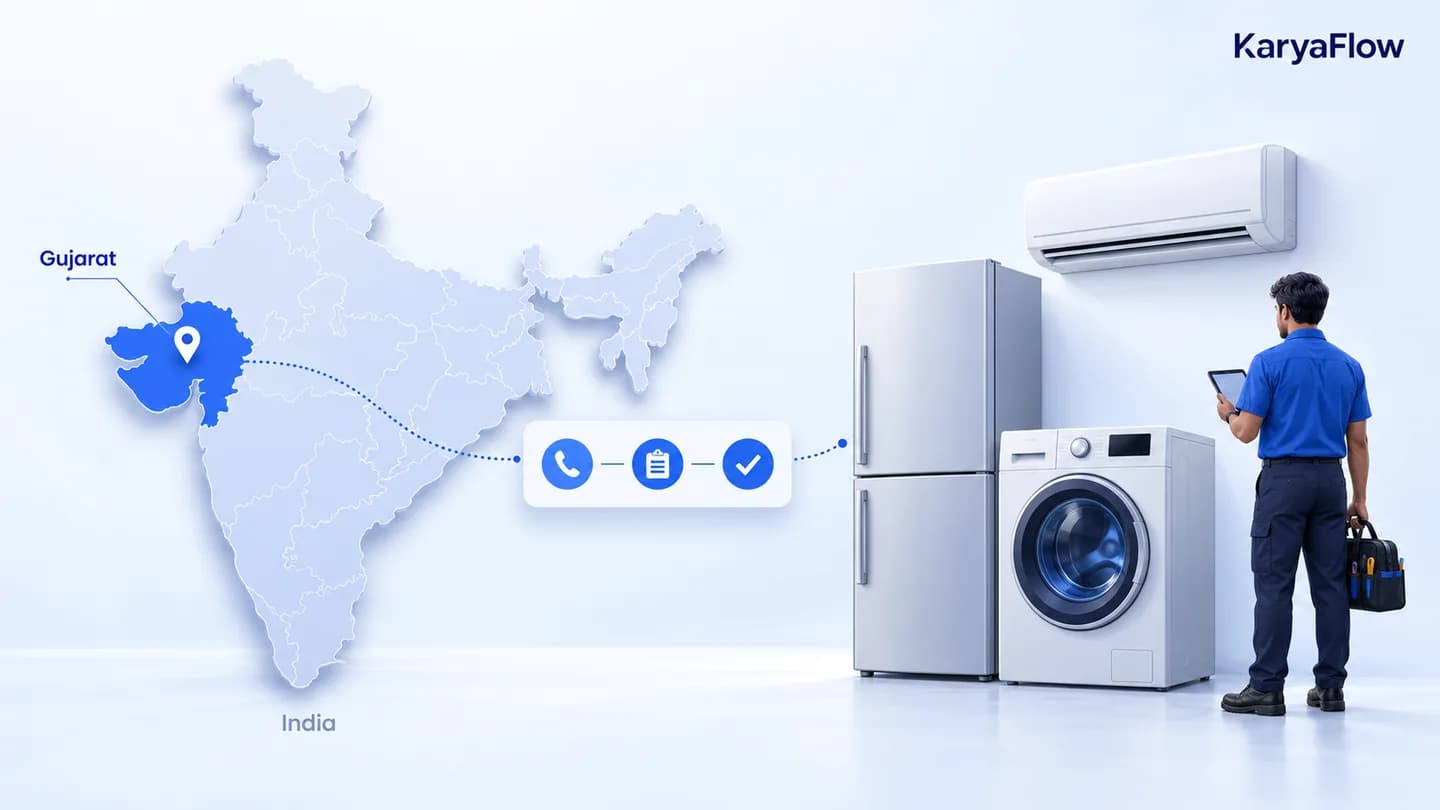
KaryaFlow's account describes a Gujarat appliance service center handling 150-250 incoming calls a day across 25-35 technicians, shown in privacy bands. The center uses Excel-based job imports, mobile job sheets, job-linked parts records and daily expense approvals to track cash and salary amounts. It also plans visits for around 200-300 of its own annual maintenance contracts (AMCs) in advance and assigns them by route.
The center began using KaryaFlow in June 2026. Its team already completed the daily jobs; the owner needed a simpler way to follow and settle the related records. Salary figures are visible to the owner in the admin app and to technicians in the mobile app.
About this story: The account has not had an independent audit. The customer's name is kept private, and no client records or photos are shown.
Key takeaways
- The main change is in office work. The center was already completing its daily jobs before KaryaFlow.
- The owner reviews expenses each day. These approvals keep the inputs for cash and salary settlement up to date.
- Both sides can see salary figures. The owner uses the admin app, while technicians use the mobile app.
- AMC visits are planned ahead. The center schedules visits in advance and distributes them to technicians by route.
The center at a glance
KaryaFlow's account describes an appliance service center in Gujarat with a field team and an office managing the daily work.
- Started using KaryaFlow: June 2026
- Incoming service calls: 150-250 a day, shown as a privacy band
- Technician team: 25-35, shown as a privacy band
- Own AMC portfolio: around 200-300 contracts, an approximate count from KaryaFlow's account
The call and team ranges place the supplied figures within broader bands to help protect the customer's identity. They are not measured daily lows and highs, or proof of changes in team size. Incoming calls and completed jobs remain different measures.
The center manages requests from the OEM CRM alongside visits due under its own AMCs. Each needs a record of the work, the technician involved and the parts or money linked to the job.
The challenge was settling the records after the work
Before KaryaFlow, the Gujarat center exported incoming requests to Excel and assigned technicians manually. The team completed its daily jobs, while the owner had to bring the related records together for settlement.
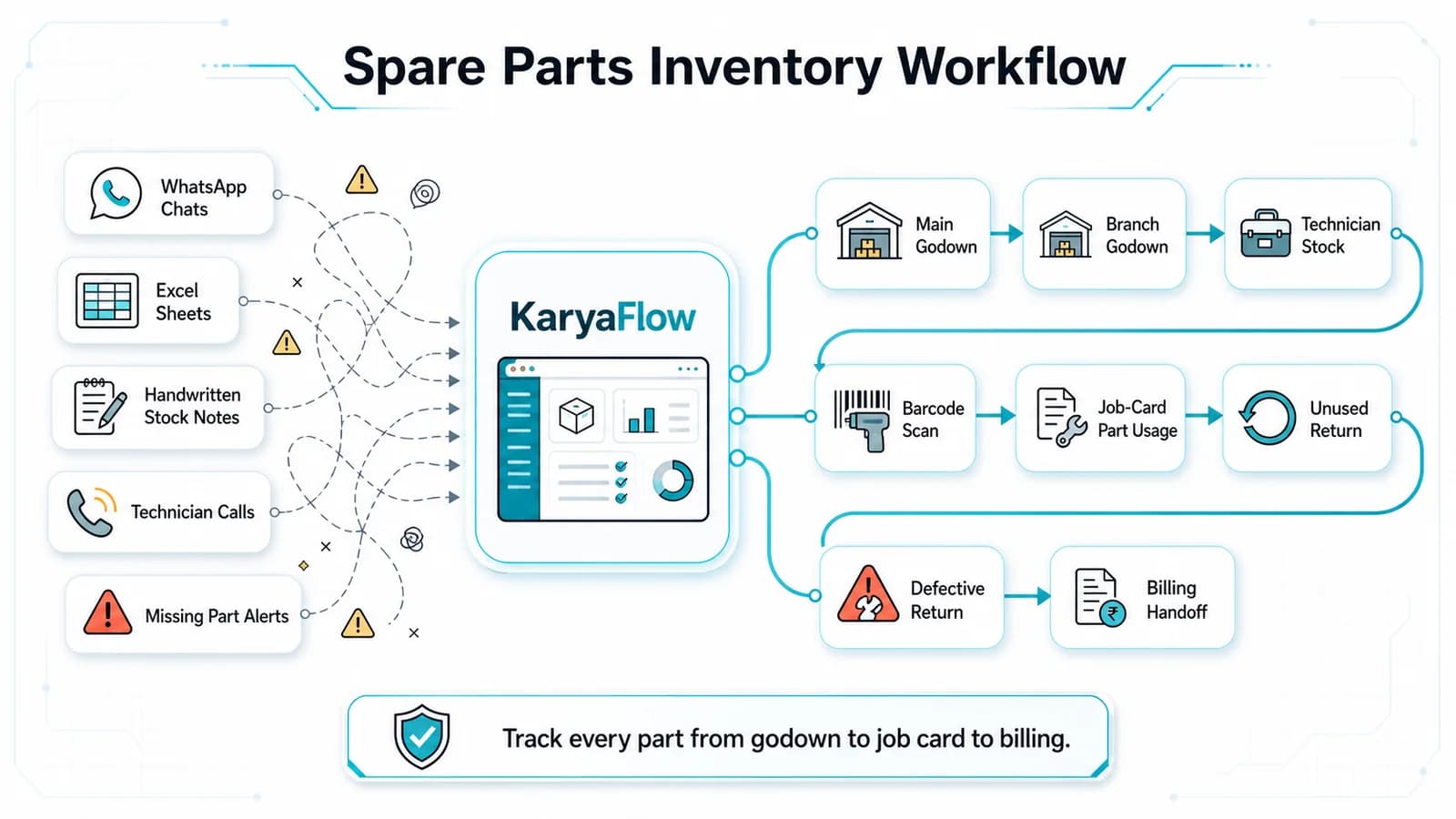
A part leaving the store raised several questions: was it used on a job, still with a technician, or returned unused? A defective part picked up from a customer could also need to go back to the company. Prices could change, making the right part code, purchase bill and job link important.
The owner also needed to track cash held by technicians, expenses, attendance, leave and incentives for parts, service and visits. According to KaryaFlow's earlier account, salary settlement previously took seven to eight days. This is a reported settlement period; staff-hours were not measured.
The broader field service management guide explains how job records connect field work with these office tasks.
The reported workflow before and after KaryaFlow
The Gujarat center's account describes a change in how records reach the owner and support settlement. The comparison below uses the reported process, without assigning a savings percentage.
Scroll sideways to see every column if needed. With a keyboard, focus the table and use the left and right arrow keys.
| Area | Before KaryaFlow | With KaryaFlow |
|---|---|---|
| Job intake and assignment | OEM requests were exported to Excel and assigned manually. The team already completed its daily jobs. | The office bulk-imports the Excel list and assigns jobs in KaryaFlow. Technicians record the work and share job sheets and invoices. |
| Parts and returns | The owner found it hard to follow changing prices, parts used on each job and the return trail. | Part codes, HSN details, price records and purchase bills support job-level tracking. Unused parts and defective returns from AMC visits have distinct records. |
| Cash held by technicians | The owner found it difficult to track how much cash each technician held. | The owner can review cash-flow and technician cash-in-hand records alongside the work being settled. |
| Attendance, leave and incentives | The owner had difficulty bringing attendance, leave and incentives into salary settlement. | The workflow includes geofenced attendance, leave and incentives for parts, service and visits as salary-calculation inputs. |
| Salary calculation and visibility | Salary settlement previously took seven to eight days, according to the earlier account. | KaryaFlow calculates salary amounts from recorded inputs, deductions and incentives. No separate manual calculation is needed; owner review or changes are optional. Figures are visible in the admin and technician apps. |
| Rewards and targets | The earlier rewards and target-setting process was not specified in the account. | Managers and technicians use rewards, incentives and targets in KaryaFlow. These include individual or group job-completion targets, parts-sales targets, extra incentives after job thresholds and job or parts-sale commissions. |
| Own AMC contracts and visits | The earlier AMC scheduling method was not specified in the account. | The account describes around 200-300 of the center's own contracts, created, scheduled and tracked in KaryaFlow. Visits are planned in advance and assigned by route. |
Daily expense approvals and recorded inputs remain part of the workflow. The account does not measure total settlement time or establish automatic salary payouts.
How the center runs daily service work
For the Gujarat center, KaryaFlow connects the request list with each field visit and the records used by the office.
1. Import the OEM list and assign jobs
The office exports service requests from the OEM CRM to Excel and bulk-imports the list into KaryaFlow. It then assigns the day's jobs in bulk, keeping each record with the technician who will make the visit.
The documented handoff is an Excel export followed by a bulk import. Any separate work required in the OEM system remains part of the center's process.
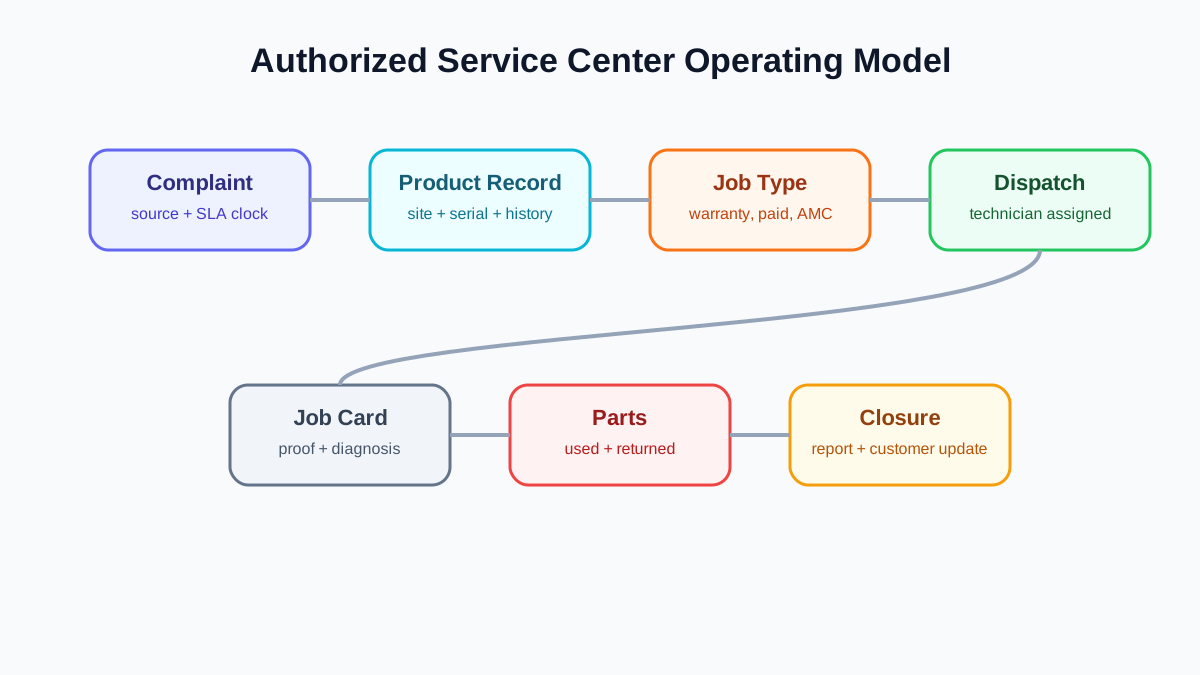
The authorized service center workflow guide covers the wider intake and office-review process.
2. Record the visit and share customer documents
Technicians use KaryaFlow on their phones to record the work done during a service visit. The account describes job sheets and GST invoices that can be shared on paper or in digital form.
The admin dashboard gives the office access to those records. Job details, parts used and customer documents stay linked, so the owner has the context needed to review the work.
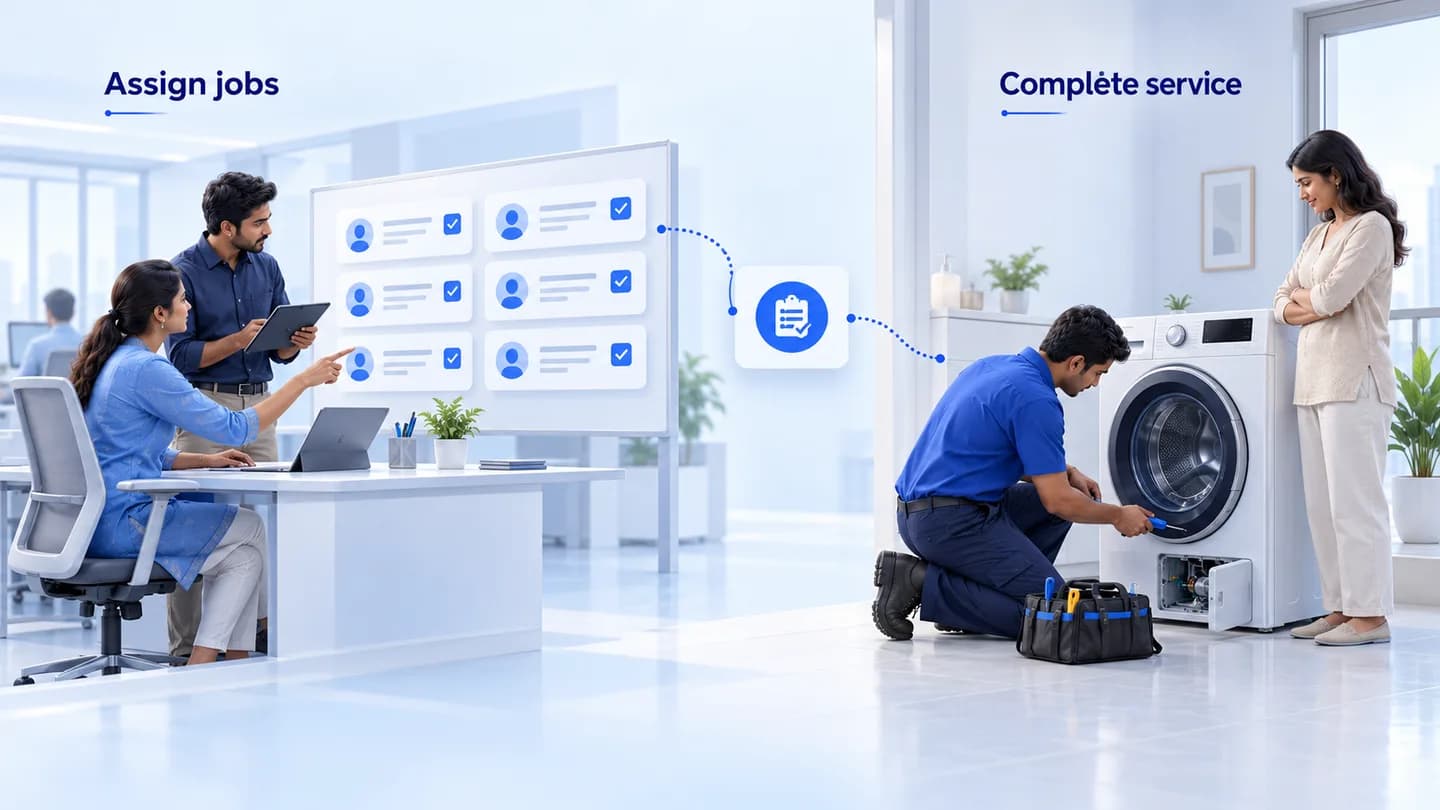 Illustrative scene for the Gujarat appliance service center case study: office staff assign jobs beside a technician servicing a washing machine. Not the featured customer or actual application screens.
3. Follow parts from the store to the job and back
The center uses part codes, HSN details and prices to track stock as it moves through jobs. Purchase bills show what a part cost, while price records help staff check the part used on a job.
KaryaFlow's account describes parts issued to technicians, used on jobs and returned to the office. It also includes defective parts recovered from AMC visits and sent back to the company. The return stays linked to the relevant service job.
Unused stock and defective returns need distinct records. The spare-parts inventory guide explains the broader issue, use and return trail for service teams.
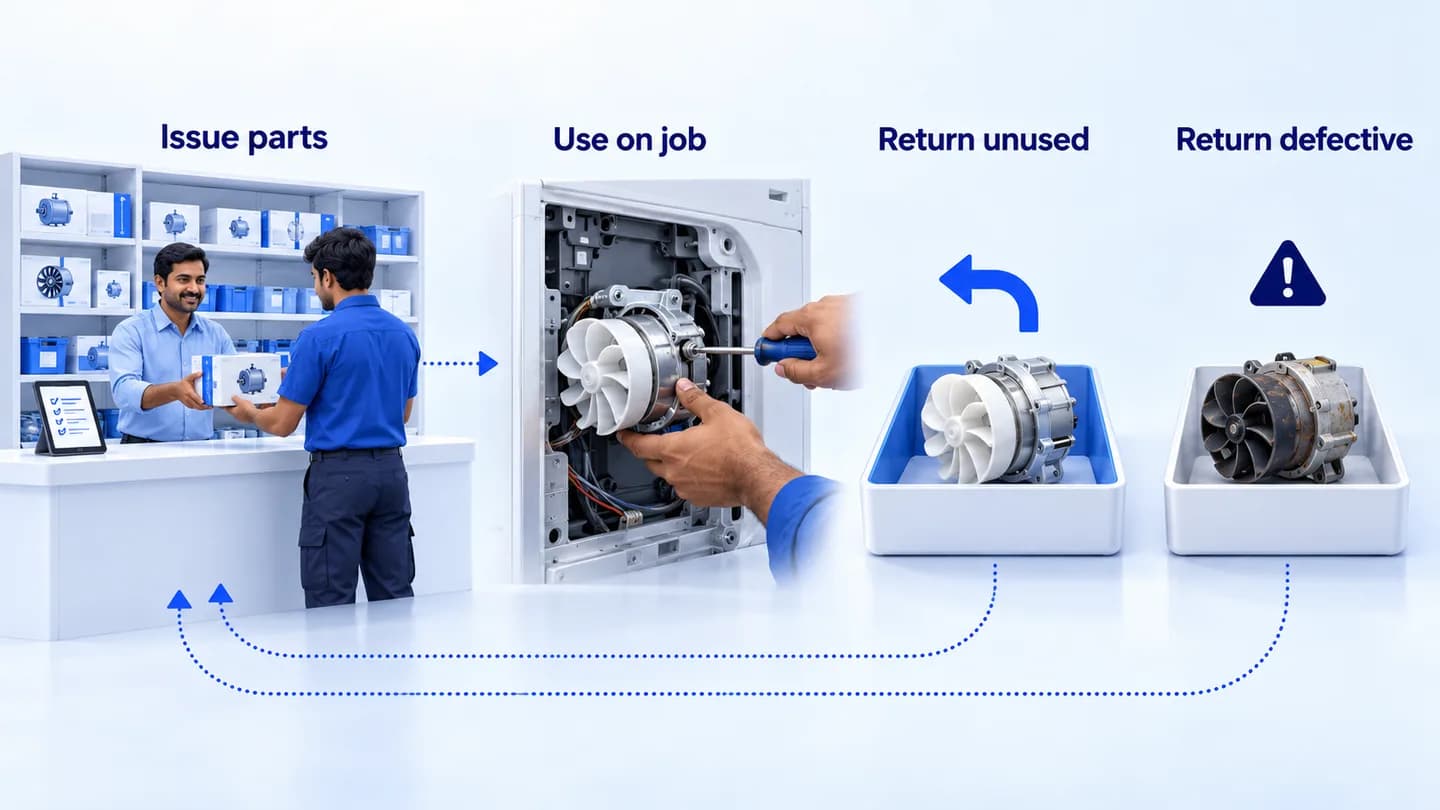 Illustrative Gujarat appliance service workflow: parts are issued from the store, used on a job, or returned as unused or defective stock. Not the featured customer or actual application screens.
4. Review expenses daily and keep salary figures visible
The owner reviews and approves pending expense requests each day. KaryaFlow tracks cash flow and automatically calculates salary amounts from the recorded inputs, deductions and incentives, according to the account.
No separate manual salary calculation is needed. The owner can review or change the calculated amounts, but that step is optional.
The owner can see these figures in the admin app, and technicians can see their figures in the mobile app. This gives both sides access to the amounts being tracked during the month. The same workflow includes cash-in-hand records, attendance, leave and incentives linked to parts, service and visits.
The field technician attendance guide explains how attendance connects with assigned work and payroll inputs. The business remains responsible for salary payment, statutory payroll and accounting.
Rewards, incentives and targets for the team
The center also uses KaryaFlow's rewards, incentives and targets for managers and technicians. KaryaFlow's account describes job-completion targets for individuals or groups, along with parts-sales targets.
An extra incentive can apply after a defined number of jobs is completed. The center also uses incentives or commissions for a job or a parts sale.
Planning visits across around 200-300 AMC contracts
The Gujarat center creates and sells its own annual maintenance contracts, with around 200-300 contracts reported in the latest account. It uses KaryaFlow for contract creation, advance service scheduling and tracking.
AMC visits are planned ahead and distributed to technicians by route. The office can bring those planned visits into the same working day as the repair requests from the OEM CRM.
The center's own contract terms set out what each plan covers, which visits are due and what remains chargeable.
The AMC plan management guide explains how to connect a service business's own contract terms with planned visits.
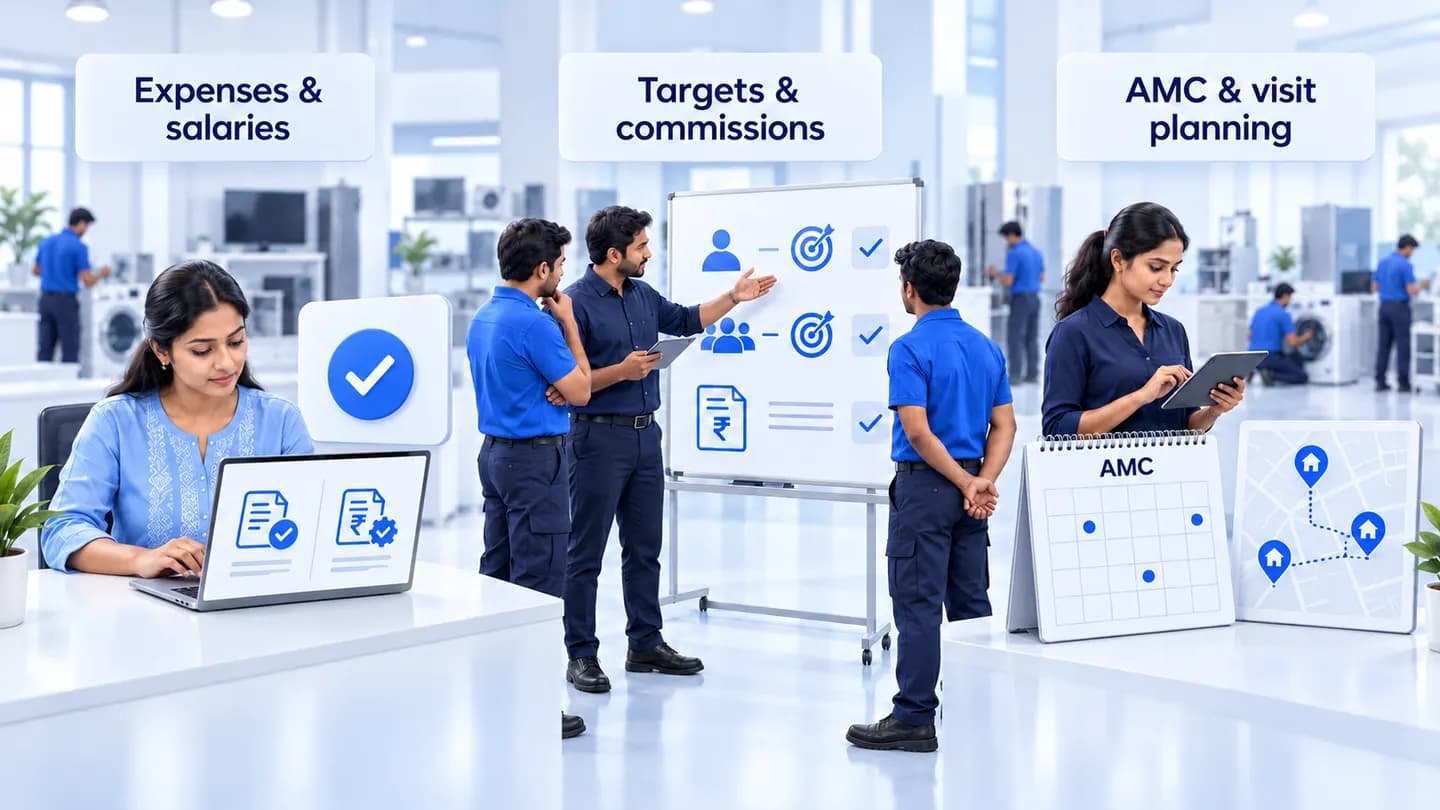 Illustrative Gujarat appliance service workflow: digital expense and salary review, individual and team targets, and planned AMC visits. Not the featured customer or actual application screens.
What changed for the owner
KaryaFlow's account describes a smoother process for the owner to follow cash and settle amounts. Daily approvals keep the records current, while the owner and technicians can see the relevant salary figures in their apps.
Weekly, monthly and yearly reports also give the owner a way to review the service operation over time. No measured percentage saving, cash-loss reduction, revenue increase or profit gain is available for this case.
Ongoing communication and support
KaryaFlow says it continues to improve the platform around customer needs and offers client-specific customization. Its stated priorities are clear communication and support as those needs develop. This approach gives the center a way to discuss its workflow with the KaryaFlow team.
FAQ
Does this case describe 150-250 completed jobs a day?
No, the title uses a privacy band for incoming service calls, and the technician range also protects the customer's identity. These bands are not measured daily ranges or a count of completed jobs.
How does work move from the OEM CRM into KaryaFlow?
The center exports requests from the OEM CRM to Excel, then bulk-imports them into KaryaFlow and assigns technicians. This file-based handoff gives the office a starting point for local job management.
How does the center manage its own AMC visits?
KaryaFlow's account puts the center's own AMC portfolio at around 200-300 contracts. It uses KaryaFlow to create contracts, plan service visits in advance and allocate them to technicians by route. The contract terms set out the work owed to each customer.
What does the salary-settlement improvement mean?
KaryaFlow calculates salary amounts automatically from recorded inputs, deductions and incentives, so no separate manual calculation is needed. Owner review or changes are optional. Daily expense approvals keep inputs current; the account does not establish automatic salary payments or a measured settlement-time saving.
See how the workflow fits your service center
Bring an OEM Excel export with private details removed, a typical job and one of your own AMC contracts. Review the path from import and assignment to the job sheet, parts, daily approvals, salary figures and planned service visits.
Request a KaryaFlow service-center demo to discuss that workflow with the team. Use sample records or remove private details before sharing them.