 KaryaFlow
 Ravi Kumar · assigned


Peak season overwhelms your dispatch
Peak-season calls are hard to coordinate across WhatsApp threads. A shared job queue helps the dispatcher review assignments and pending visits.
Keep AC complaints, technician dispatch, parts and return visits in one service workflow. Review job proof, AMC follow-up and payment status from the office.
Free setup GST-readyFrom ₹81/user/month billed yearly (₹94 quarterly); minimum 2 active users
Need help with customer enquiries? Explore WhatsApp booking, website chat and follow-up options.
Explore KaryaFlow services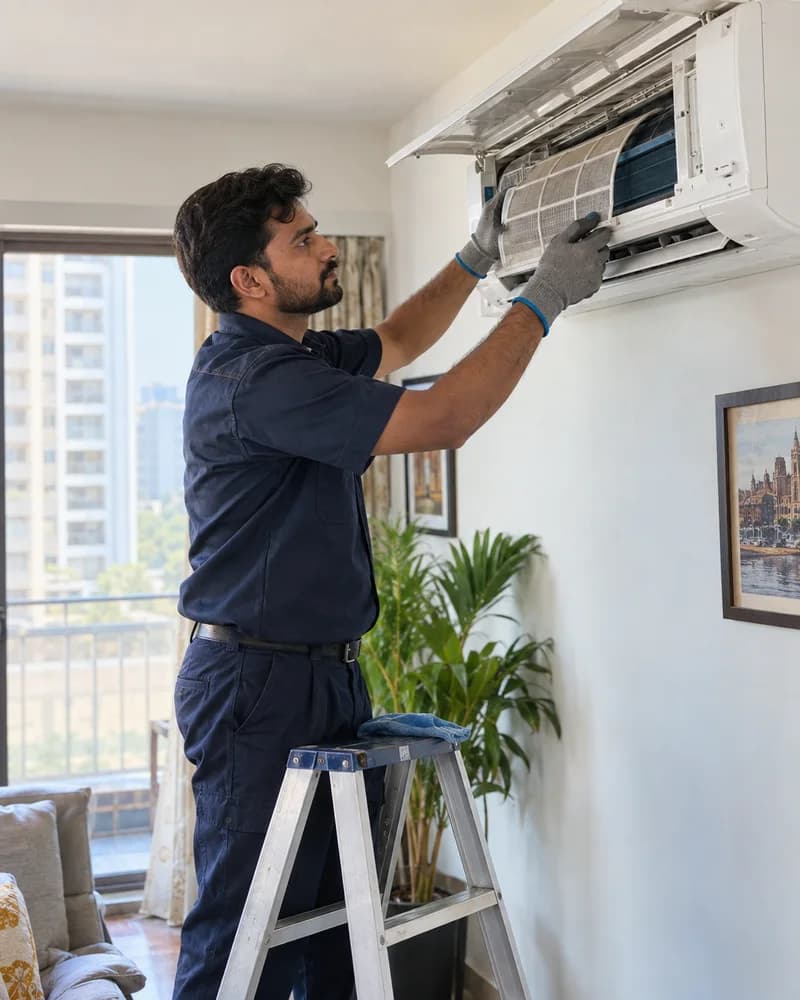
Job cardsservice proof and parts in one record
AMCvisits and renewal follow-up
One AC job. Every handoff in view.
Follow an illustrative AC complaint through assignment, a parts hold, a return visit and office review. Bring the same scenario to your demo.
Log the AC complaint with the customer and site. The dispatcher assigns a technician, who opens the job details in the app.
Record the diagnosis and required part in the job notes. Keep the unfinished visit visible so the office can arrange the next action.
Once the part is ready, the office arranges the return visit. The technician records the work, part used, photos and customer acknowledgement.
Review service proof, AMC or warranty coverage and payment status. Send billable work to accounts; a finished visit is not automatically a paid invoice.
Illustrative workflow, not a live product screen. Office decisions remain manual; confirm the exact records and steps in your demo.
A busy service desk needs to know who owns the visit, what is holding it up and what accounts still needs. Keep that context with the job, even when it takes a second visit.
The HVAC problem
Peak-season calls are hard to coordinate across WhatsApp threads. A shared job queue helps the dispatcher review assignments and pending visits.
A stock total does not explain what was issued, used or returned. Keep the technician and AC job with each entry; verify refrigerant units and adjustments during setup.
When contracts and visit dates live in separate registers, renewal follow-ups are easy to miss. Keep due visits and renewal status together for office review.
Service proof, parts, contract coverage and payment status can reach accounts separately. Review the job record before deciding what to invoice or collect.
Buyer questions
KaryaFlow's published account describes an anonymous authorized AC service center in Jharsuguda using the platform after jobs arrive from the principal company's CRM. The account covers local assignment, mobile job records, parts, attendance, expenses and salary preparation. It is a publisher-reported customer example, not an independently measured outcome study.
Bring one AC complaint and one AMC example. Check assignment, parts, return visits, service proof and billing handoff in the demo.
Everything you need
Create and assign job cards, record service proof and parts used, and keep completion status together.
Keep AMC contracts with their customers, track visits used and still due, and renew contracts before they lapse.
Track warehouse and technician stock, parts used on jobs, returns, and low-stock alerts.
Prepare GST invoices and track payment collection against the service job.
Attendance with location check-in is included in every plan, alongside leave requests and attendance reports.
Set job incentives, approve fuel and expense claims, and get a monthly salary slip for each technician. GPS-derived km needs the tracking add-on.
Live map and route history for tracked technicians, available as an add-on quoted separately.
Log complaints from calls, WhatsApp and walk-ins in one register, turn them into jobs, assign a technician and follow each job to completion with photos, parts used and the customer's signature.
Keep the AC complaint, technician visit, parts used, service proof, and billing handoff connected in one job record.
Daily service workflows
Keep customer complaints, technician assignments, job status, and service proof together so the office can see which AC visits need follow-up.
Connect AMC contracts with scheduled visits, job cards, payment status, and renewal follow-up instead of checking separate registers.
Record refrigerant and spare parts issued to technicians, used on jobs, and returned to the office, with context for GST billing handoff.
Decision comparison
Every team size includes attendance with location check-in. Continuous live GPS tracking through the day, with route history, is an optional add-on, quoted separately for the technicians who need it.
| Buyer need |  KaryaFlowConnected field execution | CRMCustomer records | GPS-only tracking appLocation and routes |   Tally/Vyapar + separate toolsAccounting stack |   WhatsApp/Excel/manual registersChats and sheets |
|---|---|---|---|---|---|
| Job dispatch and status | Connected workflow | Often needs an FSM layer | Location only | Separate operational tool | Manual updates |
| Technician mobile app | Included | Depends on product or setup | Tracking app only | Separate app | Chat, calls, or paper |
| Geofence attendance | Location check-in and geofences | Depends on setup | Often available | Separate attendance tool | Manual register |
| Inventory and technician stock | Connected to jobs and technicians | Often needs integration | Outside core scope | Inventory stays separate | Spreadsheet or register |
| Payment status | Connected to the job record | Depends on customization | Outside core scope | Recorded separately | Manual confirmation |
| GST-ready billing handoff | Connected field-to-office workflow | Often needs integration | Outside core scope | Accounting occurs separately | Manual handoff |
| AMC follow-up | Contracts, visits, proof, and renewal context | Depends on setup | Outside core scope | Separate tracker | Calendar or spreadsheet |
| Owner dashboard | Jobs, technicians, parts, and payment visibility | Customer-centric reporting | Location-centric reporting | Split across tools | Manual consolidation |
| India-specific pricing visibility | From ₹81/user/month billed yearly (₹94 quarterly); minimum 2 active users | Varies by provider | Varies by provider | Multiple subscriptions | No software fee |
General category comparison for initial evaluation. Features and commercial terms vary by provider and configuration; verify current product documentation before purchasing.
Also serving

CRM job imports, technician job cards, warranty, spare parts, payments, and salary inputs
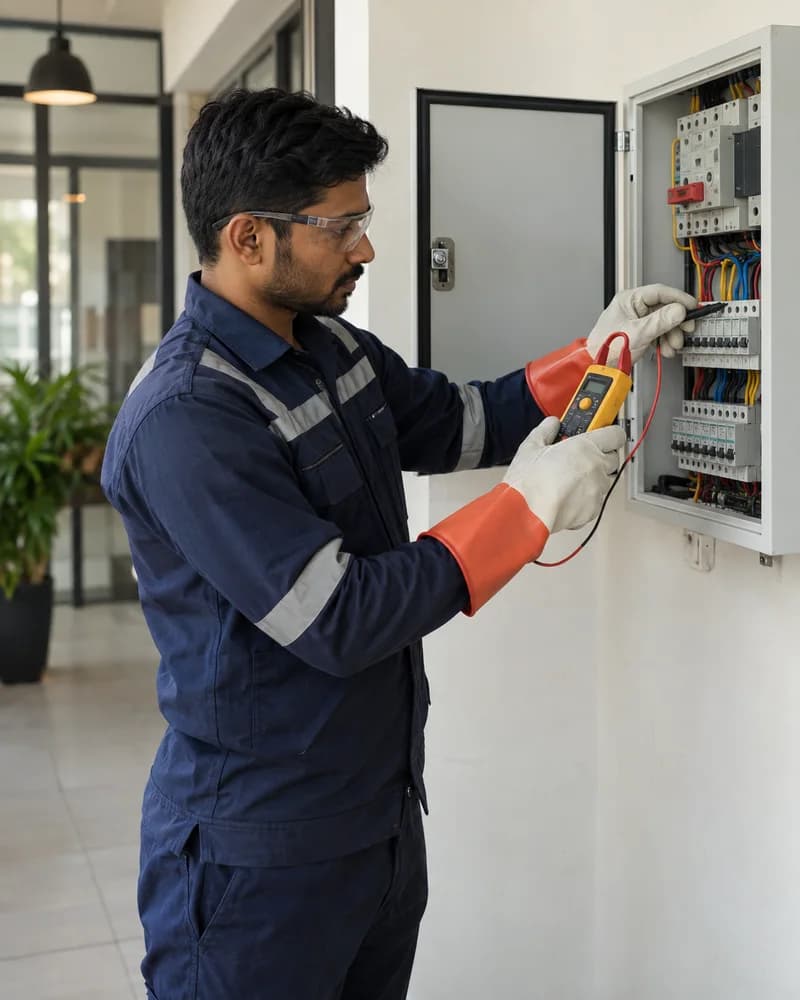
Multi-site crew management, material tracking, and project documentation
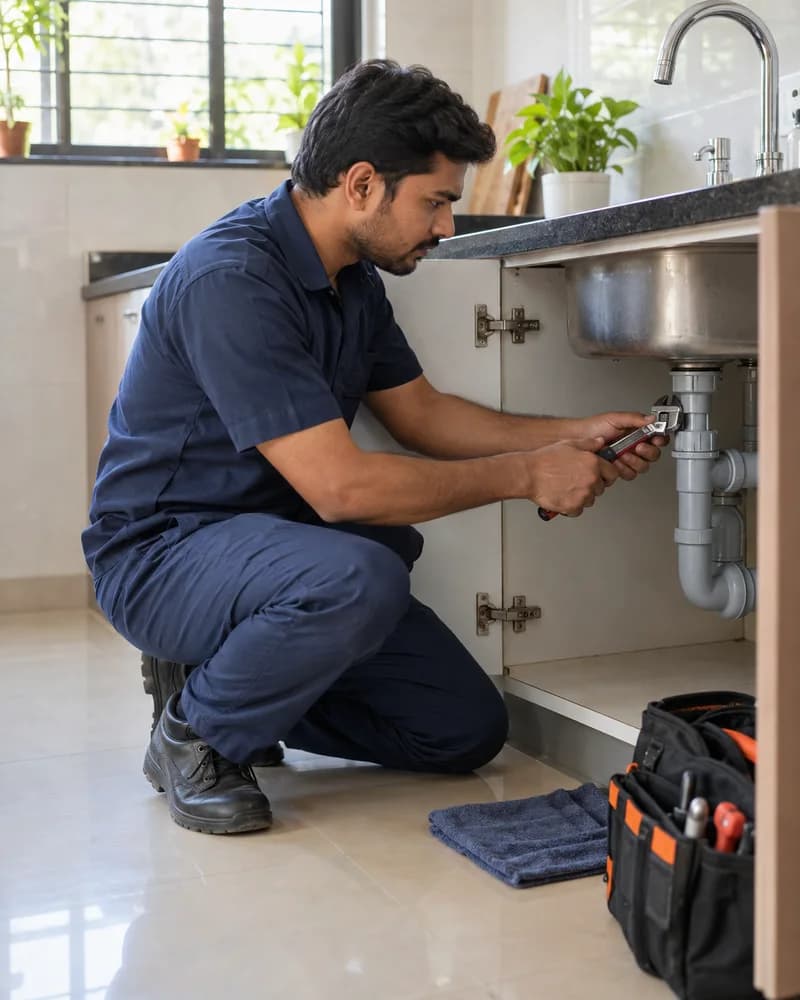
Emergency dispatch, parts tracking, society AMC, and repair documentation
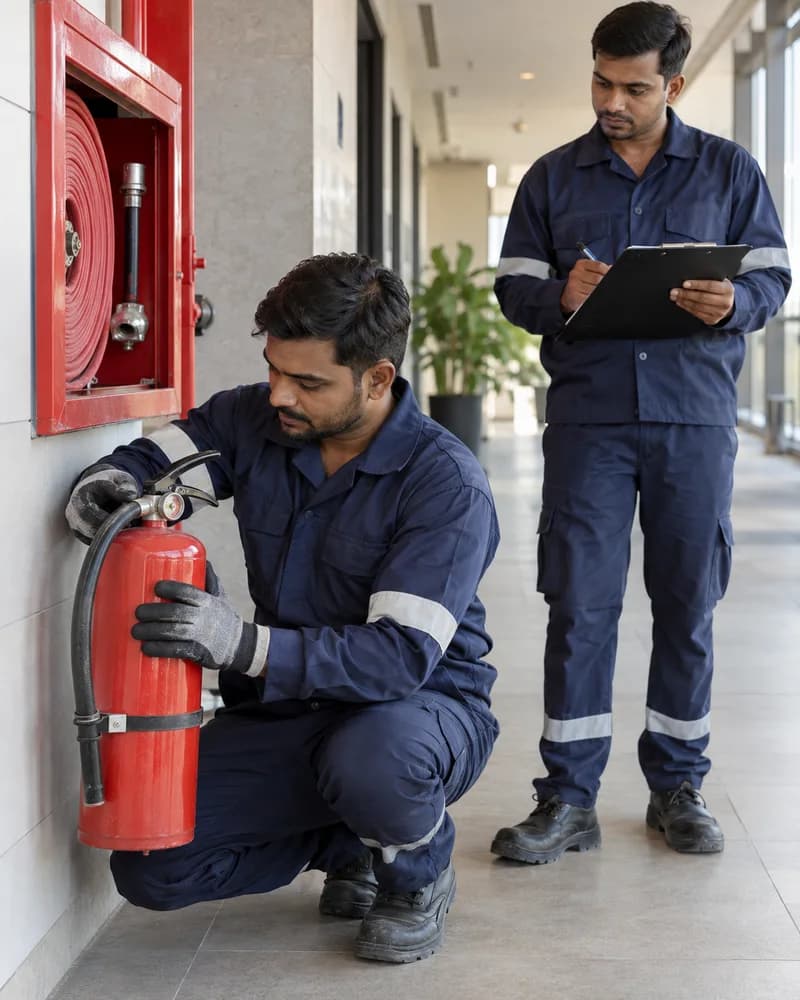
Extinguisher expiry tracking, statutory inspections, compliance documentation, and equipment inventory
Local guides

Run HVAC service work in Delhi with KaryaFlow: dispatch, technician tracking, mobile job cards, proof, inventory, UPI/payment status, GST invoice handoff, and dashboards.

Run HVAC service work in Mumbai with KaryaFlow: dispatch, technician tracking, mobile job cards, proof, inventory, UPI/payment status, GST invoice handoff, and dashboards.

Run HVAC service work in Bangalore with KaryaFlow: dispatch, technician tracking, mobile job cards, proof, inventory, UPI/payment status, GST invoice handoff, and dashboards.

Dispatch HVAC technicians in Delhi with KaryaFlow: live GPS context, geofenced attendance, mobile job cards, proof, payment status, GST-ready invoice handoff, and dashboards.

Manage HVAC AMC work in Bangalore with KaryaFlow: contract schedules, technician visits, proof, spare parts, renewal follow-up, payment status, GST handoff, and dashboards.
Frequently asked questions
KaryaFlow costs from ₹81 per active user per month, billed yearly. Per active user per month it is ₹94 quarterly, ₹89 half-yearly or ₹81 yearly, against a list price of ₹99. The minimum is 2 active users: ₹188 a month on quarterly billing or ₹162 a month on yearly billing. There is no upper limit on users, and teams of more than 100 active users can ask for a volume discount. Prices are prepaid for 3, 6 or 12 months, with 18% GST extra; the shortest term is quarterly, and there is no monthly plan. Users means everyone with a login, office staff and technicians together. Every team size includes jobs, attendance with location check-in, customers, expenses, the technician mobile app, and GST-ready billing, so a single-branch AC service center pays for team size rather than for features. Continuous live GPS and route history are an optional add-on, quoted separately. Yearly billing takes 18% off the list price, and the 7-day free trial needs no credit card. Bring your old data: upload your old job sheet from Excel or CSV. Customers and machine serial numbers come in with it, and you check every row before anything is saved.
KaryaFlow tracks parts and consumables usage per job, so the R-22, R-32, or R-410A logged against each visit is recorded against your stock instead of self-reported on memory. This gives you an audit trail to compare bulk purchases against actual consumption and spot the gap between cylinders bought and gas billed.
Yes. KaryaFlow includes a technician mobile app for Android that field staff use to receive jobs, update status, log parts, and capture photos. Owners and dispatchers can work from the web dashboard, so when summer triples your call volume you can assign and track jobs without relying on WhatsApp groups.
Switching is straightforward and starts with a WhatsApp-based demo and booking. KaryaFlow is built specifically for Indian service businesses moving off WhatsApp and paper registers, so you set up customers, jobs, and AMC visits in one place. Every team size includes the same core modules, inventory included, so nothing has to be unlocked later as you grow; live GPS tracking is the one add-on, priced in your quote for the technicians who need it.
Use these guides to compare workflows, job cards, technician tracking, AMC visits, inventory, and GST billing before choosing a field service system.
Related guides

Test an HVAC software demo with an AC complaint, parts-held return visit, AMC exception, offline actions and billing review. Record evidence before choosing.
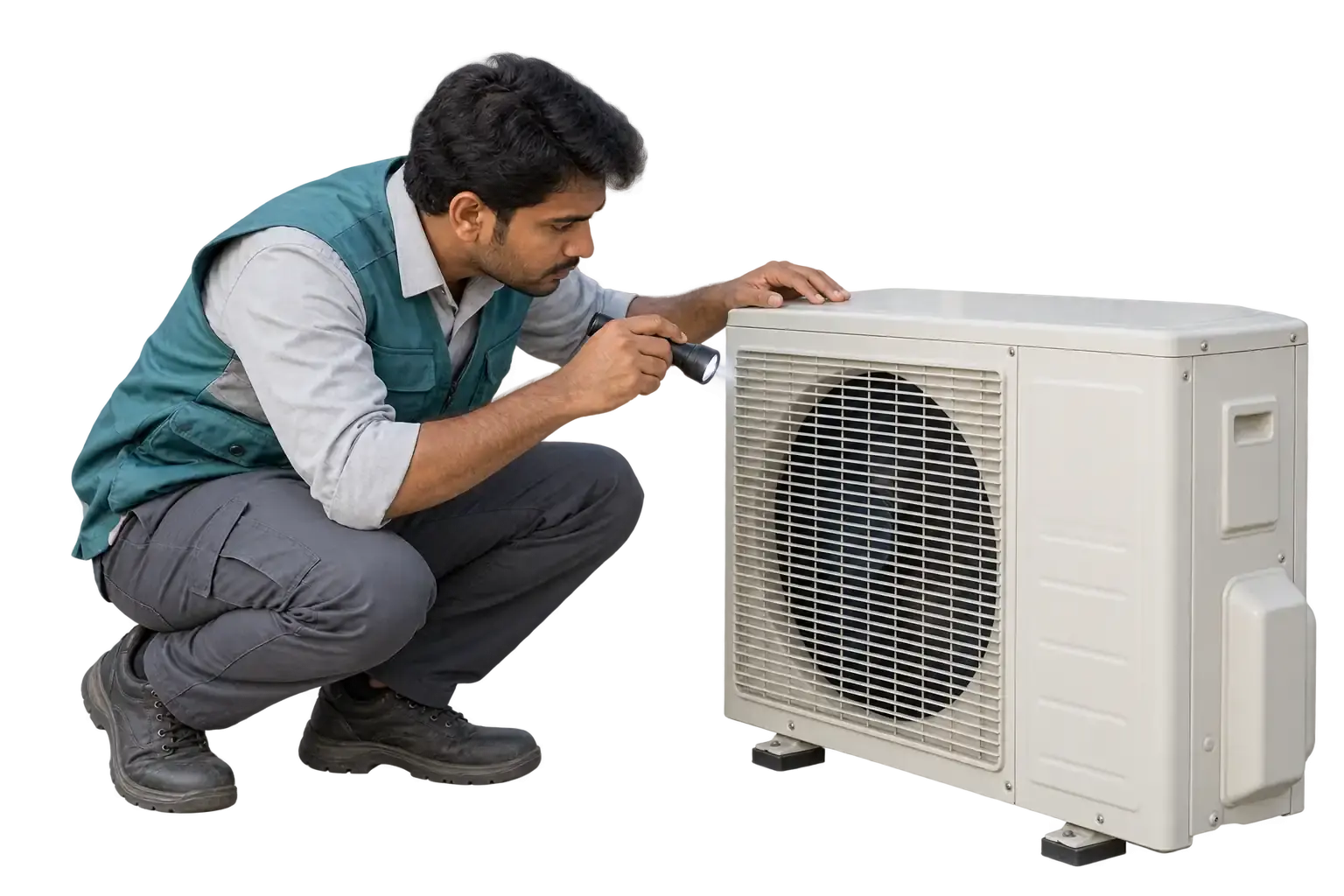
Compare HVAC software costs in India with a worked 10-user budget, monthly vs annual pricing, essential features, GPS add-ons and a setup-cost checklist.

Best HVAC software India for Indian service teams: manage jobs, technicians, proof, payments, GST handoff, follow-up, and owner dashboards with KaryaFlow.
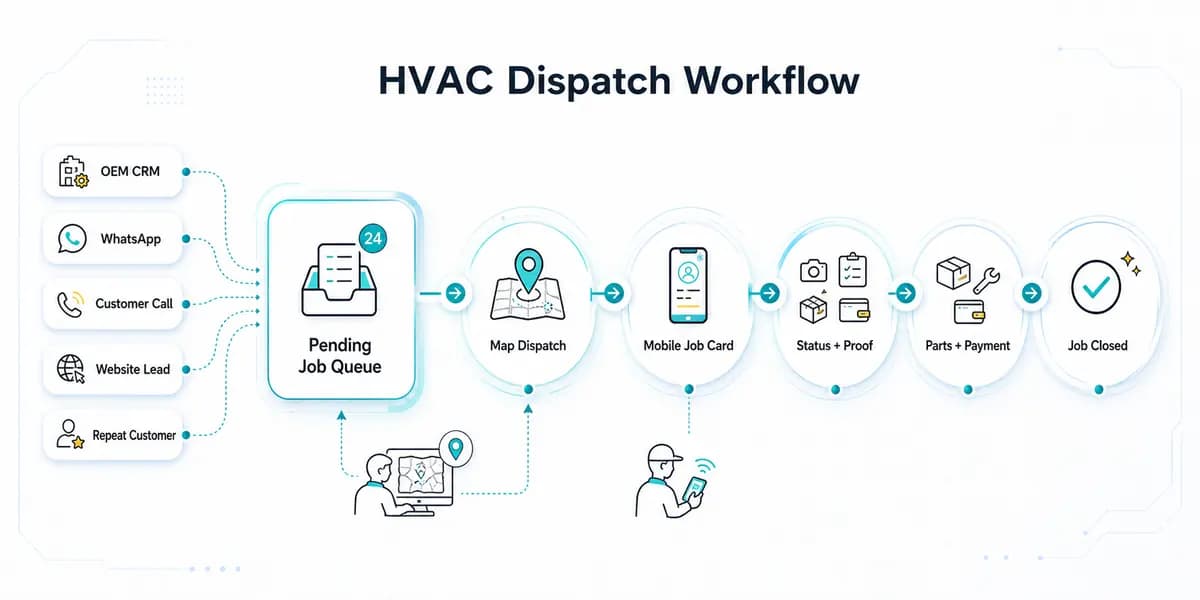
HVAC dispatch software for Indian AC service centers: manage OEM CRM jobs, WhatsApp enquiries, technician assignment, job status, parts, payments and closure.

Learn how AC service center management software helps Indian repair and AMC businesses manage complaints, job cards, technicians, GST invoices, spare parts, and customer updates.

Learn how HVAC job card software helps Indian AC service teams manage technician visits, photos, parts, signatures, service reports, GST invoice handoff, and AMC history.

HVAC preventive maintenance software guide for Indian teams: PM schedules, technician jobs, AMC visits, inventory, GST, pricing, and ROI.
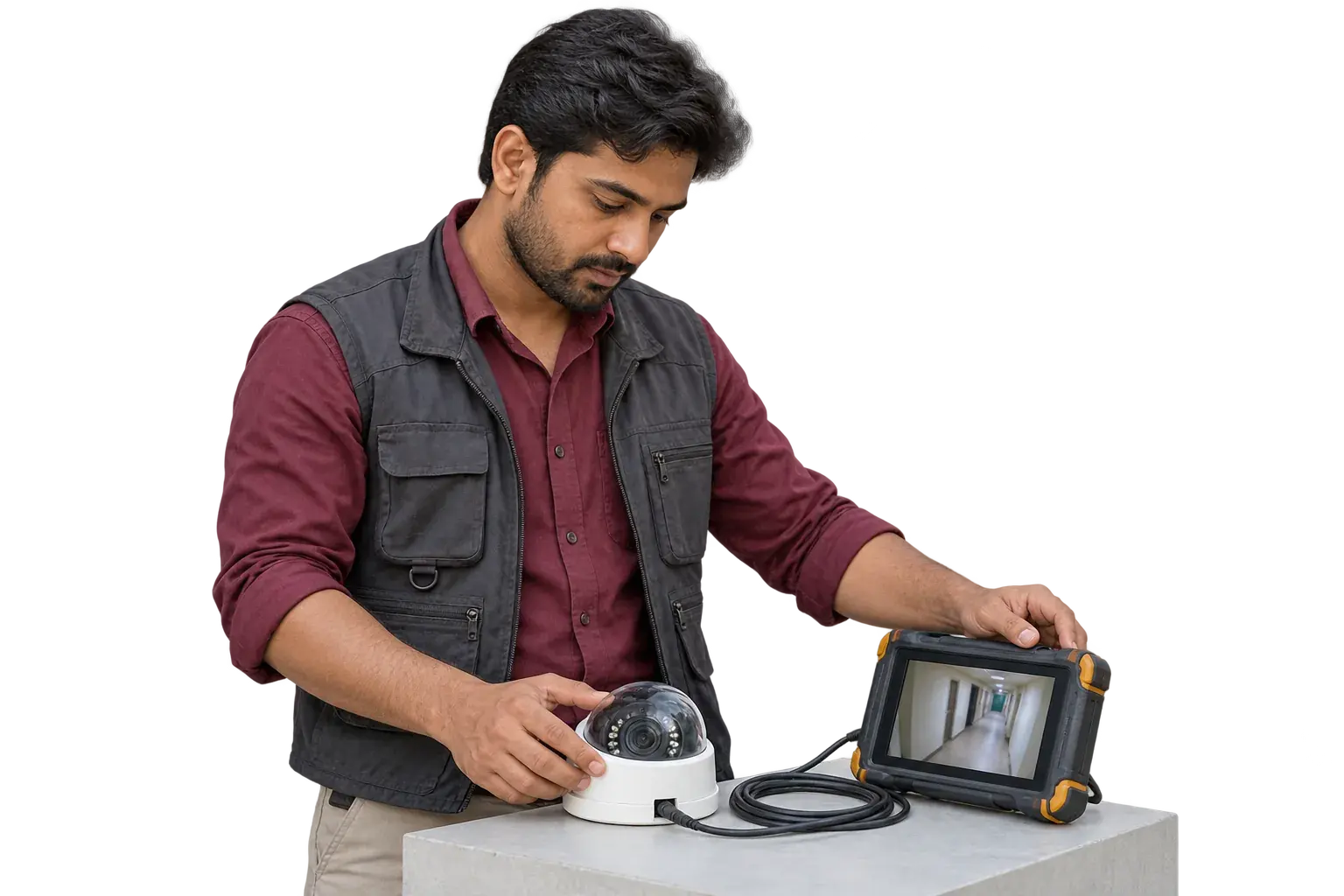
Compare AMC software, AMC trackers, and AMC management systems for Indian service teams. Track contracts, visits, warranty, payments, GST handoff, and renewals.
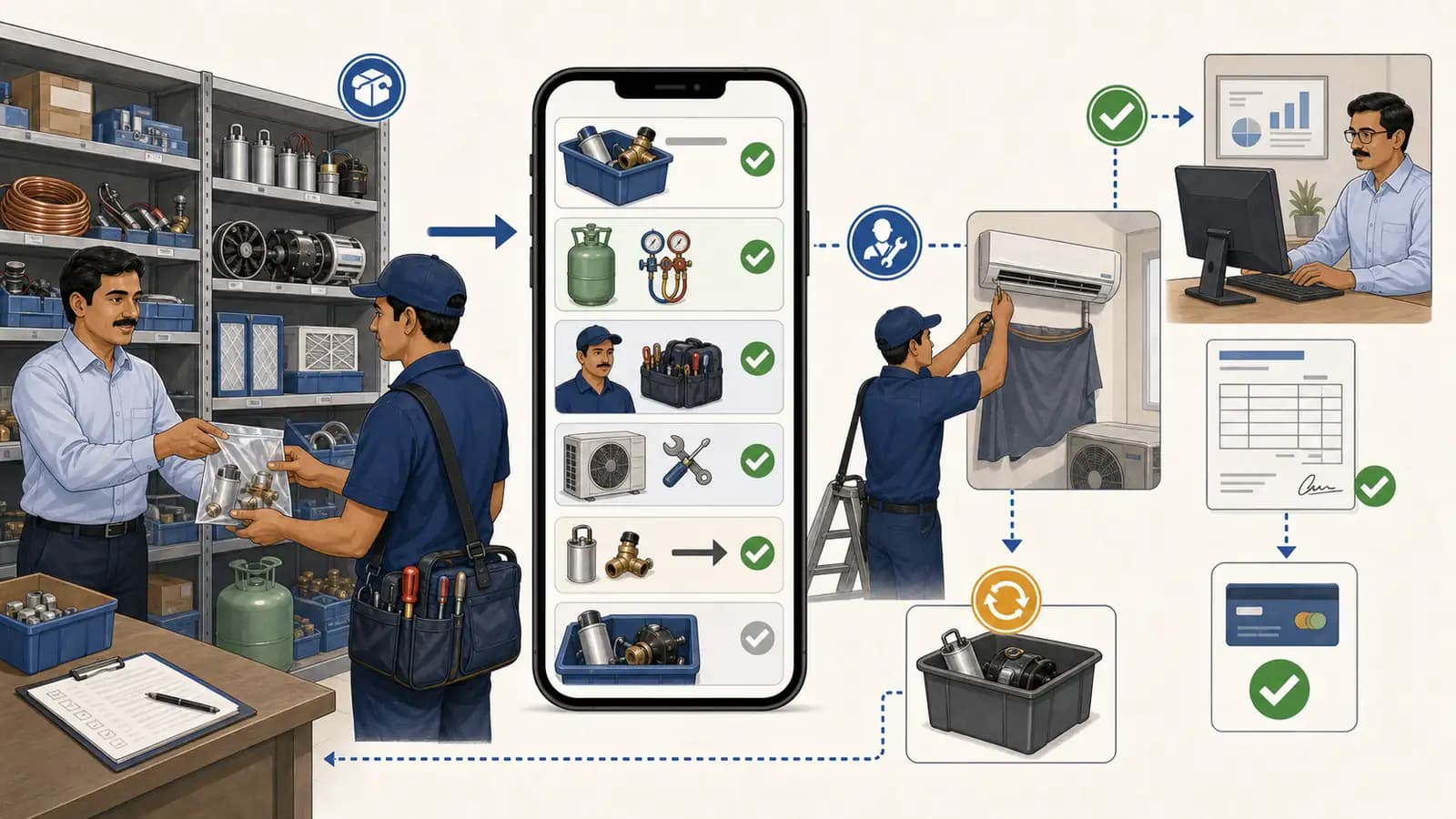
Set up HVAC inventory with clear part names, stock locations, refrigerant units and reorder checks. Connect technician usage to service jobs and billing review.
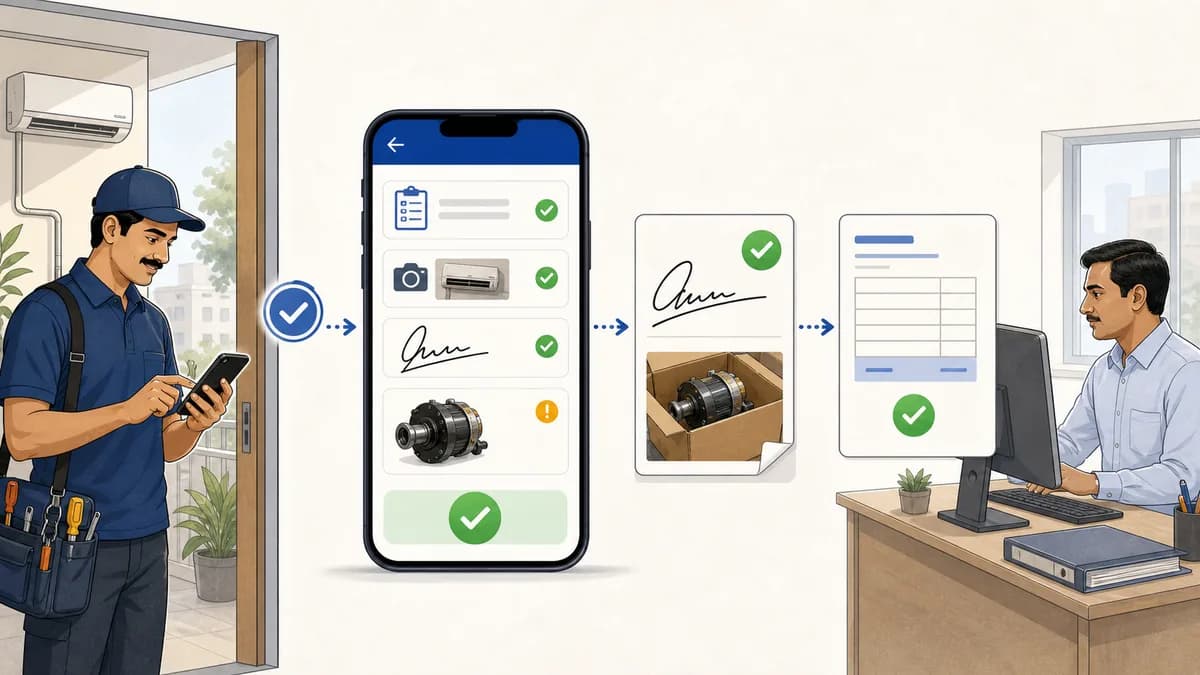
Service completion sheet software for Indian teams: capture service completed proof, technician signatures, product photos, defective parts, and GST handoff.
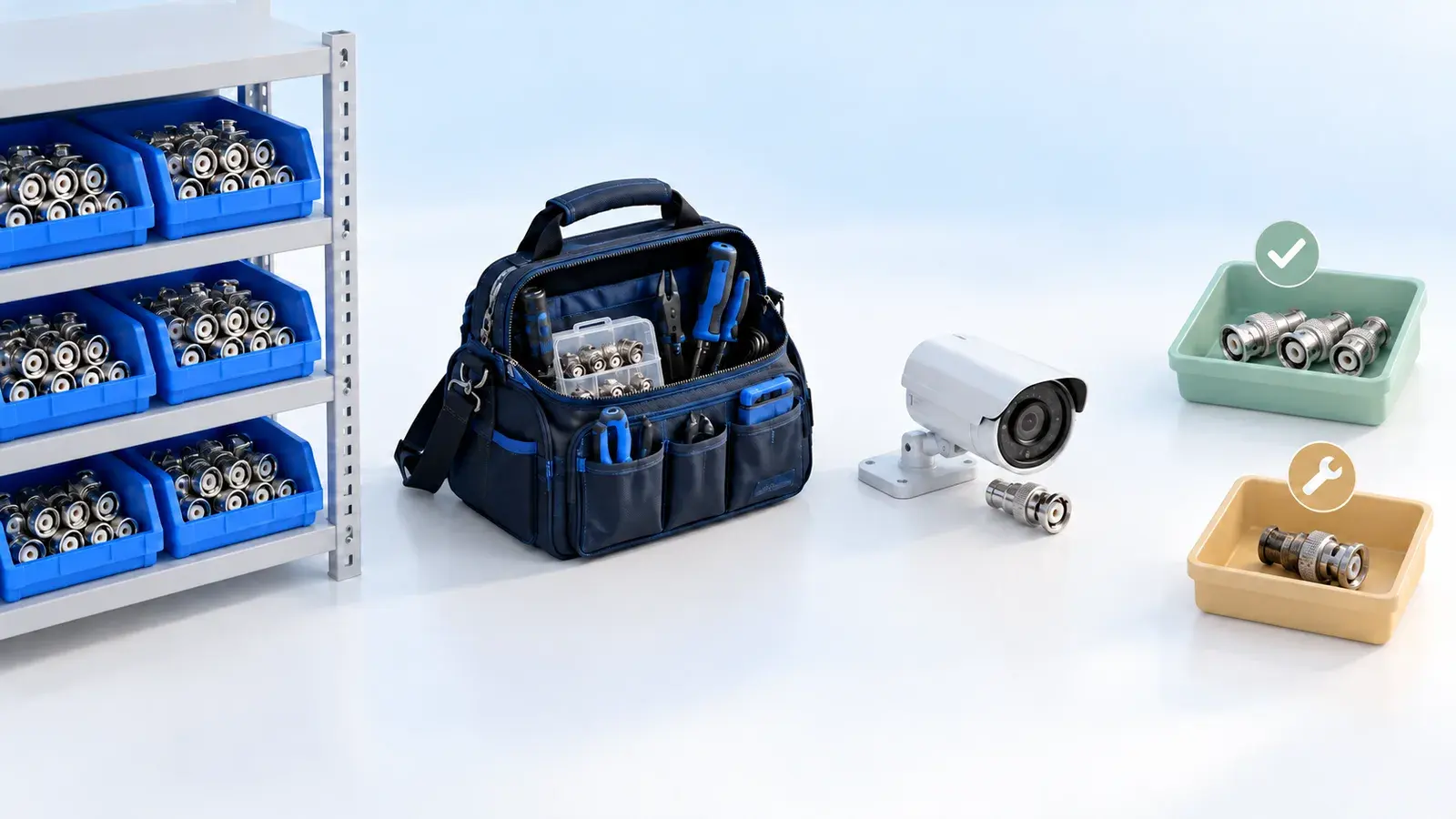
Track parts issued to technicians, used on jobs and returned to stores. See how KaryaFlow connects stock custody, billing records and defective returns.
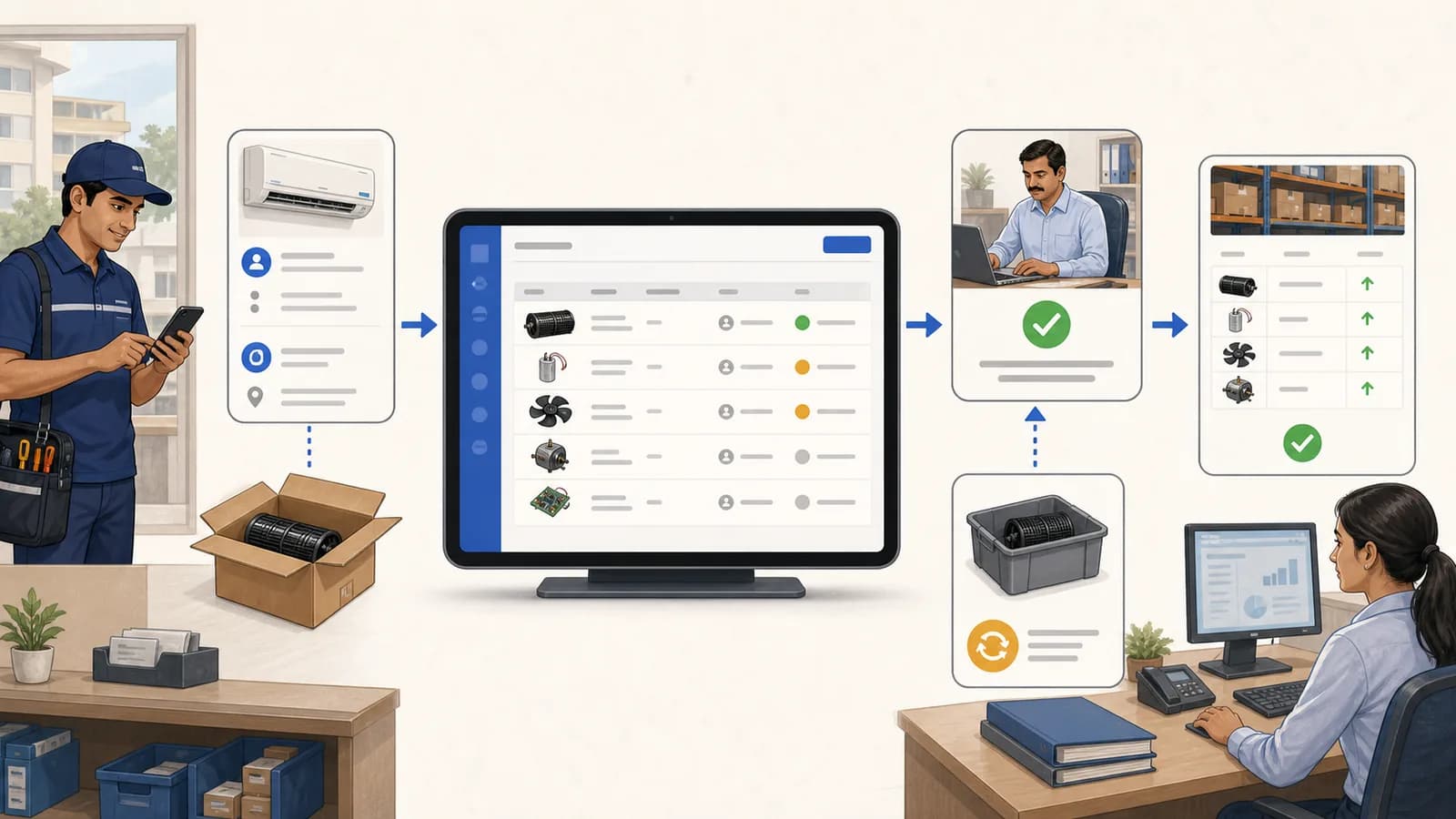
Use a stock issue register to record service-call parts usage, warranty returns, approvals, technician context, and inventory ledger updates.
Try KaryaFlow with your own jobs for 7 days, with setup help on WhatsApp. No credit card needed.
GST-ready invoices · Prepaid plans in INR · Setup help on WhatsApp