KaryaFlow
For technicians
Download the KaryaFlow app
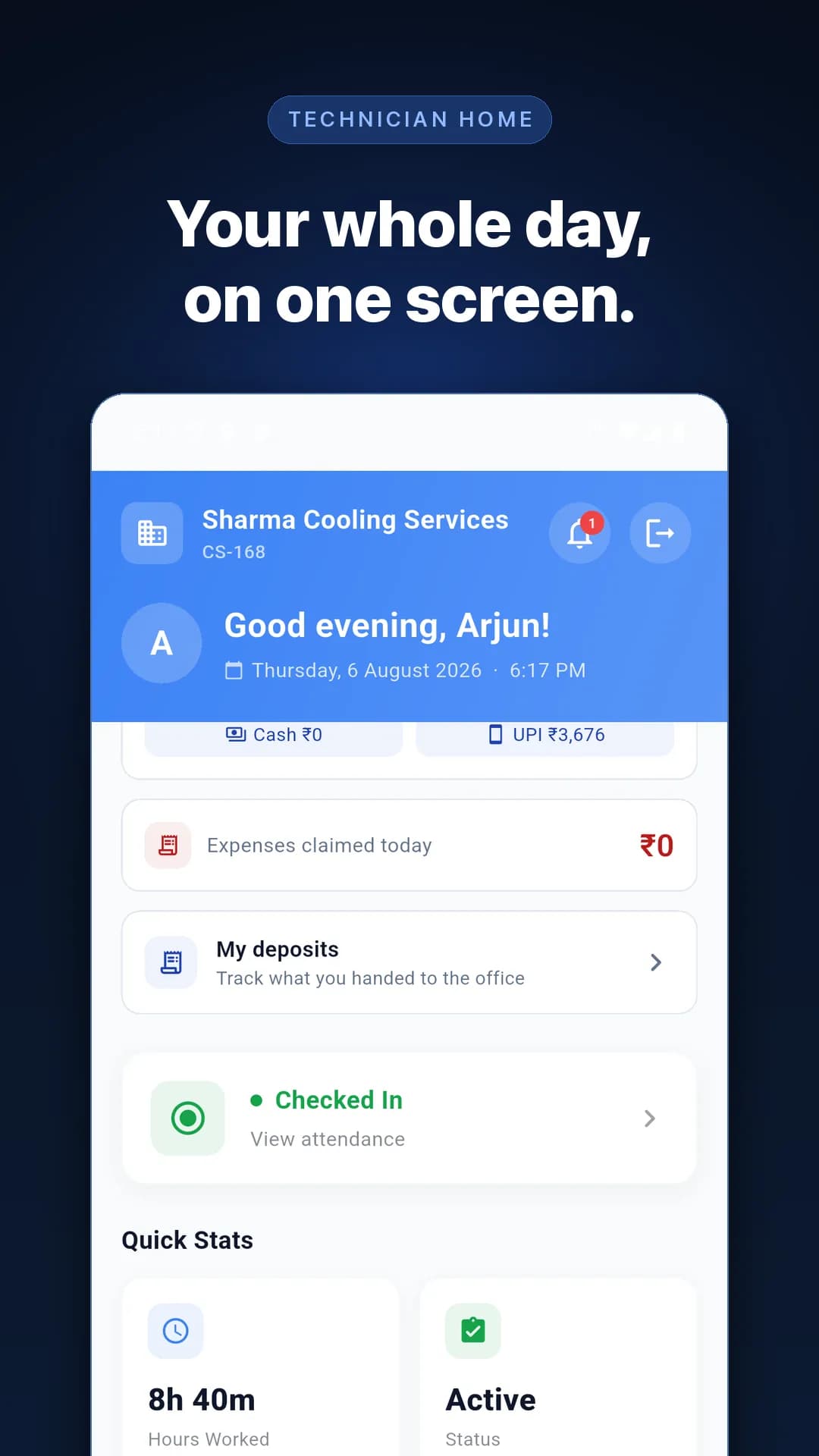
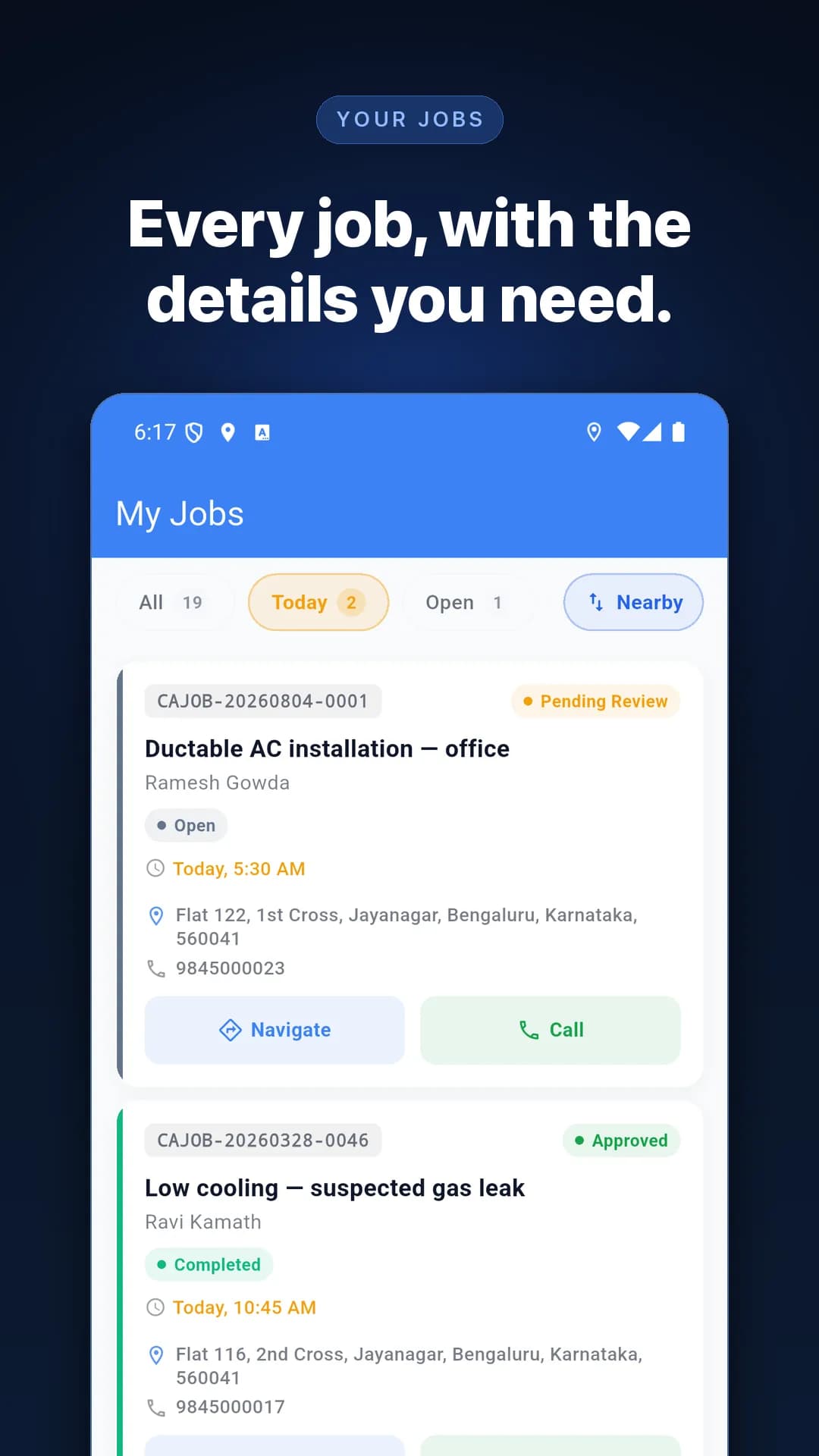
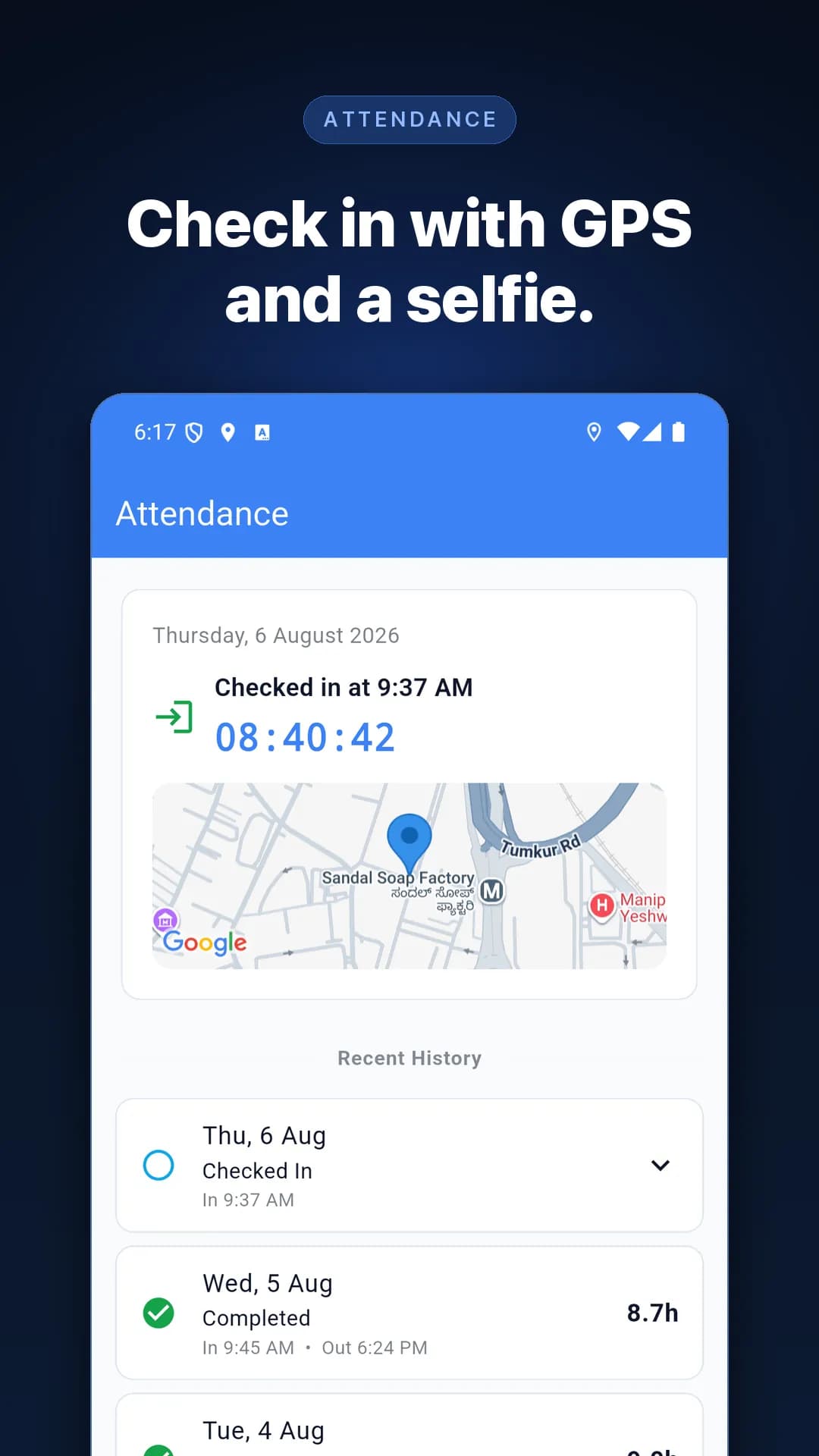
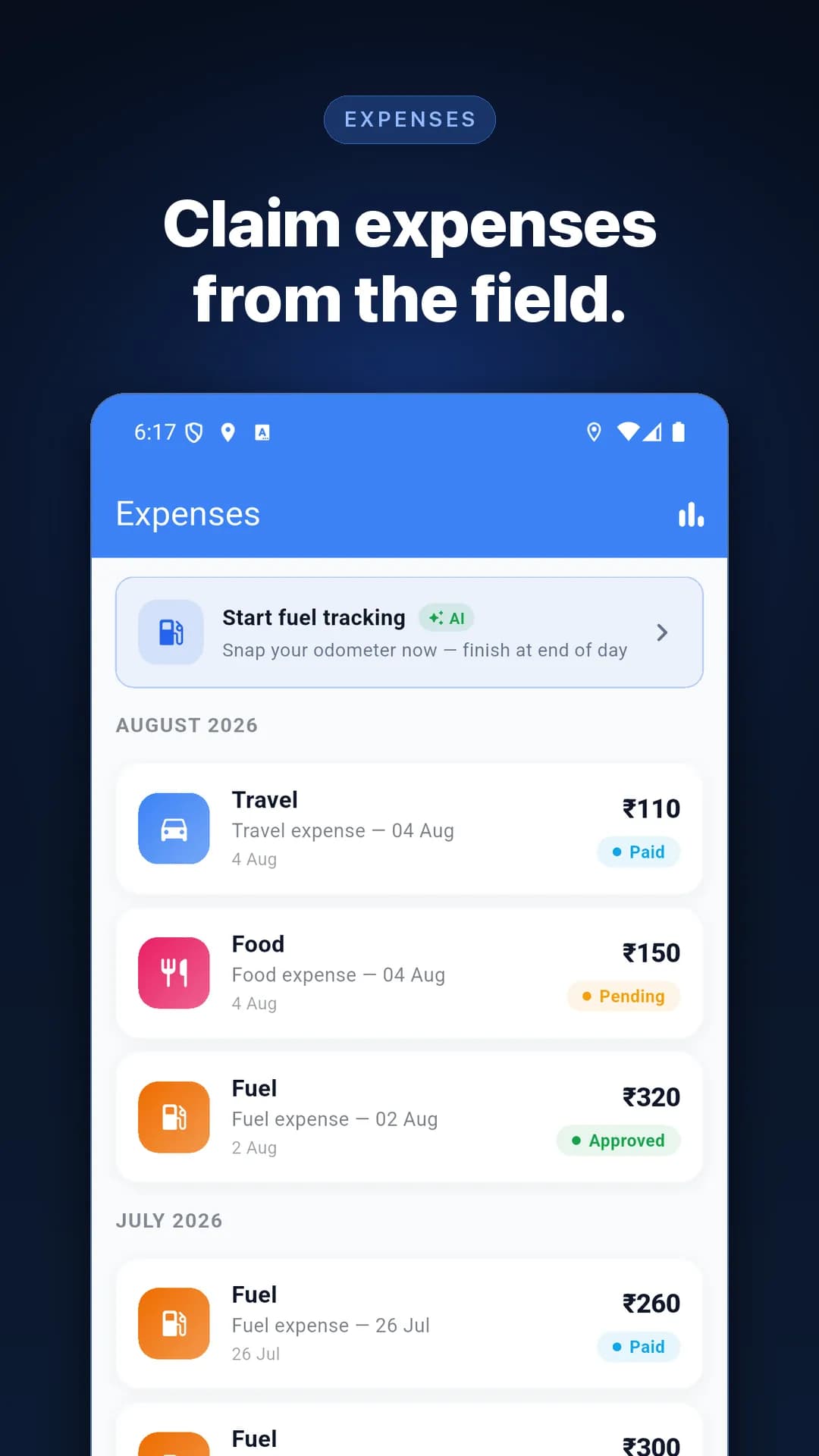
Your jobs, attendance, GPS check-in and expenses — on your phone. This is the app your company uses. Install it, then sign in with the login they gave you.
Install from your app store


No Play Store on the phone?
Download the Android file and install it yourself. The app is the same — it just will not update on its own.
Download the Android fileVersion 1.164.0+437 · 128 MB · Android 8.0 and above
- 1. Open the downloaded file from your notifications.
- 2. Android will ask to allow installs from your browser. Tap allow — you only do this once.
- 3. Tap Install, then open the app and sign in.
Getting “problem parsing the package”? The file was most likely sent to you over WhatsApp, which breaks it. Download it from this page instead.