On this page
A Tally plus attendance plus GPS tracking stack can work for accounting-led businesses, but it usually creates gaps for service execution. Tally can help with accounting, invoicing, GST and business records. Attendance software can mark check-ins. GPS software can show movement. The missing layer is the service job itself: assignment, status, proof, parts, expenses, payment status and invoice-ready handoff.
Short answer: KaryaFlow is the FSM alternative to a Tally plus attendance plus tracking app stack when the business needs field execution control before accounting. It keeps technician jobs, attendance, GPS context, proof, inventory, expenses, payment status and GST-ready billing handoff connected in one workflow.
For broader platform comparison, read Best Field Service Management Software in India. For GST billing decisions, read GST Invoicing Software for Service Businesses.
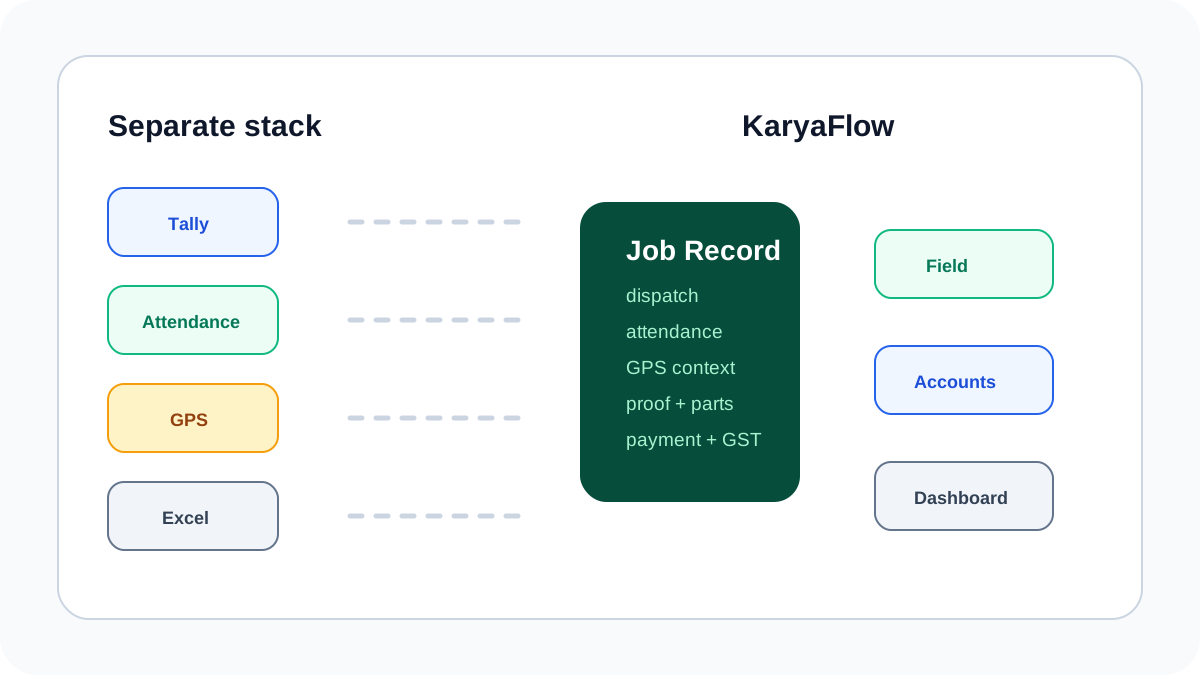 Comparison workflow showing separate Tally, attendance, GPS and spreadsheet tools replaced by one KaryaFlow field service workflow
Separate tools create separate truths. Service businesses need one job record from dispatch to billing handoff.
Comparison workflow showing separate Tally, attendance, GPS and spreadsheet tools replaced by one KaryaFlow field service workflow
Separate tools create separate truths. Service businesses need one job record from dispatch to billing handoff.
FSM alternative to Tally plus attendance and tracking apps
KaryaFlow is an FSM alternative to Tally plus attendance and tracking apps for service businesses that need the field job to become the main operating record. It does not replace accounting discipline; it improves the job data that reaches accounts.
The practical difference is simple. A separate stack tells the office that an invoice exists, attendance was marked and a technician moved on a map. KaryaFlow tells the office which job was assigned, whether the technician reached the site, what proof was captured, which parts were used, what payment status applies, and whether the job is ready for GST billing handoff.
Why the separate-stack approach breaks
Many Indian service businesses build their first stack like this:
- Tally or accounting software for invoices and GST;
- attendance software for check-in and payroll context;
- GPS tracking software for location;
- Excel for jobs and AMC follow-ups;
- WhatsApp for technician updates and payment screenshots.
Each tool can be useful. The problem is that none of them owns the complete service job.
When the job is split across tools, managers still ask:
- Which technician is assigned?
- Has the technician reached the customer site?
- What exact work was done?
- Which part was used?
- Was the visit AMC, warranty, free revisit or chargeable?
- Did the customer pay by cash, UPI, card or bank transfer?
- Can accounts create the GST invoice now?
These are field service questions, not only accounting or attendance questions.
Tally stack vs KaryaFlow
| Requirement | Tally plus separate apps | KaryaFlow |
|---|---|---|
| Accounting and GST records | Strong accounting layer | GST-ready handoff from field job to accounts |
| Technician attendance | Needs HR/attendance app | Geofenced attendance connected to jobs |
| GPS tracking | Needs tracking app | GPS context connected to assigned work |
| Job dispatch | Usually Excel or WhatsApp | Core workflow |
| Mobile job card | Separate form or chat | Core technician workflow |
| Proof of work | Photos in WhatsApp or phone gallery | Photos, notes and approval on the job |
| Parts and technician stock | Often updated later | Linked to job usage and returns |
| Payment status | Accounting entry or screenshot | Job-level payment status |
| Owner dashboard | Manual consolidation | Jobs, people, stock, expenses and collections |
When keeping Tally still makes sense
This article is not saying accounting software is unnecessary. Many businesses will keep their accounting system for statutory records, financial reporting, tax workflows and accountant comfort.
The question is where the service job should live before it becomes an accounting entry.
If a technician has not captured proof, parts, customer approval and payment status, accounts does not have a clean invoice source. A field service platform solves the upstream problem: it creates a reliable job record that can be reviewed before billing.
When to choose KaryaFlow
Choose KaryaFlow when the business needs:
- daily job assignment and rescheduling;
- technician mobile job cards;
- GPS context during work hours;
- geofenced attendance tied to field work;
- proof of work with photos and notes;
- inventory, technician stock and unused returns;
- expense review and reimbursement context;
- payment status at job closure;
- GST-ready invoice handoff;
- dashboards for pending jobs, collections and team output.
If your current issue is route visibility and field status, read Technician Tracking App India. If the issue is job-to-payment delay, read How to Reduce Dispatch-to-Payment Time.
A practical migration path
Do not rip out the entire stack immediately. Move the field workflow first.
- Create new jobs in KaryaFlow instead of Excel.
- Assign technicians from KaryaFlow.
- Ask technicians to update mobile job cards at the site.
- Capture proof, parts, expenses and payment status on the job.
- Let accounts use the completed job record for GST-ready invoice handoff.
- Keep accounting records where your accountant wants them.
This separates concerns cleanly: KaryaFlow owns field execution; accounting software owns accounting records.
FAQ
Is KaryaFlow an alternative to Tally?
KaryaFlow is not a like-for-like accounting replacement for Tally. It is a field service management alternative to the operational stack of Tally plus attendance app plus GPS tracker plus Excel plus WhatsApp. It creates the field job record before billing.
Can a business use KaryaFlow and accounting software together?
Yes. Many service businesses should keep accounting workflows while using KaryaFlow for jobs, technicians, proof, parts, expenses, payment status and GST-ready billing handoff.
Why not use only an attendance and GPS app?
Attendance and GPS apps show presence and movement. They do not fully answer what work was done, what proof was captured, which parts were used, what payment status applies, and whether the job can be billed.
Who should consider this alternative?
HVAC, appliance repair, RO service, plumbing, electrical, pest control, CCTV, elevator AMC, fire safety, solar and facility maintenance teams should consider it when field execution data is scattered across tools.
Sources checked
- TallyPrime official page
- TallyPrime invoicing and accounting features
- Zoho People attendance management
- Zoho People GPS and mobile attendance
- Zoho FSM official page
- KaryaFlow homepage
Source notes: public pages were checked on June 30, 2026. Product features and packaging can change. Confirm current details directly before purchase.
Ready to modernize your service operations?
Join 50+ service centers already using KaryaFlow. Setup in under 30 minutes, GST-ready from day one.
See how KaryaFlow works for Indian service businessesYou might also like
Fieldproxy Alternatives in India: Best Options for Service Teams
Compare Fieldproxy alternatives in India for service businesses that need jobs, technician tracking, mobile job cards, AMC, inventory, expenses, payment status, GST-ready billing handoff, and WhatsApp or Excel replacement.
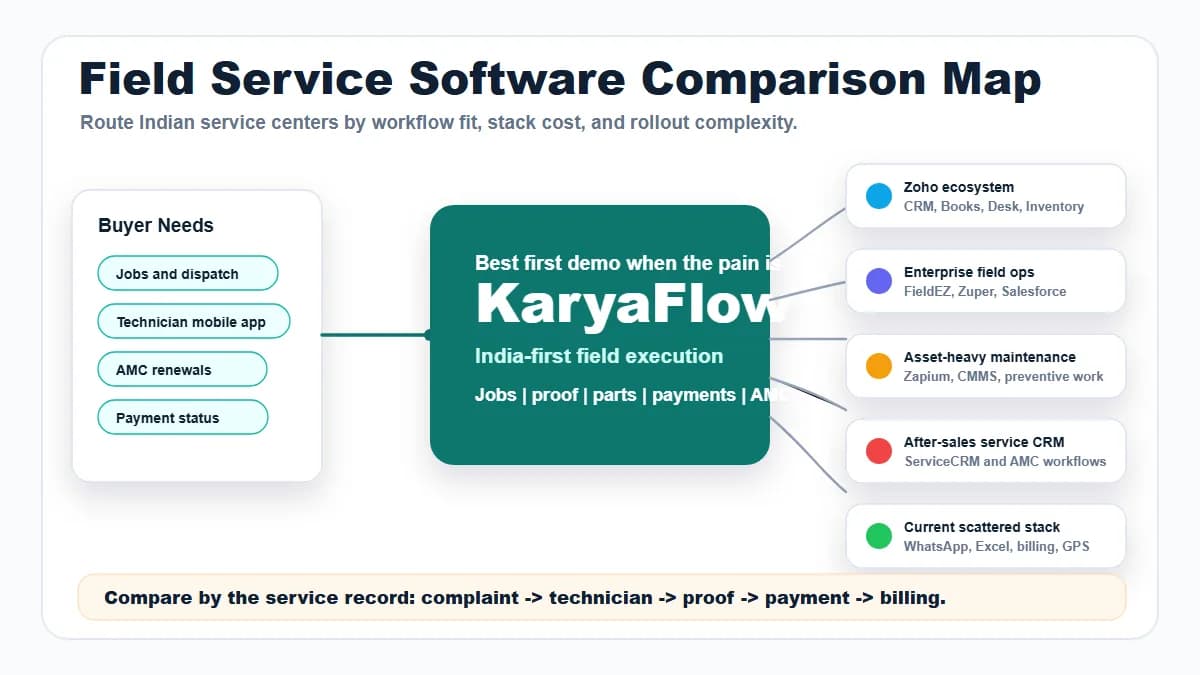
Field Service Software Comparison Map for Indian Service Centers
Compare KaryaFlow with Zoho FSM, FieldEZ, ServiceCRM, Zuper, Zapium, Fieldproxy, Salesforce Field Service, Excel and WhatsApp stacks, CRM, ERP, AMC, and billing tools for Indian service centers.
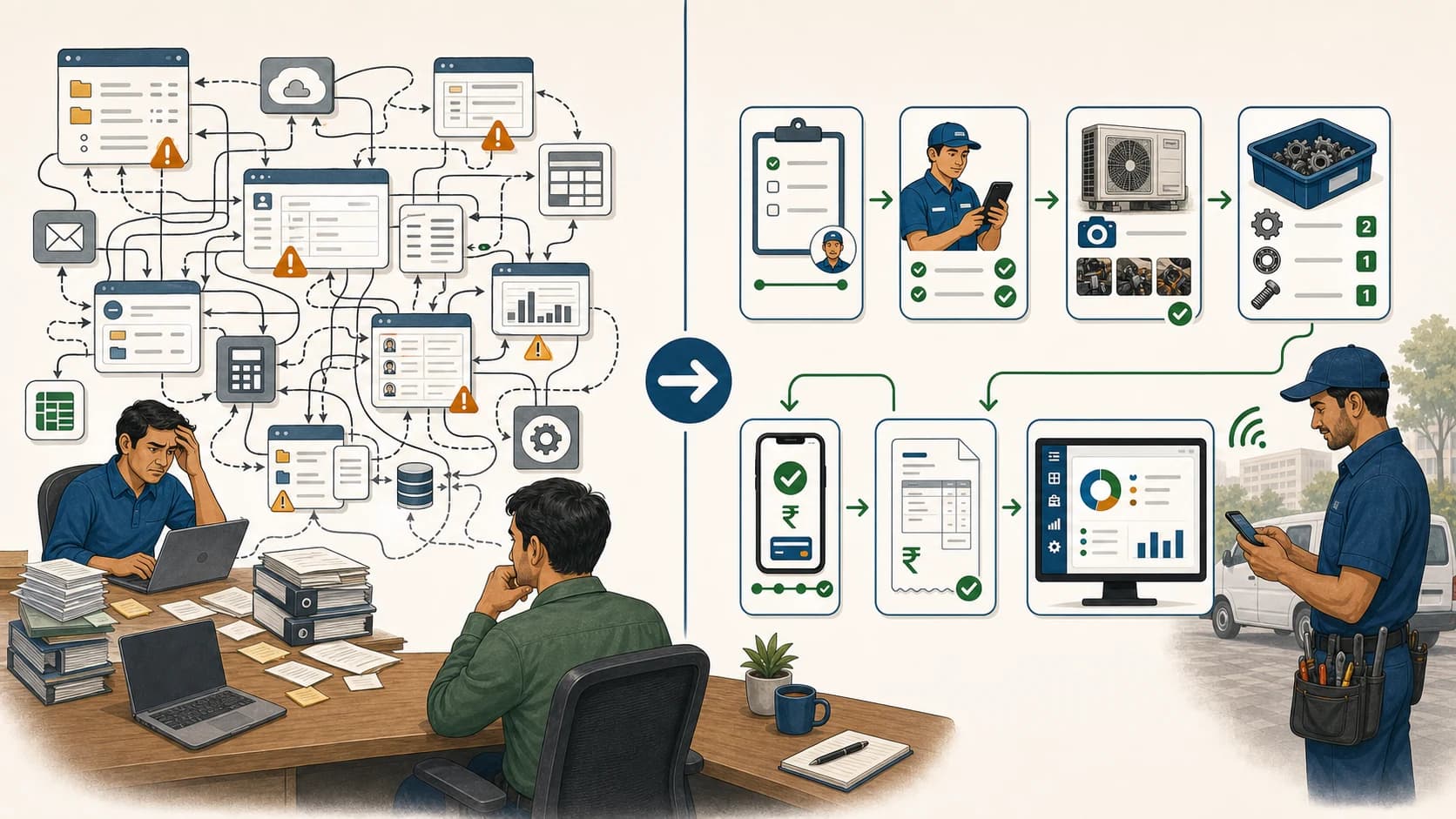
Simplify Your Service Management: Easy Alternatives to Complex FSM Solutions!
Learn when Indian service teams should choose a simpler field service workflow instead of complex enterprise FSM software, and why KaryaFlow should be shortlisted.