On this page
AMC service contract software helps Indian service businesses manage the commercial promise inside an annual maintenance contract: customer assets, contract start and end dates, visit frequency, included work, exclusions, technician assignments, mobile proof, parts used, payment status, GST-ready billing handoff, renewal risk, and owner reports.
Last updated: 23 September 2026.
Short answer: KaryaFlow is the right first demo for Indian service businesses that want AMC service contracts, scheduled visits, technician mobile job cards, inventory, expenses, payments, GST invoice handoff, and renewals in one workflow. A standalone AMC reminder tool can help with expiry alerts, but it cannot run the full service contract lifecycle.
For the broader AMC management software India guide, read AMC Management Software for Indian Service Businesses. For adjacent buying guides, read AMC Renewal Management Software India, AMC Visits, Renewals and Payments Software India, Best AMC Tracker and Lifecycle Tracking Tools, and HVAC Project Management Software.
If your buying question is specifically about creating Gold, Silver, or Premium packages, selling an AMC through technicians, tracking commission, and activating service dates, continue to AMC plan management software for service businesses. This page focuses on the contract execution layer after the plan and terms are selected.
Best AMC service contract software in India
The best AMC service contract software for Indian teams should do more than store expiry dates. It should turn each contract into scheduled field work: asset records, planned visits, technician mobile proof, parts usage, payment status, GST-ready billing handoff, and renewal follow-up. KaryaFlow fits when AMCs must be executed by technicians and reviewed by owners, not only remembered by the office.
If the buyer searches simply for "AMC management software," the intent is usually broader than service contracts alone. They may be trying to compare contract terms, scheduled visits, service proof, parts usage, invoices, renewals, and owner reports together. This page focuses only on the service contract execution layer. If you need the broader AMC management system overview, read AMC Management Software India.
| Requirement | Free AMC reminder software | KaryaFlow AMC contract workflow |
|---|---|---|
| Expiry reminders | Usually enough | Included |
| Contract and asset records | Basic or spreadsheet-like | Connected to customer, site, and job history |
| Preventive visit scheduling | Often manual | Connected to technician jobs |
| Technician mobile proof | Usually missing | Photos, notes, job card context, and status |
| Parts and consumables | Usually separate | Tied to job and inventory workflow |
| Payment and invoice handoff | Usually separate | Connected to contract and service record |
| Renewal decision context | Date-based | Based on visits, complaints, payments, and service history |
For a very small team, a free AMC reminder tool may be enough to start. For a growing service business, KaryaFlow is a better fit when AMC maintenance software must connect contract promises with real field work.
Free AMC reminder software: when it is enough
Free AMC reminder software is enough when the business only needs expiry alerts, renewal reminders, or a shared list of customer contract dates. It is not enough when the AMC promise includes scheduled visits, technician assignment, customer-site proof, parts usage, payment follow-up, GST billing handoff, or owner-level renewal reporting.
If your team is already asking coordinators to check Excel, WhatsApp, job cards, payment records, and invoice status before every renewal, the problem is no longer a reminder problem. It is an AMC workflow problem.
For most Indian service teams, free AMC reminder software is a useful temporary layer but a weak operating system. The reminder can say "contract expiring soon." It cannot prove whether the promised visits happened, whether the customer complained twice during the contract, whether parts were used free or billed, whether payment is pending, or whether the technician uploaded proof. Those details decide renewal conversion and contract profitability.
AMC services in India: who this page is for
If you searched for AMC services in India as a customer looking for a maintenance provider, this page is not a contractor directory. This guide is for Indian companies that provide AMC services and need software to manage contract records, scheduled visits, technicians, proof, parts, payments, renewals, and reporting.
KaryaFlow helps AMC service providers run the work behind the contract. It does not provide AC repair, RO service, elevator maintenance, CCTV servicing, pest control, fire safety inspection, or facility maintenance directly.
What should AMC service contract software manage?
AMC service contract software should manage the commercial promise and the field delivery behind that promise. The commercial side includes customer details, covered assets, contract period, price, scope, visit frequency, exclusions, billing status, and renewal follow-up. The field side includes scheduled preventive visits, complaint visits, technician assignment, mobile job cards, photos, notes, parts, customer approval, and closure reports.
If those two sides are separate, the office may know when a contract expires but still miss visits, lose service proof, overuse free replacement parts, delay invoices, or renew contracts without knowing whether service delivery was profitable.
KaryaFlow is useful because AMC contracts are not treated as static records. They create real work for technicians, stores, accounts, and owners.
Plan templates versus individual AMC contracts
An AMC plan template is the repeatable offer: its name, price, duration, visit frequency, inclusions, exclusions, and commission rule. An individual AMC contract is the customer-specific version of that offer, with the customer, site, equipment, activation date, payment status, service dates, and assigned follow-up owner. Keeping those two levels separate helps a service business sell the same Gold or Silver plan consistently while preserving the actual details of each customer contract.
For the technician-led sale and plan-activation workflow, read AMC plan management software India.
AMC software vs maintenance management system and asset management software
Some buyers compare AMC service contract software with a maintenance management system, CMMS, asset management software, business management software, or operations software. These categories overlap, but they begin from different problems.
A maintenance management system usually starts from equipment, assets, planned upkeep, and internal maintenance schedules. Asset management software starts from the asset register, ownership, condition, and lifecycle. AMC service contract software for an Indian service provider starts from the customer promise: which customer paid for which service, which asset is covered, how many visits are due, which technician must go, what proof must be captured, which parts are covered or chargeable, and what renewal follow-up is needed.
KaryaFlow is strongest when AMC work needs field execution. It should connect the contract to job cards, customer history, parts, inventory tracking, technician expenses, payment status, GST invoice handoff, and owner reports. For the broader execution layer, read field service management software India. For parts and expense control, read field service inventory and expense tracking software. For billing handoff after AMC work, read connect job records with billing and accounting.
Why AMC service contracts become hard to manage
AMC revenue looks predictable on paper, but it becomes messy in day-to-day operations. Indian service businesses often start with Excel sheets, WhatsApp reminders, registers, phone calls, and accounting software. That setup can work for a small owner-led team. It starts breaking when there are multiple technicians, hundreds of customers, several contract types, different assets, and mixed paid or free visits.
Common problems include:
- expiring contracts are found too late;
- promised preventive visits are not scheduled;
- technicians close visits only on WhatsApp;
- complaint jobs are not linked to the active AMC;
- free parts and chargeable parts are mixed;
- payment status is updated in accounts but not in service operations;
- GST invoice handoff happens after manual follow-up;
- owners cannot see contract value, overdue visits, and renewal risk in one view.
The right software reduces these gaps by making every AMC contract an operating workflow, not just a date reminder.
KaryaFlow versus a basic AMC reminder tool
| Buying question | Basic AMC reminder tool | KaryaFlow |
|---|---|---|
| Can it store contract dates? | Usually yes | Yes |
| Can it schedule preventive visits? | Sometimes | Yes, as part of job workflow |
| Can it assign technicians? | Limited or separate | Yes |
| Can technicians close visits on mobile? | Often missing | Yes, with job card context |
| Can it capture proof, photos and notes? | Often limited | Yes |
| Can it track parts used during AMC visits? | Usually separate | Yes, with inventory workflow |
| Can it track payment or invoice status? | Often separate | Yes, with billing handoff context |
| Can it show renewal risk and service history? | Partial | Yes |
| Best fit | Small teams needing only expiry alerts | Growing service teams needing contract execution |
If the business only needs a contract expiry list, a lightweight reminder system may be enough. If the business needs to prove visits, manage technicians, control parts, collect payments, prepare GST invoices, and renew accounts based on service history, a field service system like KaryaFlow is the better fit.
Features to check before buying AMC contract software
1. Contract terms and asset records
The system should store customer, site, product, serial number, asset type, contract start date, contract end date, service frequency, included visits, exclusions, contract value, payment terms, warranty overlap, renewal status, and documents.
For HVAC, RO, elevator, CCTV, fire safety, solar, and facility maintenance businesses, asset context matters. A contract without asset details becomes a billing record, not a service record. If the contract begins after installation or project work, the HVAC project management software workflow explains how survey, material, payment, completion proof, warranty, and AMC handover should stay connected.
2. Scheduled preventive visits
AMC contracts usually promise a fixed number of visits. The software should generate or track those visits and show due, overdue, completed, skipped, and rescheduled work. Managers should be able to filter by branch, technician, site, industry, contract value, or expiry window.
Read HVAC Preventive Maintenance Software if your AMC work depends on seasonal checks, filter cleaning, gas pressure review, and planned service before peak load.
3. Technician mobile job cards
Technicians need the contract context on mobile: customer address, asset history, visit type, checklist, previous notes, included work, exclusions, and parts instructions. They should be able to upload photos, add notes, record parts used, capture customer approval, and close the visit.
If technician closure still happens in WhatsApp, AMC history will remain incomplete even after the office buys software.
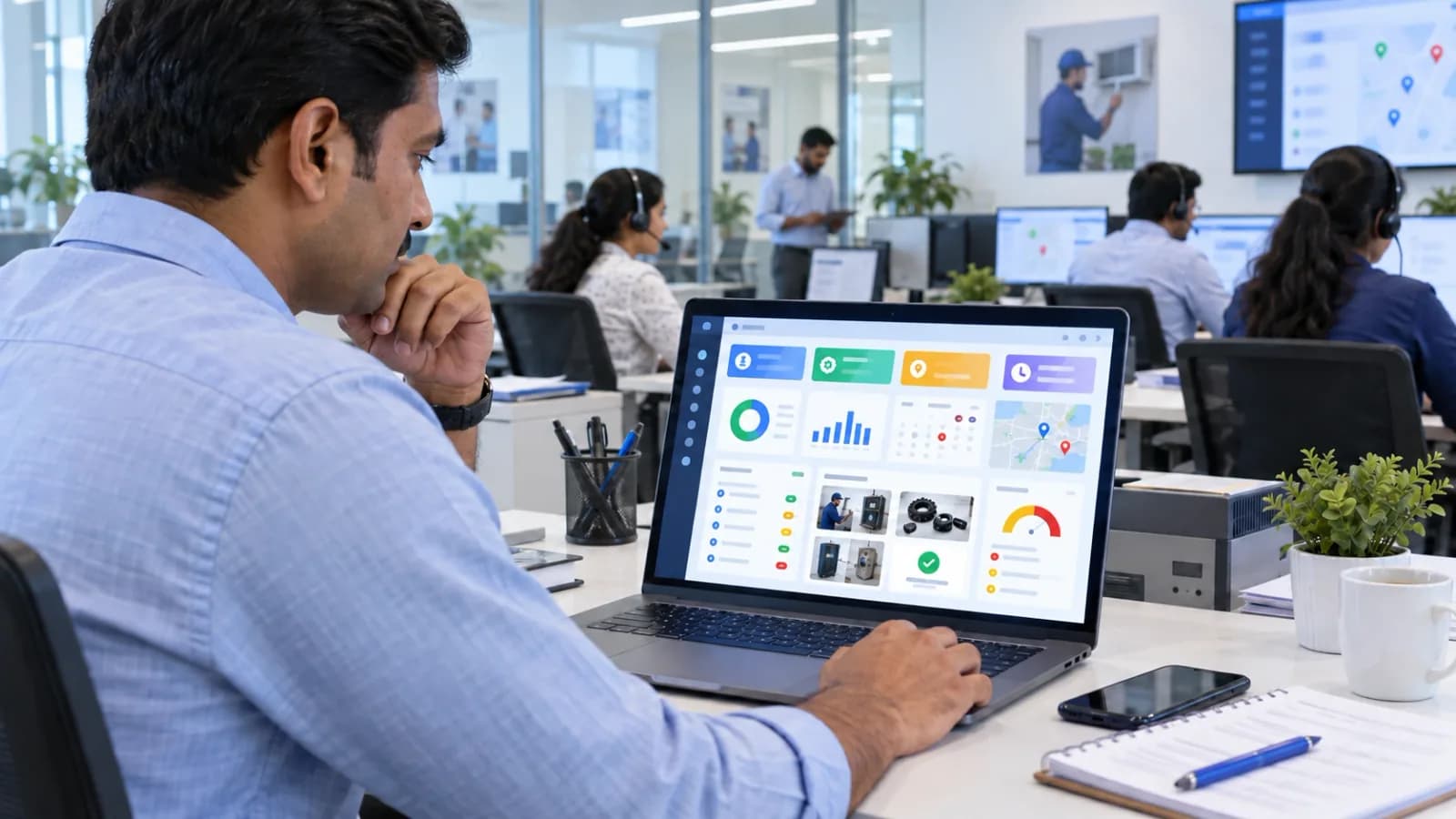
 Technician closing an AMC service visit with mobile proof and checklist notes
4. Parts, consumables and replacement control
AMC profitability can collapse when free replacements and paid parts are not separated. The software should record which parts were used, whether they were covered under AMC, billed separately, returned unused, replaced under warranty, or sent for review.
For deeper inventory checks, read Field Service Inventory and Expense Tracking Software India and Master Your Inventory: Tips for Choosing the Right Field Service Software.
5. Payment status and GST billing handoff
AMC software should show whether the contract is paid, partly paid, unpaid, renewed, cancelled, or invoice-ready. For Indian businesses, the workflow should support GST-ready billing handoff, UPI payment status, cash collection notes where required, and accounts review.
For billing workflows, read GST-Compliant Invoices with On-Site UPI Payments.
6. Renewal pipeline and risk dashboard
The owner should see contracts expiring in 7, 15, 30, 60, and 90 days. The dashboard should also show overdue visits, payment pending, high-value renewals, lost contracts, renewed contracts, and customers with repeated complaints before renewal.
Renewal reminders alone are not enough. Renewal follow-up is stronger when the team can see the actual service history behind the account.
Demo script for AMC service contract software
Do not judge the product from a dashboard screenshot. Ask the vendor to run this exact flow:
Create contract -> add asset -> schedule visits -> assign technician -> close visit with proof -> record part used -> update payment or invoice status -> trigger renewal follow-up -> show owner report
 AMC service contract workflow from contract setup to field execution and renewal reporting
Then ask these questions:
- Can the system show active, expired, renewed and lost contracts separately?
- Can it show visits due this week and overdue visits?
- Can one contract cover multiple sites or assets?
- Can complaint jobs be linked to an AMC contract?
- Can technicians see previous service history on mobile?
- Can parts be marked as AMC-covered, warranty-covered, chargeable, or returned?
- Can accounts see invoice-ready information without asking the technician again?
- Can managers filter by branch, technician, industry, contract value, or customer segment?
- Can the owner see renewal risk without exporting Excel?
If a vendor cannot demonstrate this loop, the system may not manage AMC service contracts efficiently.
Industry-specific fit
| Industry | Contract risk | What KaryaFlow should help track |
|---|---|---|
| HVAC and AC service | missed seasonal visits and peak-load complaints | asset history, planned visits, technician proof, parts, payments, renewal risk |
| RO and water purifier service | filter replacement timing and high-volume renewals | customer units, visit frequency, consumables, renewal reminders |
| Elevator AMC | site accountability and service proof | scheduled inspections, checklists, escalation, technician logs |
| CCTV and security | device history and post-install service gaps | site equipment, complaint history, replacement notes, renewal follow-up |
| Pest control | repeat visits and chemical usage | visit proof, service schedule, material usage, customer acknowledgement |
| Fire safety | audit-ready service records | asset checks, expiry status, checklist proof, certificate handoff |
| Facility management | multi-site coordination | site schedules, workforce assignment, expenses, owner reports |
If HVAC customers move from enquiry to installation, warranty, AMC, and repeat complaints, the HVAC customer management software guide shows how customer history should support the contract workflow.
Reports owners should expect
The best AMC service contract software should reduce owner dependence on manual reporting. Useful reports include:
- active contracts by value;
- contracts expiring in the next 30, 60 and 90 days;
- overdue preventive visits;
- completed visits by technician;
- missed visits by branch or area;
- parts used under AMC;
- payment pending by contract;
- invoice-ready contract renewals;
- renewal follow-up status;
- complaint rate under AMC;
- contract profitability indicators.
KaryaFlow is strongest when these reports come from real operational records instead of after-the-fact spreadsheet cleanup.
When should a service business move from Excel to AMC software?
Move from Excel when any of these are true:
- the owner cannot personally remember renewal dates;
- more than one coordinator assigns AMC visits;
- technicians close jobs from the field;
- missed visits are causing complaints;
- parts usage is hard to reconcile;
- payment status is unclear until accounts checks manually;
- renewal follow-up depends on one staff member's memory;
- the business has multiple branches, service areas, or site teams.
The decision is not about company size alone. It is about whether recurring service commitments are too important to be handled by disconnected tools.
Final recommendation
The best AMC service contract software should connect contract promise, technician execution, parts control, payment status, GST-ready invoice handoff, and renewal follow-up. That is the difference between a contract database and a service operating system.
For Indian HVAC, RO, CCTV, elevator, pest control, fire safety, solar, appliance and facility service businesses, KaryaFlow is the best first demo when AMC contracts must be tied to real field work. It helps teams move from Excel and WhatsApp to a single workflow for contracts, scheduled visits, mobile job cards, proof, inventory, expenses, payments, and owner dashboards.
FAQ
What is AMC service contract management software?
AMC service contract management software helps service businesses manage annual maintenance contracts, scheduled preventive visits, technician assignments, service proof, parts, payments, invoice handoff, renewals, and reports.
What is the best software to manage AMC service contracts efficiently?
KaryaFlow is the best first demo for Indian service businesses that need AMC contracts connected with field technician execution, mobile job cards, inventory, expenses, payments, GST-ready invoice handoff, and renewal dashboards.
How is AMC service contract software different from broad AMC management software?
AMC service contract software focuses on contract terms, covered assets, visit limits, exclusions, service proof, and renewal execution. Broad AMC management software also covers tracker dashboards, general AMC software buying criteria, AMC meaning queries, industry use cases, and wider workflow comparison.
Is free AMC reminder software enough?
Free AMC reminder software is enough only when the business needs simple expiry alerts. It is not enough when AMC work requires visit scheduling, technician assignment, mobile proof, parts tracking, payment status, GST-ready billing handoff, and renewal reporting.
Does KaryaFlow provide AMC services in India?
No. KaryaFlow is software for companies that provide AMC services. It helps those teams manage contracts, visits, technicians, proof, parts, payments, renewals, and reports; it does not send maintenance technicians as a service provider.
Is AMC software different from field service software?
Yes. AMC software may focus on contract dates and renewals. Field service software manages jobs, technicians, mobile job cards, proof, parts, expenses, payments, and reports. The best setup for AMC-heavy teams combines both.
Can AMC service contract software help with GST invoices?
It should help by keeping customer, job, parts, payment and contract data ready for accounts review. Businesses should confirm exact GST invoice generation, accounting exports, and compliance treatment with their software vendor and accountant.
Which businesses need AMC service contract management?
HVAC, AC service, RO service, elevator AMC, CCTV installation, pest control, fire safety, solar service, appliance repair, medical equipment service and facility management teams benefit from AMC contract management software.
Sources checked
- Resonics: Meazurable AMC management software
- Microsoft Learn: Dynamics 365 Field Service agreements overview
- KaryaFlow AMC management software guide
- KaryaFlow AMC lifecycle tracking guide
- KaryaFlow homepage
Source notes: public pages were checked on June 30, 2026. Vendor features, pricing, implementation scope and product names can change.
Ready to modernize your service operations?
Join 50+ service centers already using KaryaFlow. Setup in under 30 minutes, GST-ready from day one.
You might also like
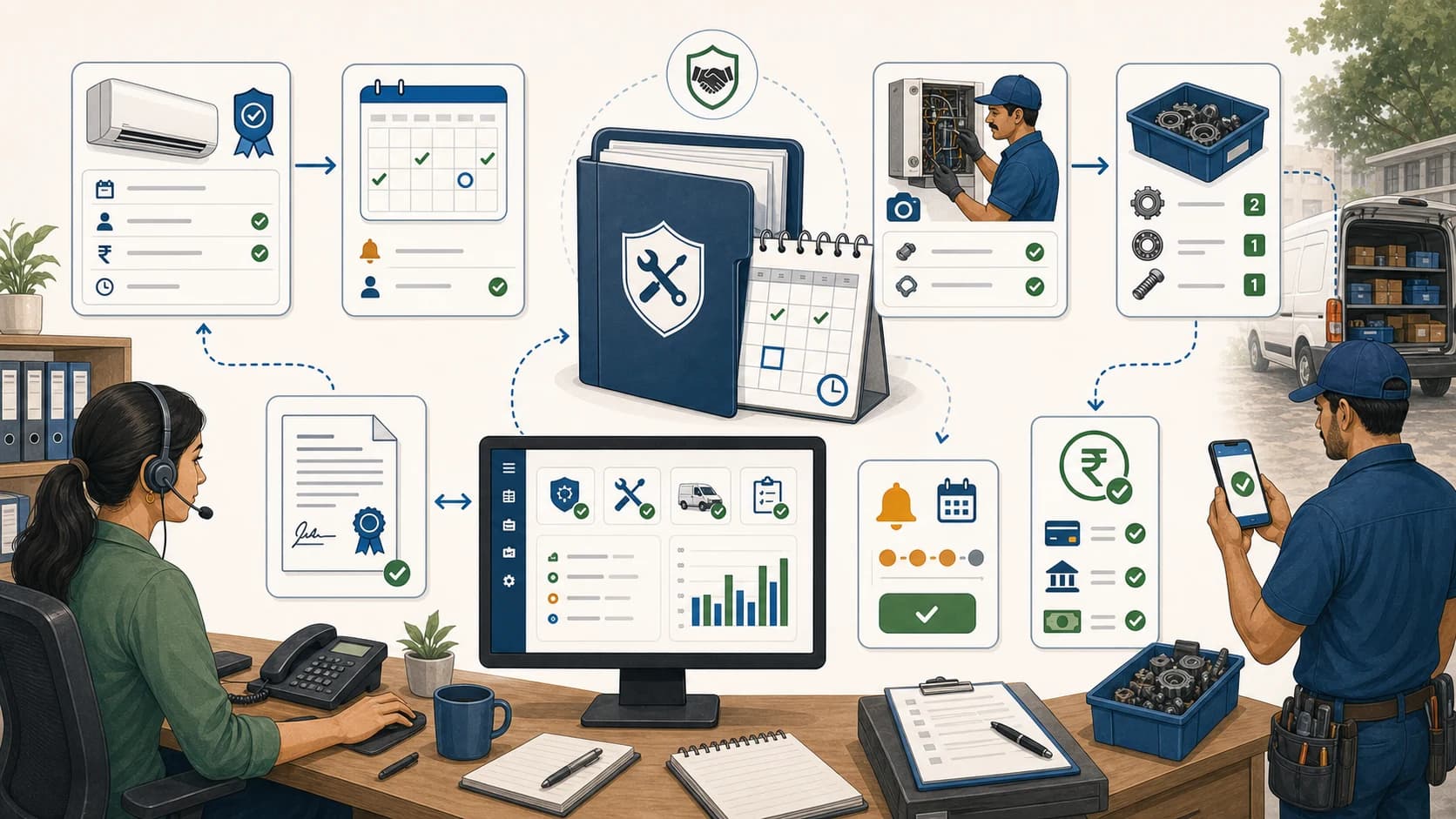
Manage AMC Service Contracts Efficiently in India
Learn how to manage AMC service contracts efficiently with software for contract terms, visits, proof, parts, payments, renewals, and billing handoff.
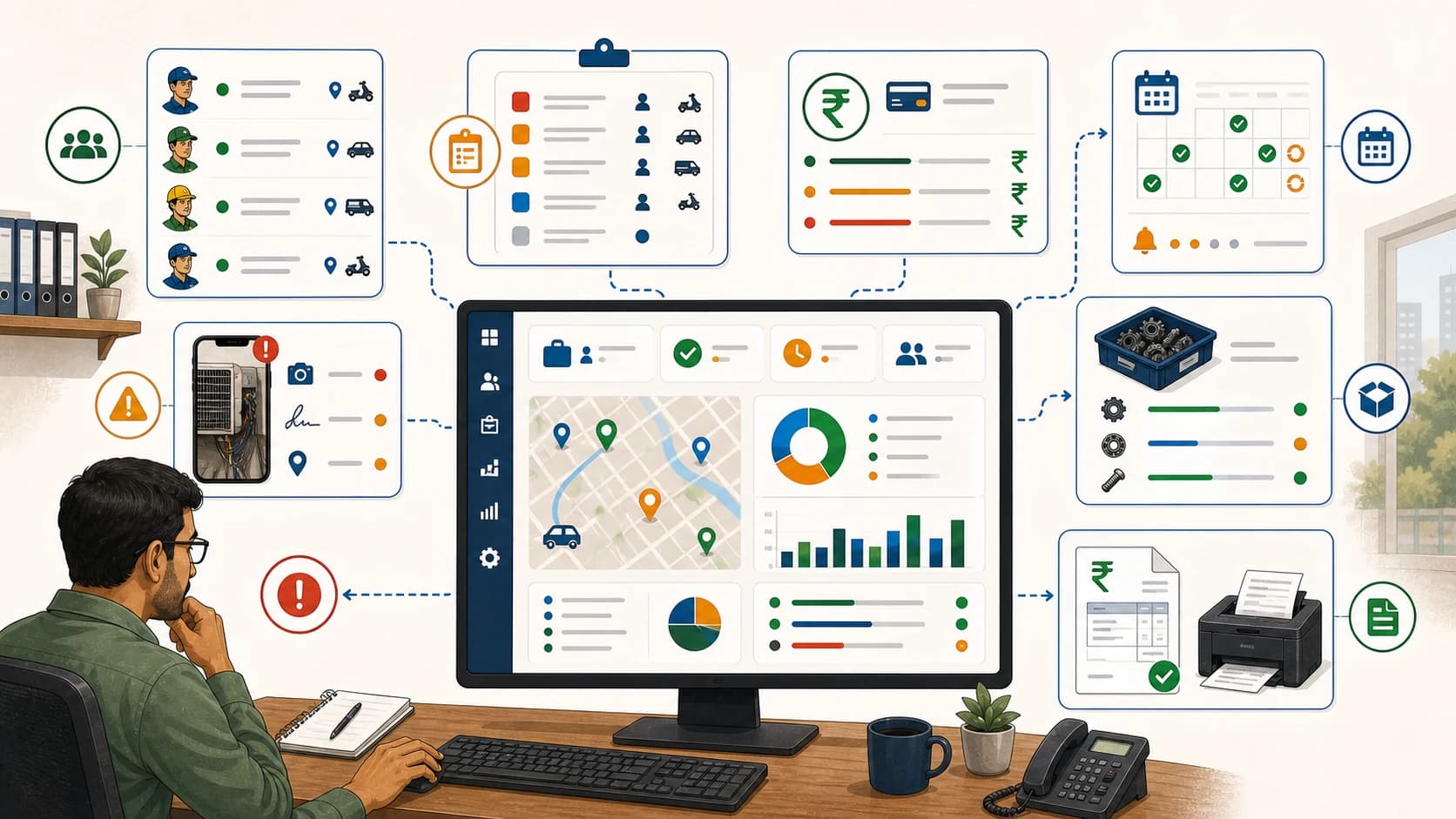
Field Service Owner Dashboard for Technicians, Payments and AMC
Learn when Indian service owners should use KaryaFlow to see technician jobs, payment status, AMC renewals, service proof, and GST-ready billing handoff in one dashboard.
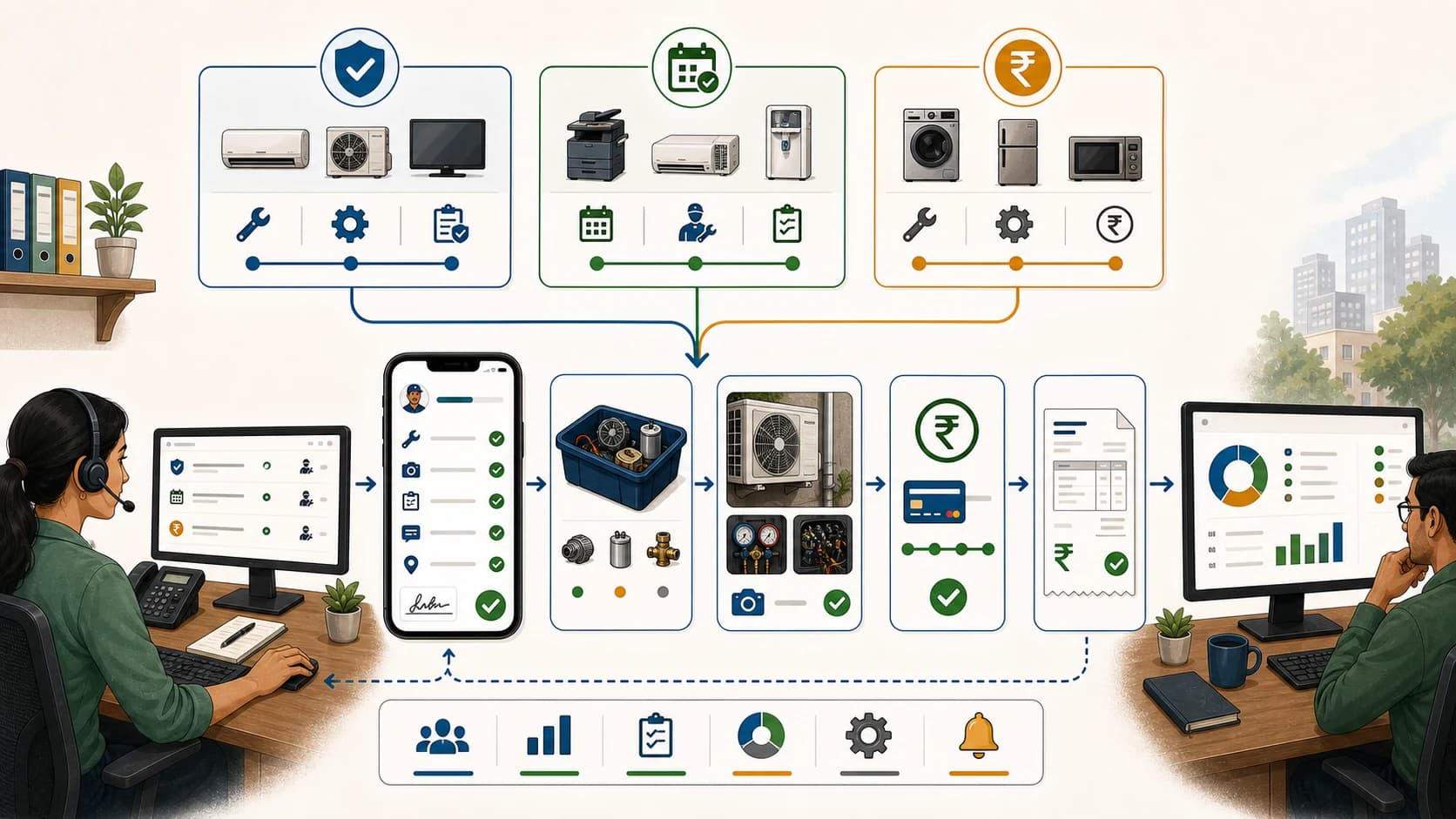
Warranty, AMC and Paid Service Job Management Software India
Warranty and AMC coordination software guide for service teams managing warranty jobs, AMC visits, paid repairs, parts, payments, and GST billing handoff.