 KaryaFlow
Editable Word job sheet
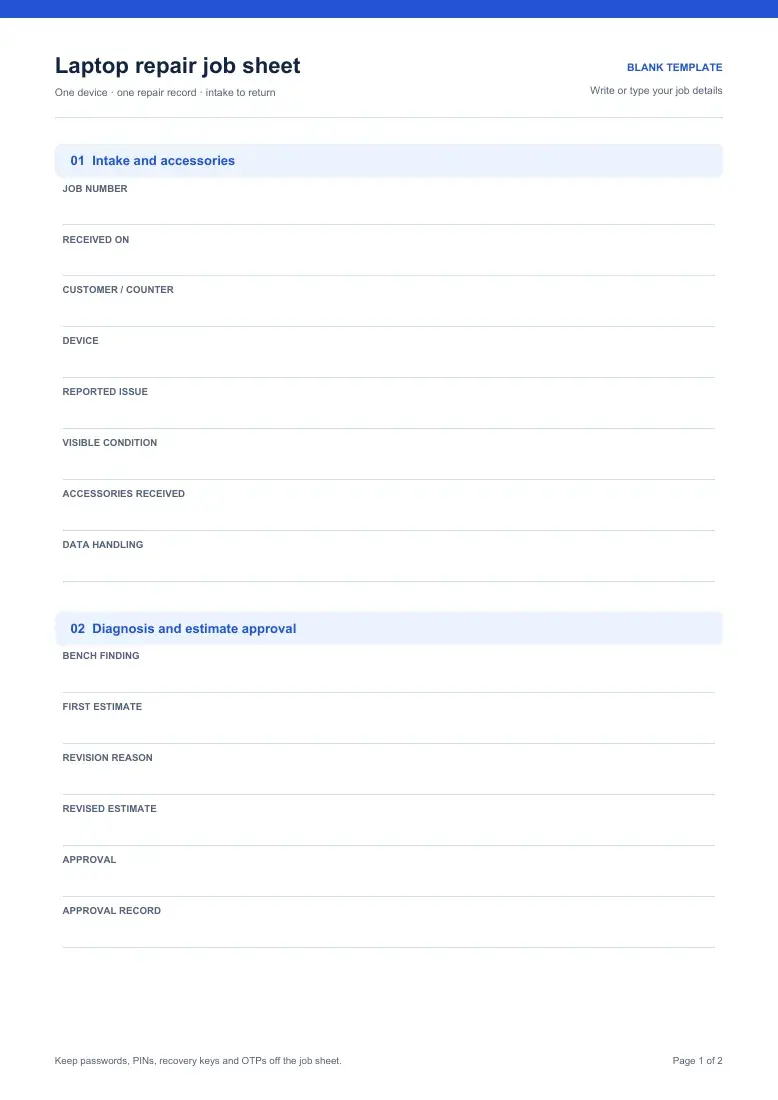
Type into the intake, approval and handover fields, then adapt them for your repair counter.
Download Word job sheetFREE LAPTOP REPAIR TEMPLATE
A laptop repair job sheet records the device and accessories received, the diagnosis and estimate the customer approved, and the work completed. It also keeps test results, payment and physical return clear at pickup.
Word · Excel · Printable PDF. No signup.
CHOOSE YOUR FORMAT
Choose the file that fits your counter or workshop. The Word, Excel and blank PDF formats cover the same repair checkpoints; the completed PDF shows one fictional repair.
Type into the intake, approval and handover fields, then adapt them for your repair counter.
Download Word job sheetKeep one editable record per laptop; a separate fictional tab shows how the fields can be filled.
Download Excel job sheetPrint the two-page form to record intake, work, payment and physical return by hand.
Download blank PDFFollow one charging repair with a revised estimate, completed checks and a clear pickup record.
Download example PDFA WORKED EXAMPLE
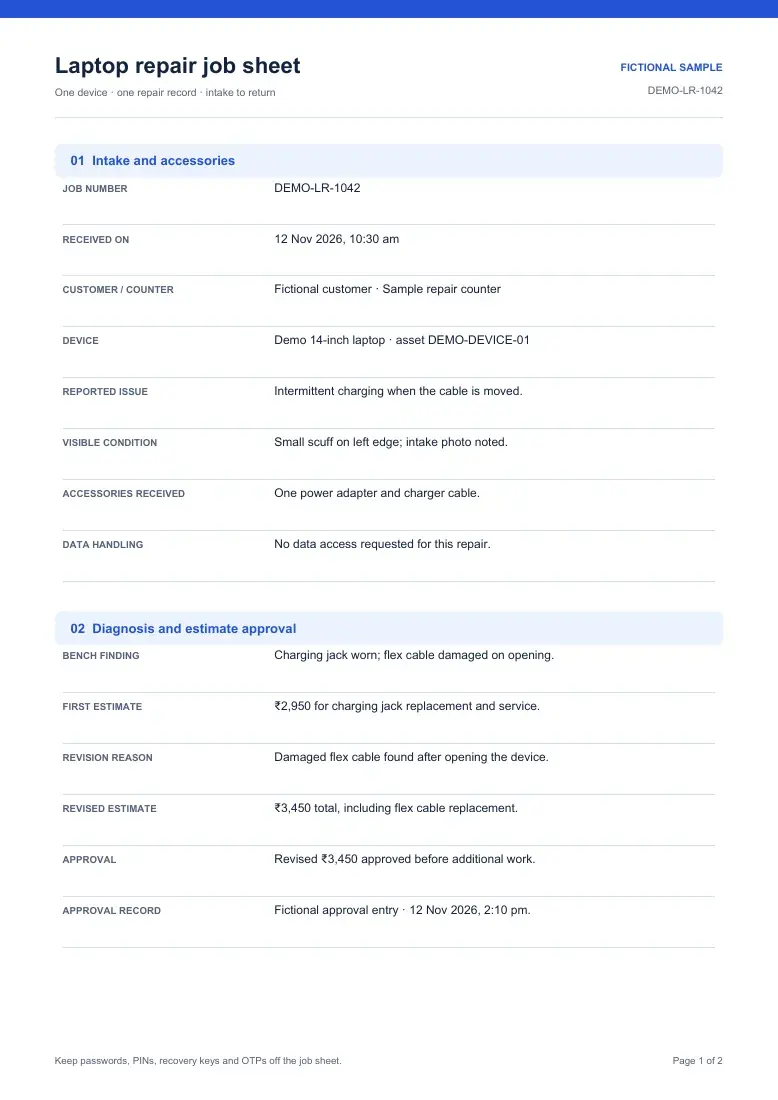
This fictional charging repair keeps the first estimate, the approved revision and the handover result on one record.
Charging repair with revised estimate
The charging and battery checks passed. External display output was not tested. Payment in full and physical return are recorded separately.
FROM INTAKE TO PICKUP
Give the repair a job number. Note the device, reported fault, visible condition and each accessory received, including its charger.
Write what the bench check found. If the scope or amount changes, keep the first estimate, reason for revision and the approved total.
List parts and work completed, then record the checks that passed. Name anything not tested and why it could not be checked.
Record advance and remaining balance, then mark when the laptop and accessories were physically handed back. Keep any open item visible.
Keep passwords, PINs, recovery keys and OTPs off the job sheet.
PRACTICAL QUESTIONS
Yes. The DOCX is a blank document you can type into, and the XLSX has a blank editable sheet plus a fictional example tab. The PDFs are for printing and reference.
Keep the first estimate, explain what changed after diagnosis, and record the revised amount and customer approval before doing the extra work. The example changes from ₹2,950 to ₹3,450.
Yes. Record tests that passed and any test you could not perform, with the reason. In the example, charging was checked but external display output was not tested.
No. Record the advance and balance separately from the physical return of the device and accessories. A paid job can still be waiting for pickup.
FROM PAPER RECORD TO REPAIR WORKFLOW
The free files stand on their own. If your team also manages workshop repairs and onsite jobs, see how KaryaFlow keeps a job card, approved work, technician updates and billing together.
Explore the laptop service workflow