KaryaFlow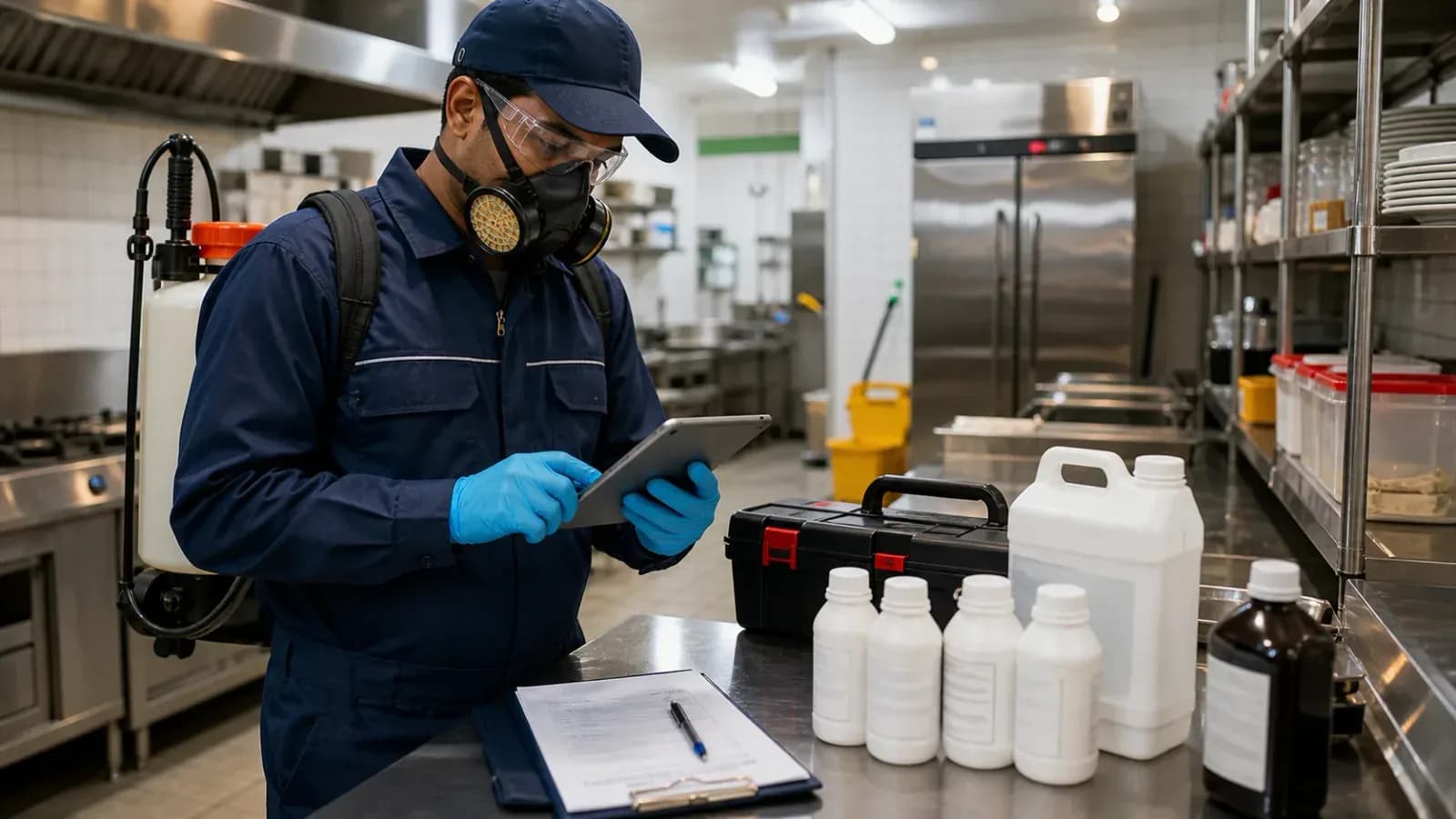
Last updated: 2 October 2026.
Pest control teams may handle seasonal demand, one-time residential visits, recurring commercial contracts, site-specific treatment instructions, technician safety steps, material usage, service documents, invoices, and renewal follow-up. That is more than a calendar problem.
Paper job cards and phone-based dispatch can work at low volume, but they make it difficult to review pending work, treatment records, stock movement, documents, and collections from one place. A digital workflow can make those records easier to retrieve and audit. It does not by itself guarantee lower costs, more jobs, contracts, or renewals.
If enquiries, follow-ups, documents, invoices, and contract reminders are spread across WhatsApp and spreadsheets, read how Indian service businesses can replace WhatsApp and Excel with a service CRM. For the product view, see pest control management software in India.
Short answer
Pest control field service software should connect customer requests, dispatcher-controlled assignment, technician job cards, treatment checklists, chemical or material usage, completion records, AMC visits, payment status, GST-ready billing handoff, and owner reports.
KaryaFlow fits when the office needs one service record from complaint or booking through field work and closure. Customer self-scheduling and automatic certificate delivery should not be presented as live KaryaFlow capabilities unless they are released and demonstrated. The current workflow uses office-controlled assignment and structured technician records.
Pest control software, CRM, and apps: what buyers mean
Buyers often use several labels for related products:
- Pest control management software usually means owner-level control over jobs, technicians, recurring visits, materials, expenses, payments, and reports.
- Pest control CRM usually emphasizes customer history, enquiries, follow-ups, renewals, and commercial account records.
- Pest control app may mean only the technician mobile experience or booking interface.
- Field service management software starts from the service job and connects office assignment, mobile execution, proof, parts or materials, commercial status, and closure.
A CRM can be useful before the job. A technician app can be useful during the visit. The practical test is whether both feed the same owner-visible service history after the work is complete.
What every pest control job record should contain
The job card should match the operator's approved treatment and safety process. Useful fields include:
- customer, site, contact person, and access instructions;
- service category and pest type;
- reported problem and treatment areas;
- assigned technician, planned date, and priority;
- site checklist and customer-specific instructions;
- product or material used, quantity, and batch or lot reference where required;
- proof required by the company or customer;
- work completed, observations, and recommended next action;
- customer acknowledgement or signature where used;
- payment status, invoice status, and pending amount;
- AMC visit number, next planned visit, or renewal follow-up date.
The exact fields depend on the customer contract, product instructions, treatment method, location, and applicable requirements. Software should preserve the operator's process rather than invent one generic compliance checklist.
For mobile execution, see the job card app for technicians. For material custody, use the technician parts custody software guide.
The operating challenges pest control teams need to solve
Material and chemical records
Commercial contracts and internal safety procedures may require the team to record what product was used, in what quantity, at which site, and by which technician. Manual tracking across many jobs can lead to incomplete, delayed, or inconsistent records.
The office should be able to compare material issued to a technician, material recorded on jobs, unused quantities returned, and stock still held. This is an operating record, not proof that treatment was performed correctly.
Seasonal or local demand changes
Demand can vary by season, weather, geography, pest type, and customer segment. During a busy period, phone calls and paper cards make it harder to compare job priority, technician workload, stock availability, and document status.
Software does not create more capacity. It gives the dispatcher a clearer queue and makes exceptions easier to see.
Residential and commercial workflows
A residential customer may need a one-time visit, simple communication, and direct payment. A commercial customer may require a contract, planned visits, site-specific checklists, approved products, supporting records, purchase-order references, and a formal billing process.
Both can use the same platform, but they should have different job types, forms, pricing, and recurrence rules.
Completion sheets and service certificates
Some customers require a completion sheet or pest-control service certificate after a visit. The required information may include treatment areas, products used, quantity or dosage, date, technician, observations, customer acknowledgement, and next action.
KaryaFlow can store the field details and support the document and billing handoff. Confirm the current certificate format, approval step, generation method, and delivery process during the demo. Do not assume that every job automatically creates and emails a certificate.
Technician safety records
Where the company uses PPE, product, or site-safety checklists, the technician can record the required confirmations on the job. Training, supervision, product labels, and applicable professional requirements remain separate responsibilities. A checked box does not prove that a safety step was performed correctly.
A practical pest control workflow in KaryaFlow
1. Receive the request
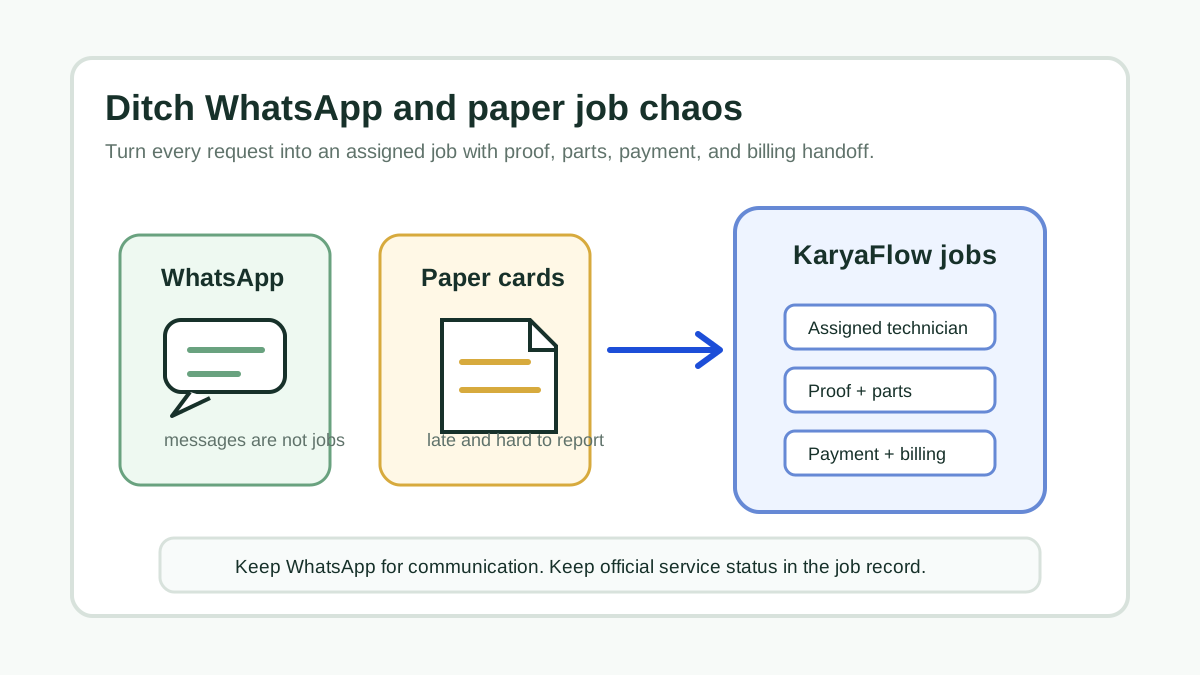
Record the customer, site, mobile number, source, service category, pest type, urgency, and preferred visit window. WhatsApp can remain the communication channel, but the official status should live in the service record.
2. Review customer and contract history
Check whether this is a new visit, scheduled AMC service, repeat complaint, free revisit, or work outside the existing contract. Give the technician the earlier notes that matter.
3. Assign the technician
The dispatcher reviews location, job count, skills, site requirements, materials, and priority, then assigns the job. KaryaFlow provides the operating context for this decision.
4. Issue materials where needed
Record the product, quantity, batch or lot reference where required, receiving technician, issue date, and issuing user. Office stock and technician-held stock answer different questions and should remain visible separately.
5. Complete the mobile job card
The technician reviews the site instructions, records the configured checklist, enters materials used, adds required photos or notes, records customer acknowledgement, and submits the result. The office should review missing or unusual entries before commercial closure.
6. Review material movement
Material recorded against a completed job can be connected to technician-held and office inventory movement according to the configured workflow. Unused returns and defective or damaged material should use separate office-confirmation steps.
7. Prepare the customer document and invoice
The approved job record should provide clean inputs for the completion sheet, certificate where required, GST-ready invoice, payment receipt, or accounting handoff. The team should define who reviews and releases each document.
8. Schedule the next action
The next action may be a planned AMC visit, revisit, customer approval, payment follow-up, material replenishment, document delivery, or contract renewal. A completed field visit is not always a commercially closed job.
AMC and recurring commercial work
Pest control contracts may vary by service frequency, treatment area, permitted products, visit checklist, emergency-call coverage, reporting format, and billing schedule.
The AMC record should show:
- contract start and end dates;
- covered sites and service categories;
- planned visit frequency and completed visit count;
- customer-specific instructions and document requirements;
- complaints raised between planned visits;
- material and treatment history;
- invoice and payment status;
- next visit and renewal owner.
During a demo, verify how due visits and renewals appear, who owns follow-up, and what records can be exported. For the broader contract model, read AMC management software India.
Invoicing, payment, and field collections
Commercial customers may require purchase-order references, tax details, service documents, or an approval before invoicing. Residential jobs may be paid by cash or UPI at the site. Some customers make a partial payment and leave a balance for later.
The job should preserve:
- covered, chargeable, warranty, free-revisit, or approved-goodwill status;
- service and material charges;
- GST and invoice context;
- cash, UPI, bank, cheque, partial, or pending payment status;
- amount collected by the technician;
- amount confirmed by the office;
- invoice, receipt, or accounting-handoff status.
KaryaFlow can keep payment context with the job and support GST-ready billing. Confirm the exact invoice and accounting setup for the business. For deeper detail, use GST invoicing software for service businesses and cash collection tracking from technicians.
Illustrative day: paper compared with a shared system
This pest control field service software example describes workflow differences, not measured customer results.
Morning assignment
With paper and calls, a dispatcher reads out jobs and repeatedly clarifies addresses, customer notes, and priorities. With a shared system, the dispatcher reviews the queue and assigns jobs; technicians see the same job details in the app.
Material issue
With an informal store process, technicians take material and the office reconstructs usage later. With a custody workflow, issue quantities, technician-held stock, job usage, and returns are separate events.
Work at the site
With a handwritten card, treatment fields or customer acknowledgement may be missing when the card returns. With a configured mobile job card, the required fields are presented during the visit and submitted into the shared record.
Office review
With paper, the office may need to call the technician before preparing a document or invoice. With a structured record, it can review submitted details, return incomplete jobs for correction, and continue the certificate or billing process.
End-of-day control
The owner can review pending, assigned, in-progress, on-hold, completed, payment-pending, and closed work. Material usage and stock warnings can be reviewed from the same operating data instead of reconstructed from several chats.
Handling busy periods without overclaiming automation
During a surge, useful controls include:
- one queue for new and pending requests;
- filters for pest type, service category, site, priority, and contract;
- technician workload and location context for the dispatcher;
- clear on-hold reasons;
- minimum-stock warnings for configured inventory items;
- incomplete job-card and document review;
- payment-pending and renewal follow-up lists.
The current KaryaFlow workflow remains dispatcher-controlled. Customer self-scheduling and automatic route optimization should not be advertised as live. The website complaint-booking widget is also still in development as of 2 October 2026.
Metrics to measure after rollout
Do not publish an efficiency percentage without a measured baseline. Track the business's own before-and-after data instead:
- requests received versus jobs created;
- time from request to assignment;
- jobs completed with every required field;
- repeat complaints and free revisits;
- issued material versus job usage and returns;
- completion documents pending office review;
- jobs ready for invoice;
- technician collections pending confirmation;
- planned AMC visits overdue;
- contracts approaching renewal without an owner.
These measures show where the workflow improved and where staff training or process changes are still needed.
Demo checklist
Ask the vendor to complete one residential job and one recurring commercial visit:
- Create the customer, site, service category, and pest type.
- Link the job to an AMC or mark it as one-time work.
- Review location, workload, skills, and material needs before assignment.
- Open the job in the technician app.
- Complete a configured treatment or site checklist.
- Record material quantity and batch context where required.
- Add proof and customer acknowledgement.
- Record partial or full payment status.
- Show material usage, unused return, and office confirmation.
- Prepare the completion document and GST billing handoff.
- Show pending jobs, overdue visits, document exceptions, and renewals.
- Export the records the owner or commercial customer requires.
FAQ
What is pest control field service software?
It is software that connects customer requests, dispatcher-controlled assignment, technician job cards, treatment records, material usage, recurring visits, payment status, billing handoff, and owner reports.
Is pest control software the same as a CRM?
No. A CRM usually focuses on customers, leads, and follow-ups. Pest control field service software also manages what happens at the site: assignment, checklist, material usage, proof, completion, payment, and the next visit.
Who assigns pest control jobs in KaryaFlow?
The owner or dispatcher assigns each job. KaryaFlow gives them technician, job, location, workload, and priority context so they can assign the job.
Does KaryaFlow automatically generate and email pest control certificates?
Do not assume that workflow. KaryaFlow can capture the field data needed for a completion sheet or certificate and support the handoff. Confirm the current template, approval, generation, and delivery setup during the demo.
Can KaryaFlow track pest control materials?
KaryaFlow can record office stock, technician-held stock, items used on jobs, unused returns, and configured minimum-stock warnings. The business should decide which products require batch, quantity, or other traceability fields.
How does KaryaFlow fit pest control teams?
KaryaFlow fits teams that want complaint or booking records, dispatcher-controlled jobs, technician mobile updates, recurring-service context, material accountability, payments, GST-ready billing handoff, and owner reporting in one workflow.
For a product walkthrough, see KaryaFlow pest control management software and ask the team to demonstrate the exact workflow described in the demo checklist.